

Getting Started
Welcome to Galantis Connect, a powerful platform for synchronizing data between your various business systems. This document will guide you through the core concepts and features of the platform, helping you set up and manage your data flows effectively.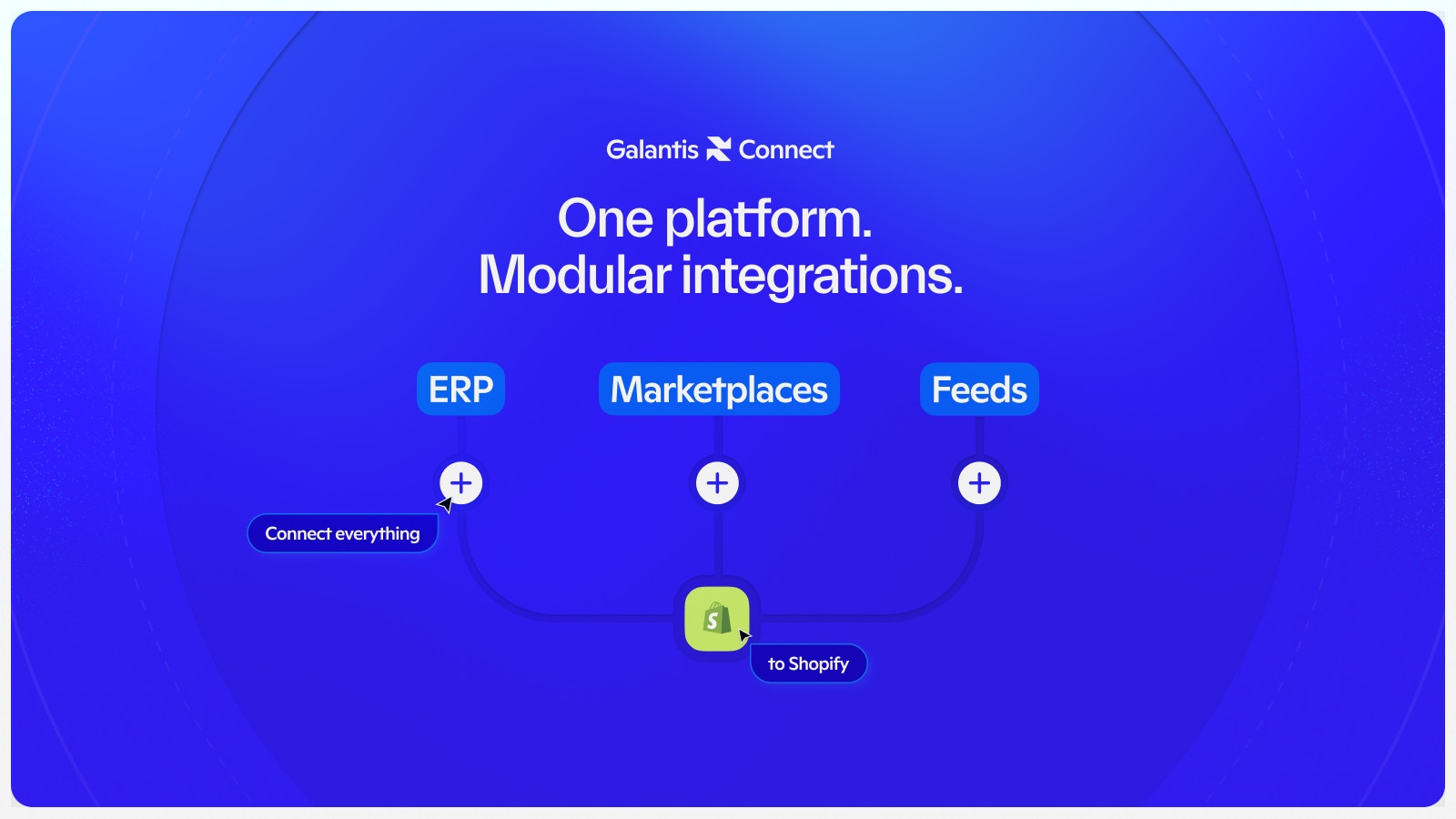
Core Concepts
At its core, Galantis Connect is built around a few key concepts:Projects
A Project is a workspace that contains all your integrations, connections, and rules. It’s the top-level container for a specific data synchronization setup.Integrations
An Integration is a connection to an external service, such as a Shopify store or an ERP system. You’ll need to create an integration for each system you want to connect to Galantis Connect.Project Fields (Field Mapping)
Project Fields are custom fields you define within a project. They act as a central, canonical data model for your project. Example:product_sku
You then map fields from your various integrations to these central Project Fields. This is the heart of the field-mapping process.
Connections
A Connection defines the flow of data between two integrations. It specifies:- A source integration
- A target integration
- The direction of the data flow
Rules
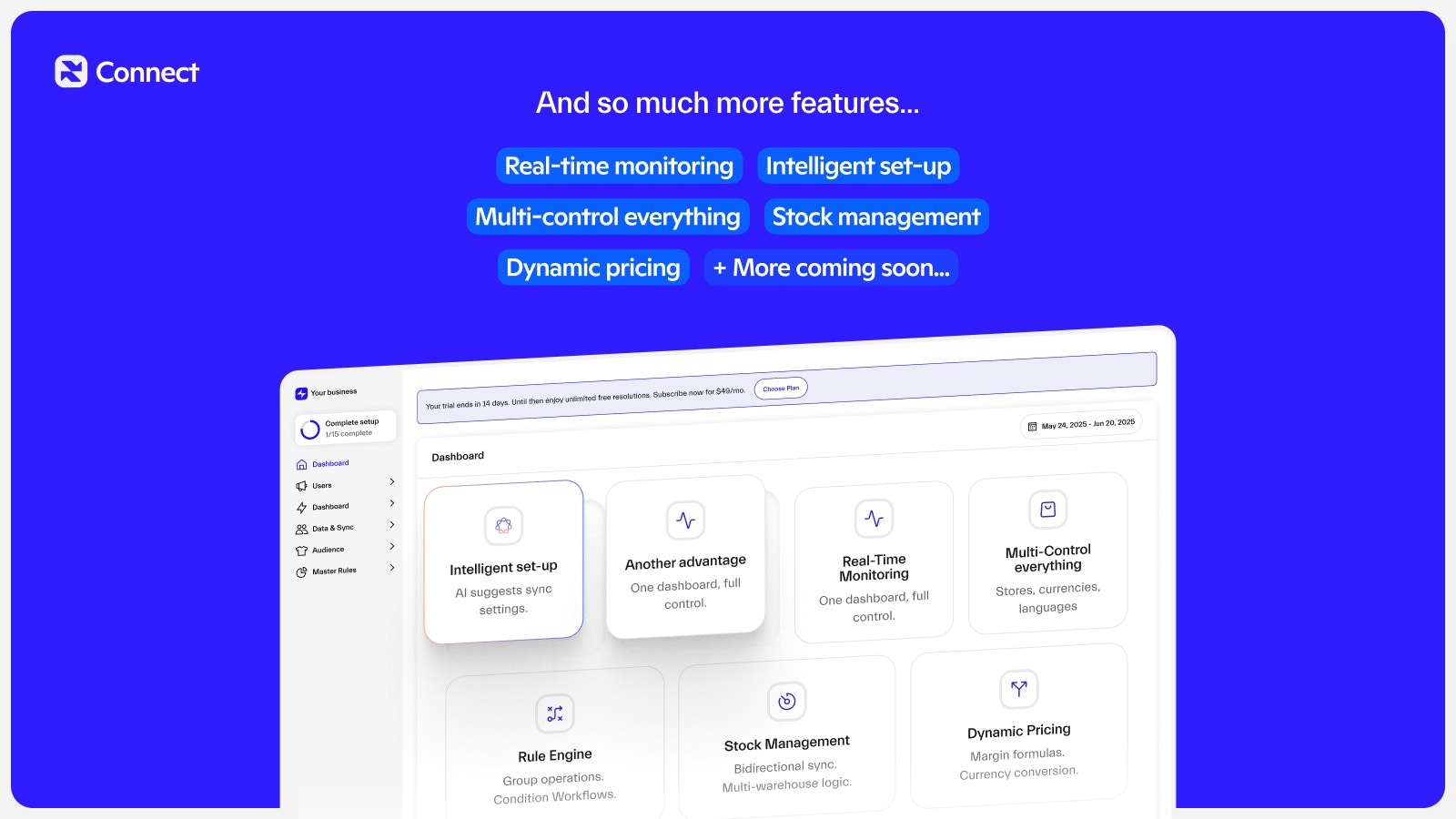
The Rule Engine allows you to create powerful conditional logic to manipulate your data as it passes through Galantis Connect. Rules can be used to:- Clean data
- Transform data
- Validate data
Next steps
Managing integrations
Learn how to add and configure external service connections
Project Fields
Define your canonical data model with custom fields
Connections
Create data flows between your integrations
Rule Engine
Build conditional logic to transform your data