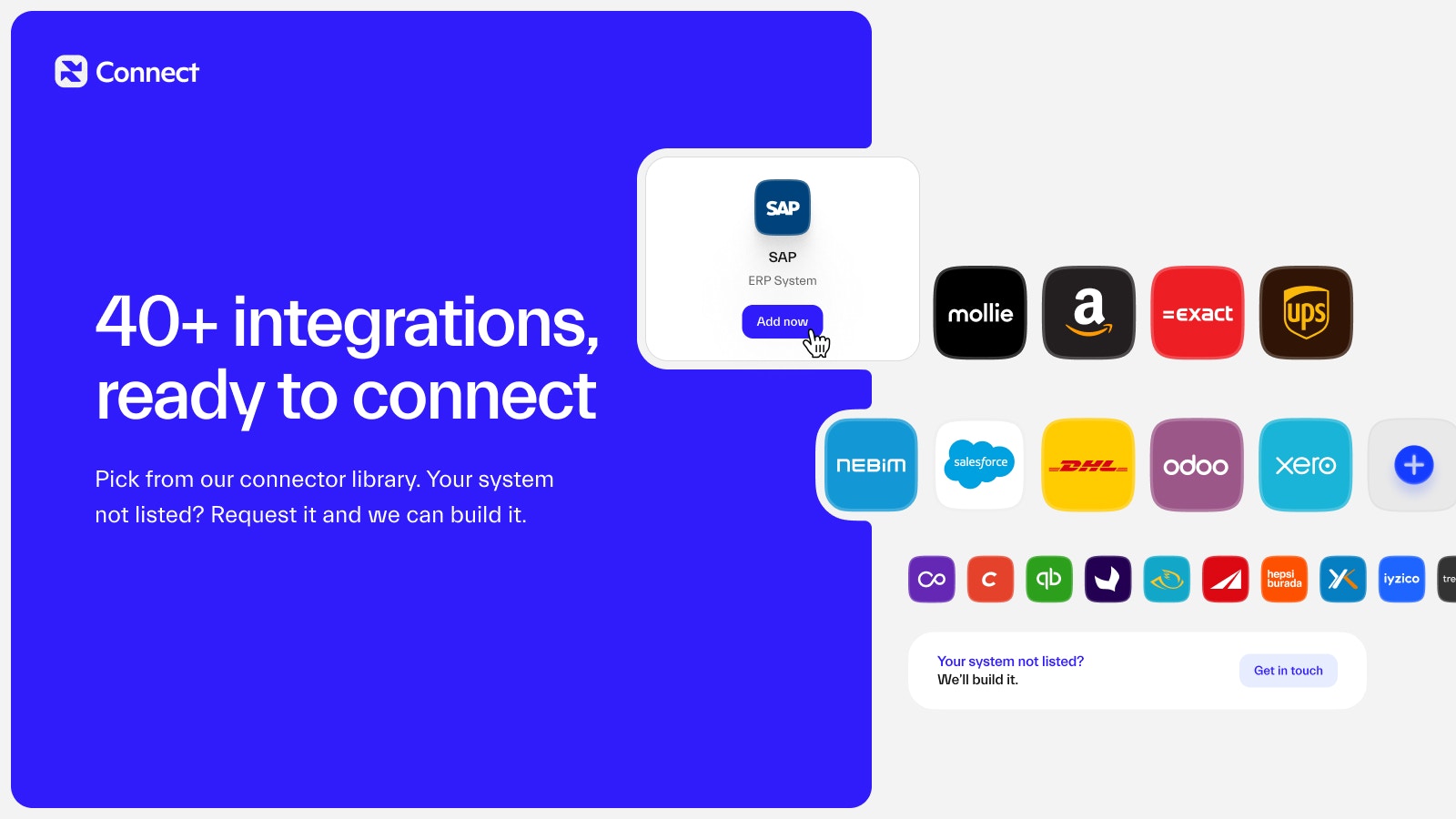
An integration represents a connection to an external service. Before you can sync any data, you need to add and configure your integrations. Galantis Connect integrations

Adding an Integration

  1. Navigate to the Integrations section in the Project Panel.
  2. Click Add Integration.
  3. Select the integration type (e.g., Shopify).
  4. Fill in the required credentials and settings.
  5. Save the integration.

Verifying an Integration

After adding an integration, you need to verify it. This usually involves authorizing Galantis Connect to access your data on the external platform. Once completed, the integration status will appear as Verified.