

How campaigns become Shopify discounts
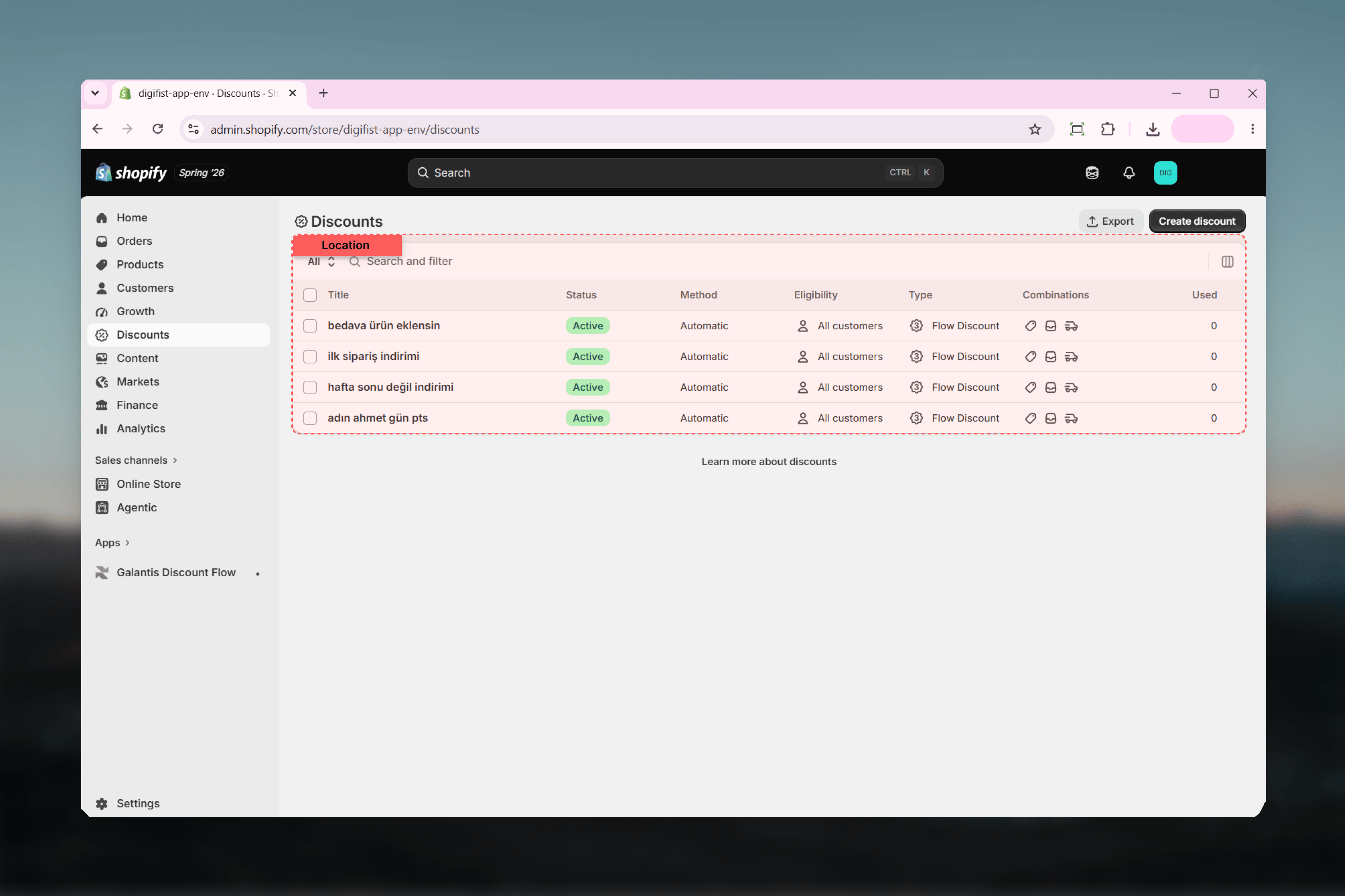
When you publish a campaign, Galantis Discount Flow creates a matching discount in Shopify:- Automatic discounts — the default. The discount applies on its own whenever a cart meets the flow’s conditions; customers never enter a code.
- Code-based discounts — created when your flow contains a Discount code condition. Customers must enter the code at checkout for the flow to apply.
The campaign lifecycle
Every campaign carries a status that describes where it is in its lifecycle. The Campaigns list groups campaigns into tabs by these same statuses.Archiving removes the live discount from Shopify but preserves all analytics. Restoring an archived campaign brings it back as Paused, so you can review it before reactivating.
Where to go next
Creating campaigns
The 3-step wizard — templates, the Rule Builder, and publishing.
Managing campaigns
The Campaigns list, bulk actions, and the campaign detail page.
Scheduling
Start and end dates, timezones, and the Scheduled and Ended statuses.
Combinations
How campaigns stack with order, product, and shipping discounts.
Templates
Six ready-made starting points, from Percentage Discount to Loyal Customer Reward.
Limits to know about
Two limits apply when publishing campaigns:- On the Free plan, a maximum of 3 campaigns can be active at once. The Free plan also has monthly usage caps — when reached, all discounts pause until the next monthly period or an upgrade.
- Shopify allows at most 25 active automatic discounts per store, across all apps and native discounts. Code-based campaigns do not count toward this limit.
Related guides
- Creating campaigns — the full 3-step wizard walkthrough
- Managing campaigns — statuses in practice: pause, archive, restore
- Templates — the fastest way to a first campaign