

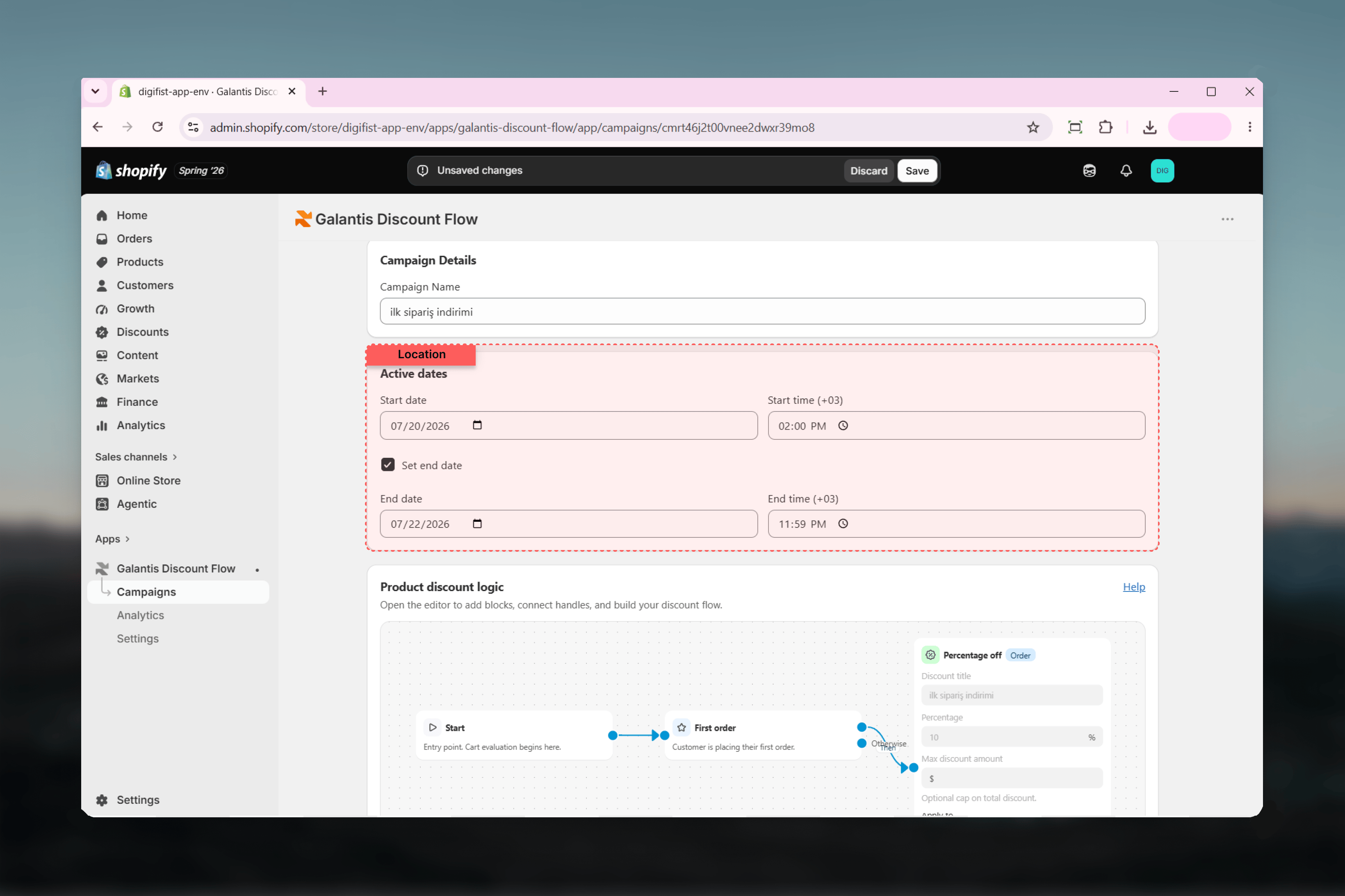
The Active dates card
- Start date and Start time — when the discount begins applying. Defaults to now, so a freshly published campaign is live immediately unless you change it.
- Set end date — an optional checkbox. Tick it to reveal End date and End time fields; leave it unticked and the campaign runs indefinitely until you pause, end, or archive it.
- The end must be after the start
- The end cannot be in the past
Everything runs on store time
All dates and times are entered in your store’s timezone — the one configured in your Shopify settings, not your laptop’s clock or UTC. As a reminder, the store’s UTC offset is shown right next to the time inputs (for example, Start time (UTC+02:00)).If you manage a store from another timezone, trust the offset shown next to the field. A “9:00 PM launch” means 9:00 PM where your store lives.
How schedules map to statuses
A Scheduled campaign is a real published discount — it counts toward active-campaign limits and appears on Shopify’s Discounts page — it simply hasn’t started applying yet. An Ended campaign keeps all its analytics and can be relaunched by updating its dates and activating it again.
Scheduling patterns
Flash sale
Flash sale
Set both a start and an end a few hours apart — for example, Friday 18:00 to Friday 23:59 store time. Publish in advance as Scheduled; the sale starts and stops on its own, with no one on call to flip switches.
Seasonal window
Seasonal window
For a multi-week promotion like an end-of-season sale, set the start to the season’s first day and tick Set end date for its last. Pair with the End of Season template for a ready-made flow.
Evergreen offer
Evergreen offer
Leave Set end date unticked for offers that should always be on, such as a permanent free-shipping threshold. The campaign runs until you pause or archive it.
Prepared launch
Prepared launch
Build and publish a campaign days ahead with a future start date. It sits safely in Scheduled — visible, reviewable, and editable — until launch time.
Related guides
- Creating campaigns — where Active dates fits in the wizard
- Managing campaigns — pausing and archiving as manual alternatives to end dates
- Campaigns overview — the full status lifecycle