

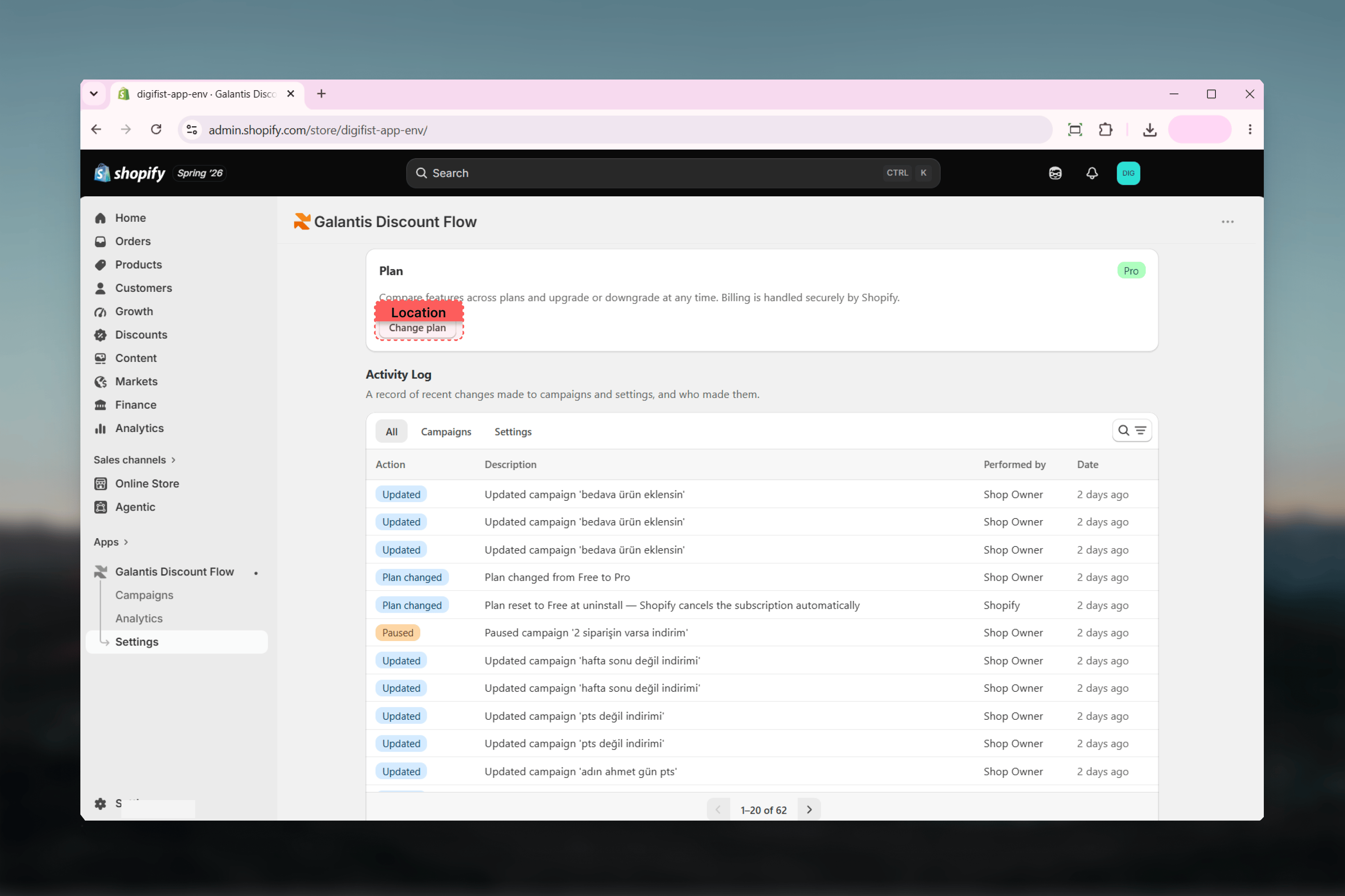
Plan card
The Plan card at the top of Settings shows:- Your current plan badge (Free or Pro)
- A note that billing is handled securely by Shopify
- A Change plan button
Activity Log
The Activity Log is a paginated, searchable audit trail of your account — useful when a campaign changed unexpectedly, when you’re checking who paused something, or when you need to see when a usage limit was hit.Layout
- Tabs — All, Campaigns, and Settings filter entries by category.
- Search — filter entries by keyword.
- Pagination — 20 entries per page.
What gets logged
Bulk campaign actions are logged too, so a mass pause or archive shows up as auditable entries rather than silently changing many campaigns.
Related guides
- Plans & limits — what the Plan card controls, and what happens on upgrade or downgrade
- Troubleshooting — using the Activity Log to diagnose paused or missing discounts