

main-article section, which renders the article through reorderable blocks for tags, metadata, heading, share actions, featured image, and rich article content.
What this template controls
- The block order used to present article content
- Back-to-blog navigation behavior
- Article metadata such as author and publish date
- Tag links, sharing, featured image, and article content output
- Shared width, color, and spacing settings for the article wrapper
- Comment form and comment list visibility when blog comments are enabled in Shopify
Template structure
This template uses the following main section and default blocks:- Article
- Tags
- Info
- Heading
- Share
- Featured Image
- Content
Getting started
1
Open an article template
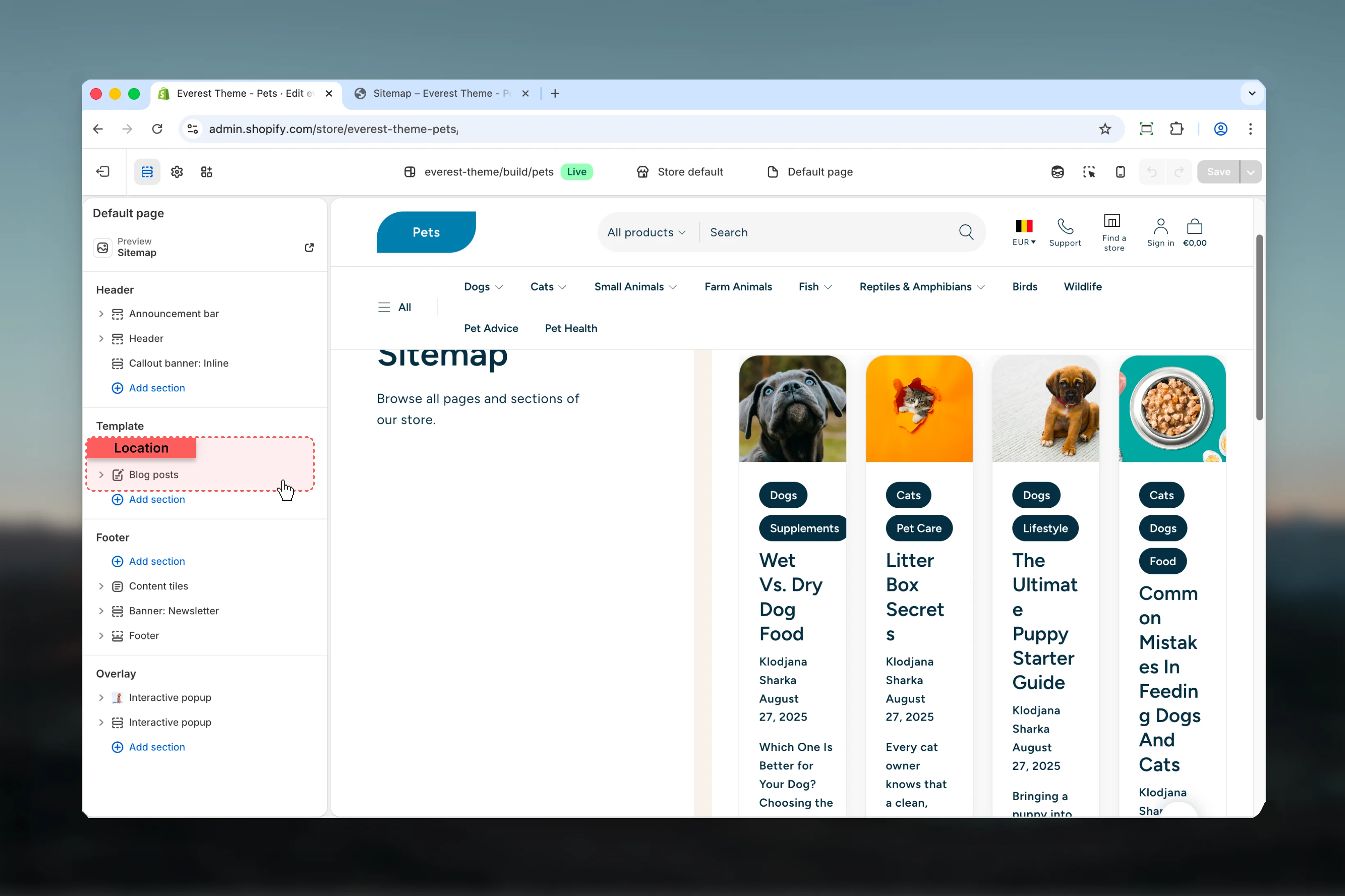
In Theme Customizer, open a blog post resource so Everest loads the article template with real content.
2
Check the content order
Review the article blocks first because their order defines how readers move through the post.
3
Set the reading width
Choose the article width before adjusting styling so text-heavy content remains comfortable to scan.
4
Review metadata and comments
Decide whether back navigation, post details, tags, and comments support the way your blog is meant to be read.
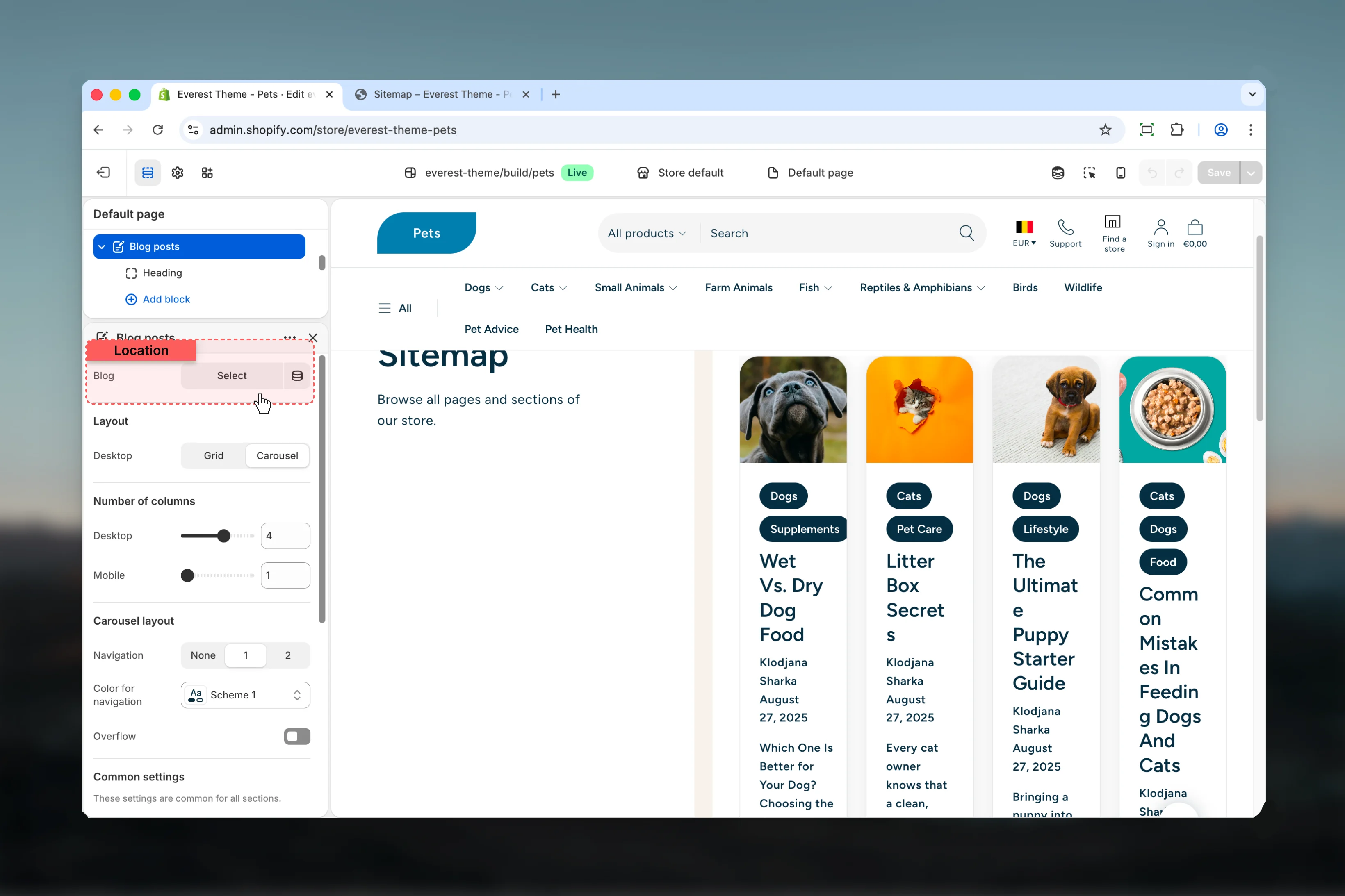
Main settings
Article settings
Show back to blog link
Show back to blog link
Adds a link below the article content that sends visitors back to the parent blog.Default: Enabled
Layout
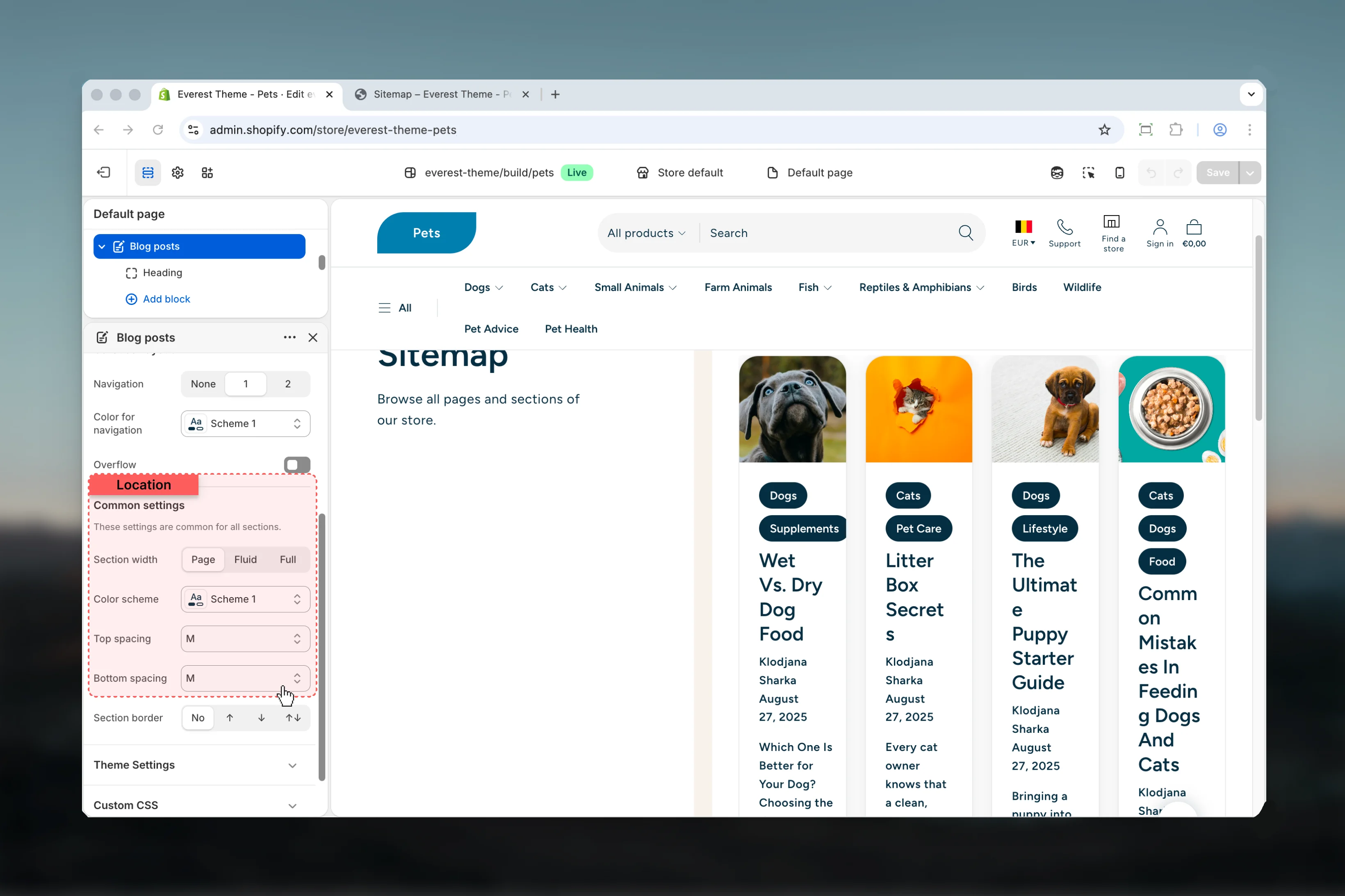
Section width
Section width
Controls the reading width of the article container.Available options:
Default:
XXS, Page, FluidDefault:
XXSXXS keeps long-form reading narrower and is the default Everest article presentation.Color scheme
Color scheme
Sets the visual treatment for the article section wrapper.
Top spacing and bottom spacing
Top spacing and bottom spacing
Control the vertical space around the article section.Available options:
No, S, M, L, XLDefault blocks
Info
Info
Displays author, publish date, or both depending on block settings.
Heading
Heading
Outputs the article title. Everest promotes it to
h1 when the section appears first on the page.Featured Image
Featured Image
Displays the article image when one exists.The block also controls the image aspect ratio used for the article hero.
Content
Content
Renders the main blog post body from Shopify’s article content field.
Comment behavior
Everest only shows the comment list and comment form when comments are enabled on the parent Shopify blog. When comments are moderated, the template also shows moderation-aware success messaging after form submission.Best practices
- Keep article width narrow enough for comfortable reading, especially on text-heavy posts.
- Use metadata and tag blocks consistently so archive pages and article pages feel connected.
- Review featured image ratios with real article imagery before publishing layout changes.
- If comments are enabled, test the full submission flow so validation and moderation messages are clear.