

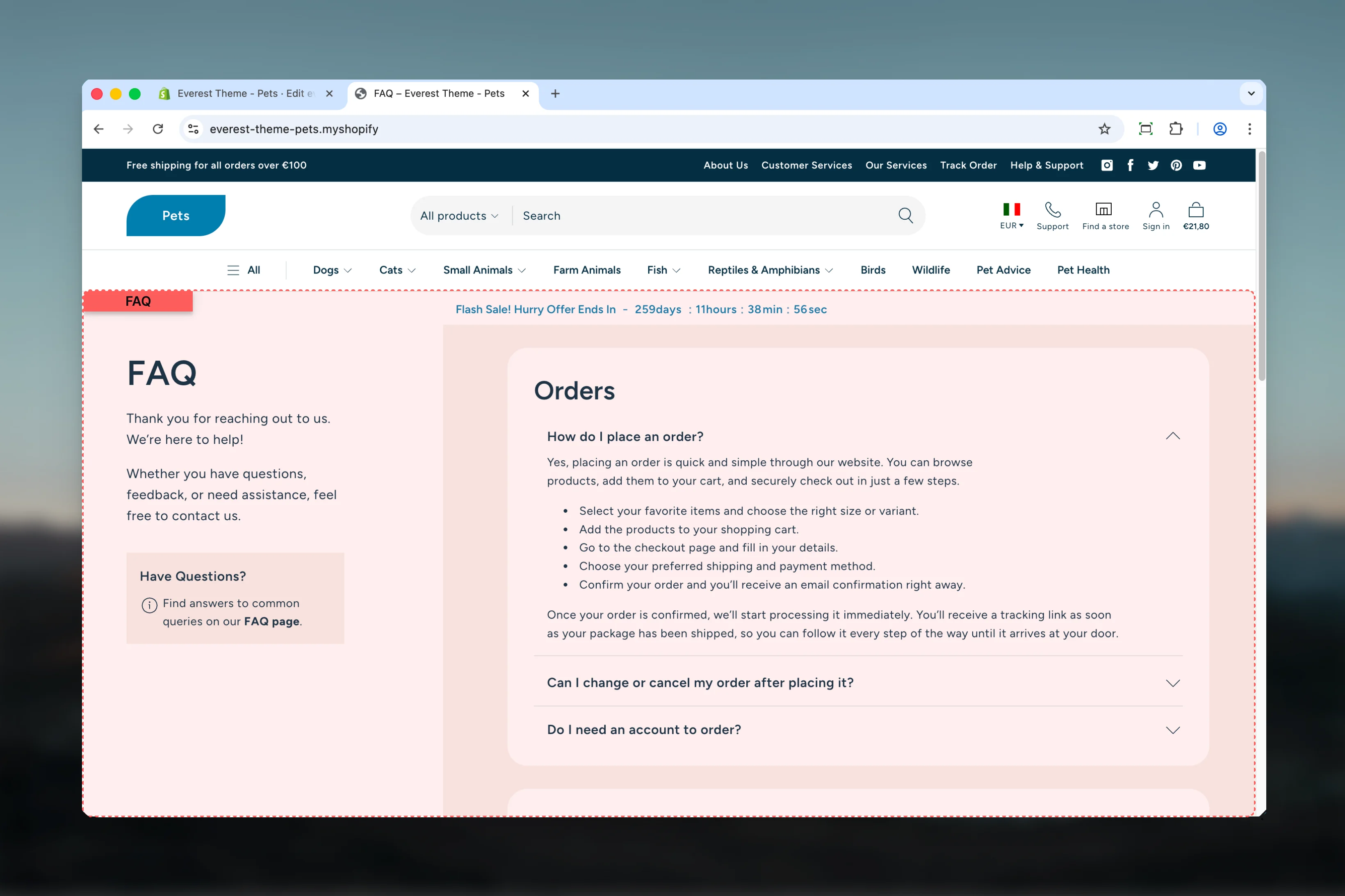
What this template controls
- The template section order and the supporting sections included by default
Template structure
This template uses the following main sections or related theme building blocks by default:- Page
- Accordions
- Rich Text
Getting started
1
Open the template in Theme Customizer
Open the relevant page type or assign the template to a resource before customizing it.
2
Review the main section first
Start with the primary content section so layout, filtering, gallery, or page-level behavior is defined before refining supporting content.
3
Adjust supporting sections
Review any banners, content sections, or utility sections included in the template so the full page works together as a set.
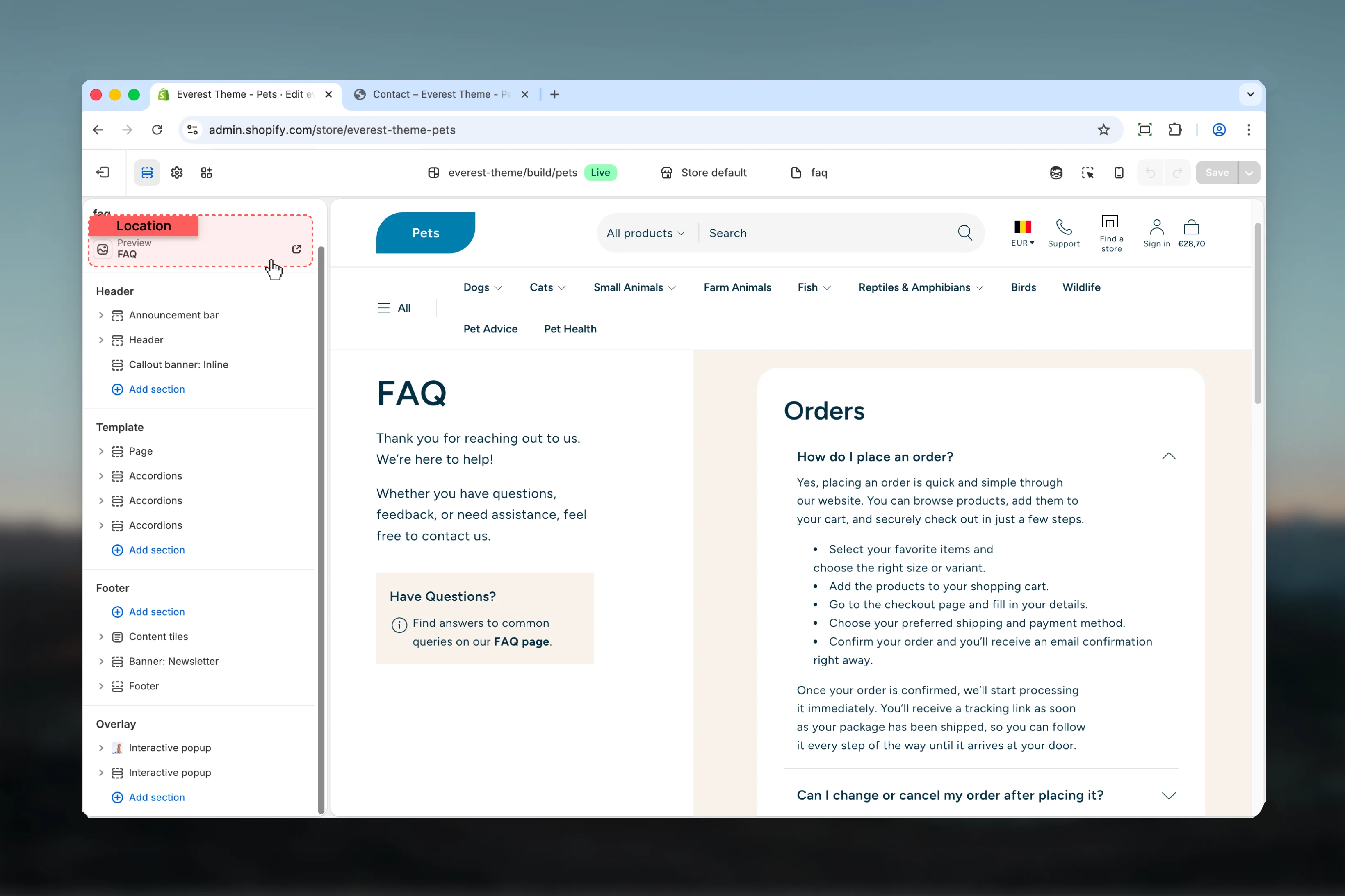
Supporting sections
This template relies on reusable sections working together rather than on a single main schema. Review the linked section guides below when you want to fine-tune each part in more depth.Best practices
- Test this template with real content volume so headings, cards, and filters behave as expected.
- Review supporting sections together because template defaults often work as a coordinated set.