

What these settings control
- Calls to action, links, and navigation behavior
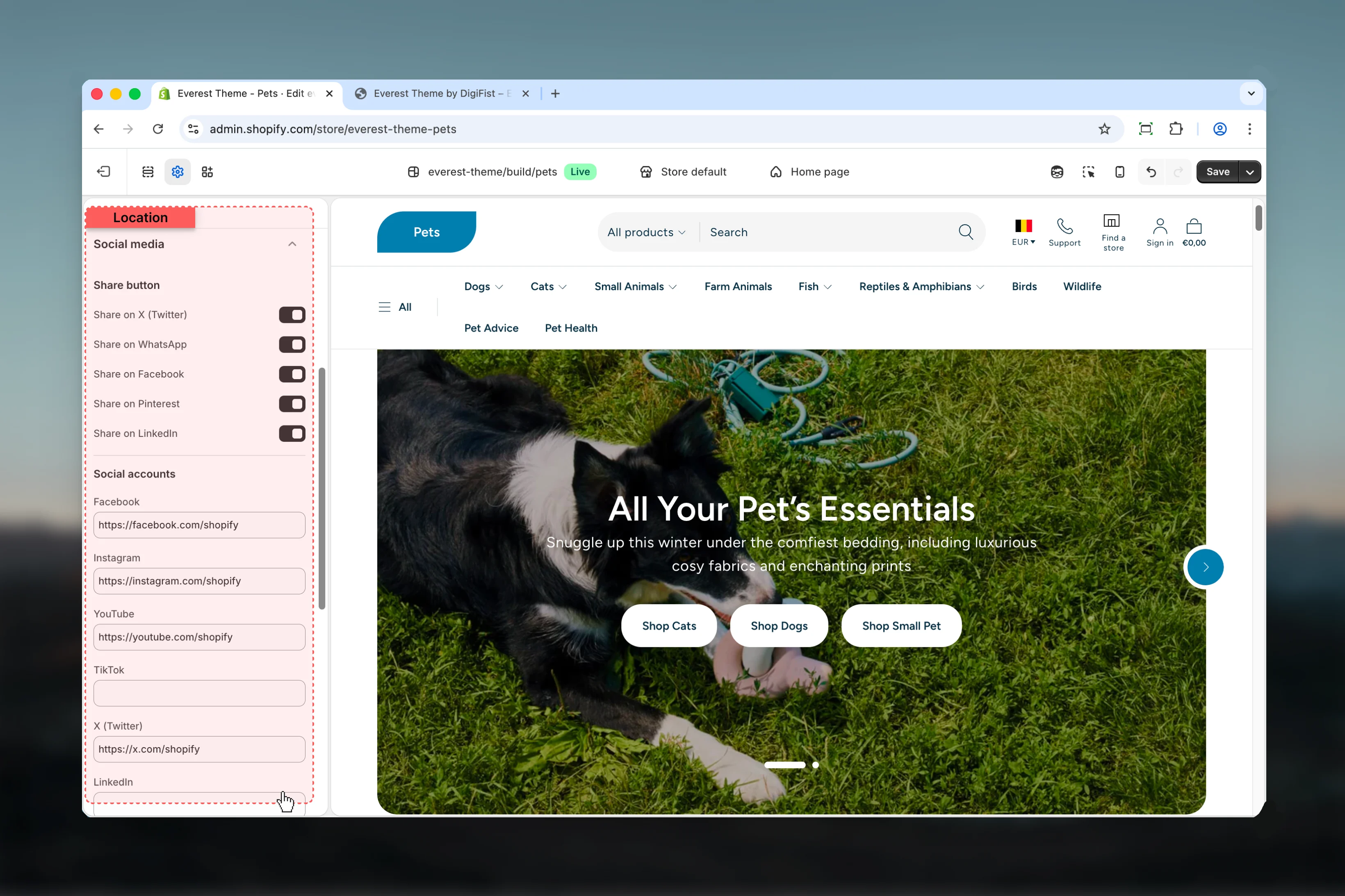
How to access
1
Open the Theme Customizer
In Shopify admin, go to Online Store -> Themes -> Customize.
2
Open Theme settings
Select Theme settings in the customizer sidebar.
3
Choose Social Media
Open Social Media to review and update the shared settings in this category.
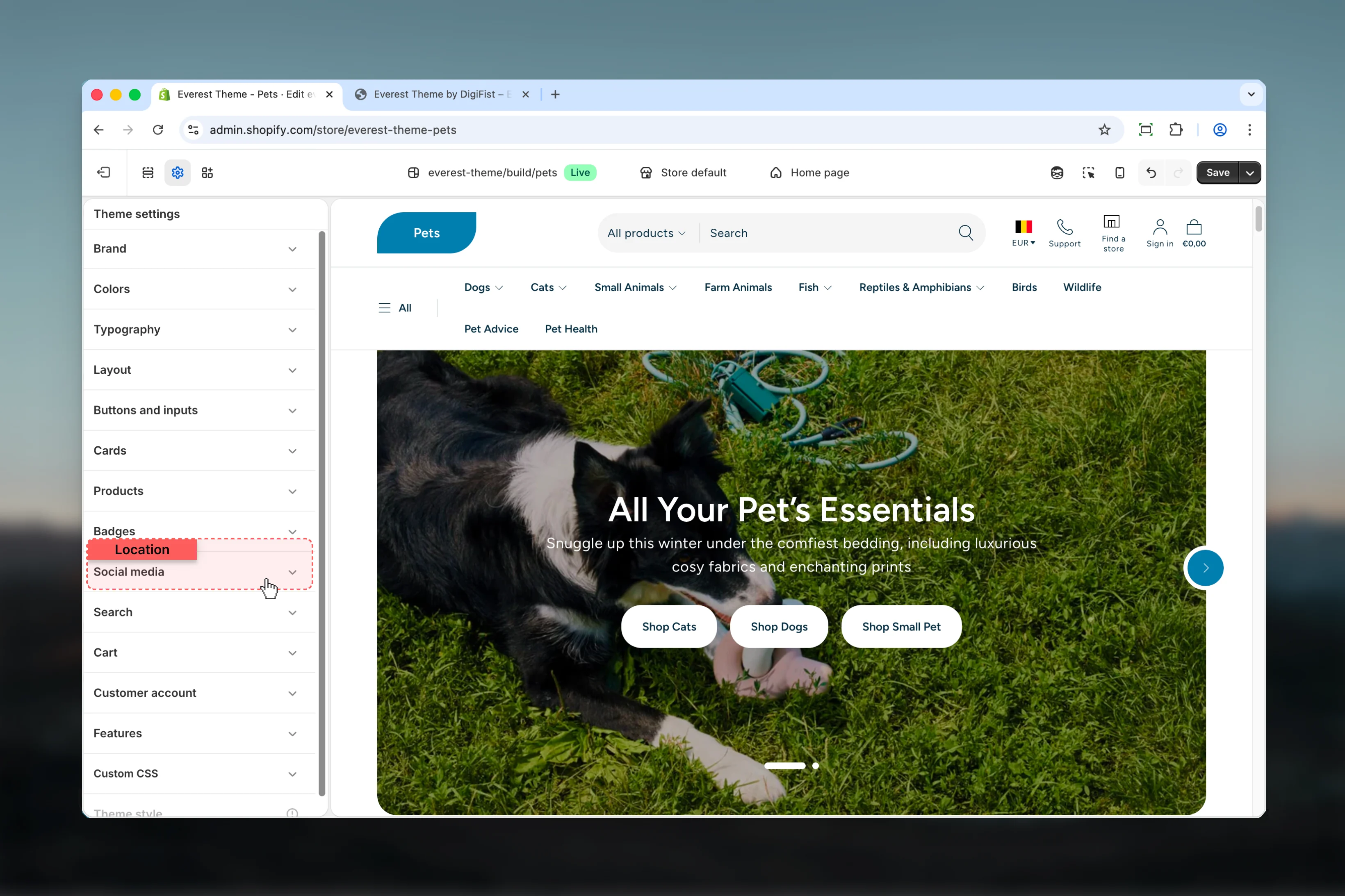
Settings
Share button
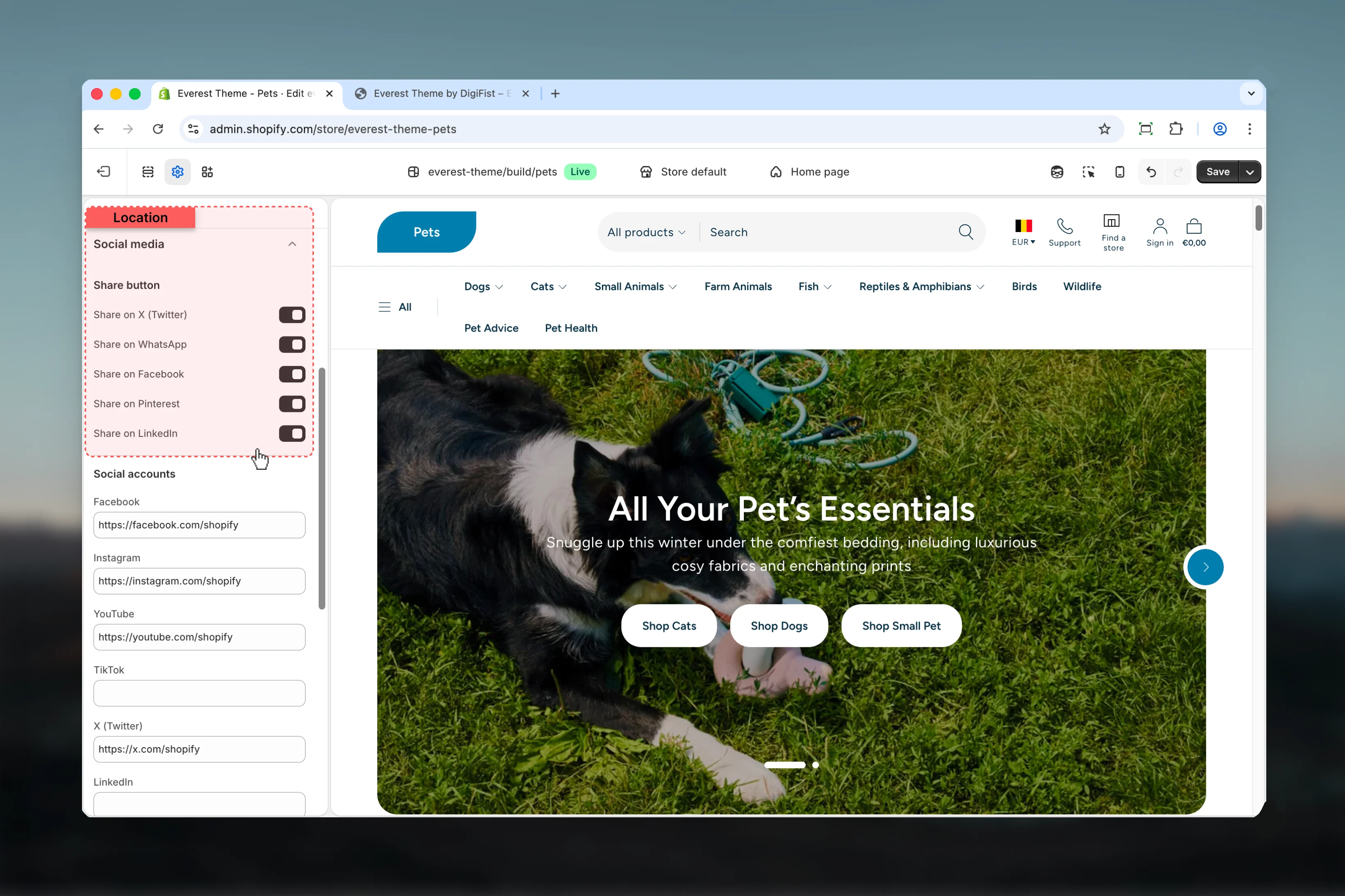
Social accounts
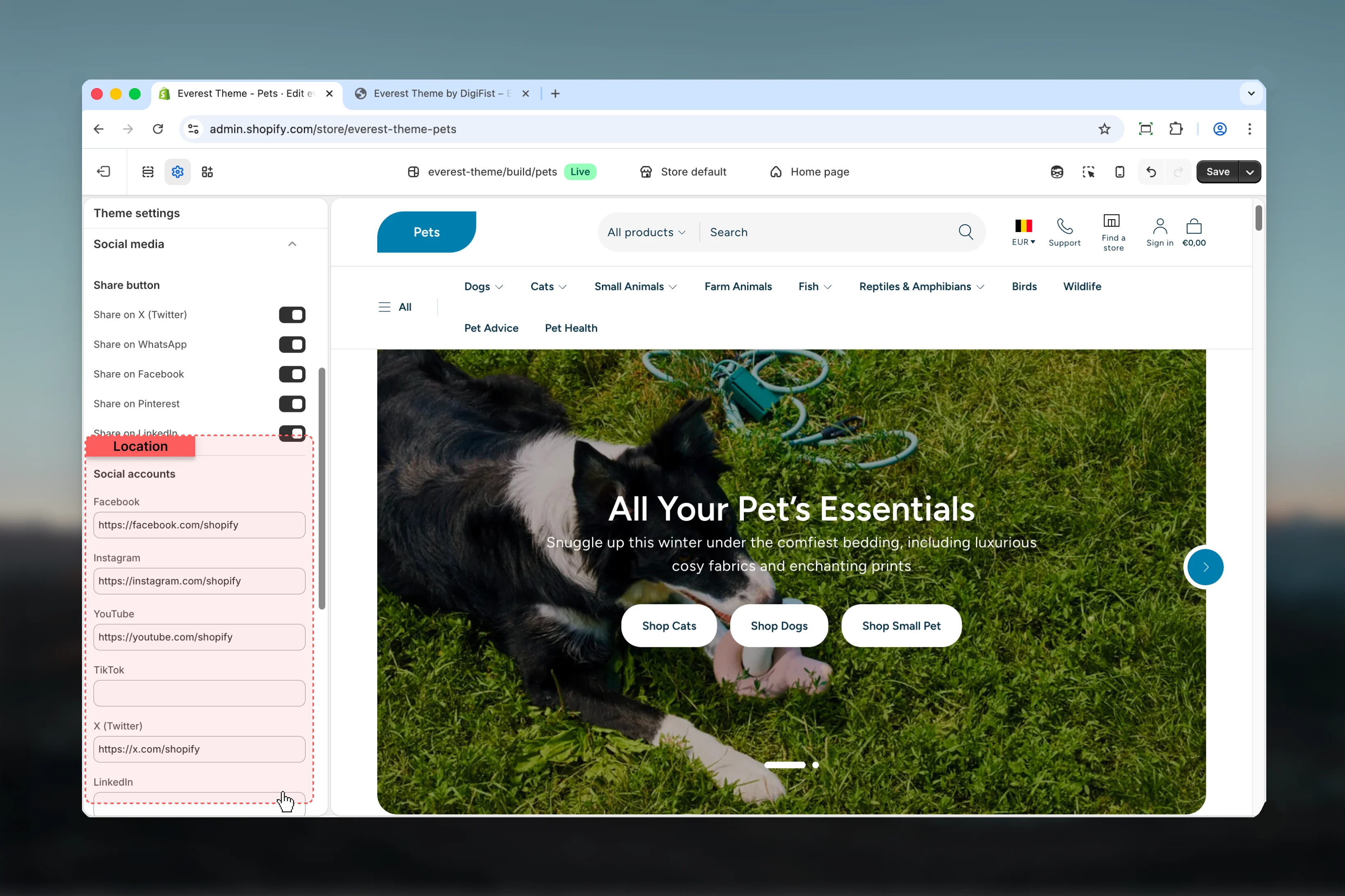
Facebook
Enter the content used for facebook.Keep action labels short so they remain readable across devices.
Instagram
Enter the content used for instagram.Keep action labels short so they remain readable across devices.
YouTube
YouTube
Enter the content used for youtube.Keep action labels short so they remain readable across devices.
TikTok
TikTok
Enter the content used for tiktok.Keep action labels short so they remain readable across devices.
X (Twitter)
X (Twitter)
Enter the content used for x (twitter).Keep action labels short so they remain readable across devices.
LinkedIn
Enter the content used for linkedin.Keep action labels short so they remain readable across devices.
Snapchat
Snapchat
Enter the content used for snapchat.Keep action labels short so they remain readable across devices.
Pinterest
Enter the content used for pinterest.Keep action labels short so they remain readable across devices.
Tumblr
Tumblr
Enter the content used for tumblr.Keep action labels short so they remain readable across devices.
Vimeo
Vimeo
Enter the content used for vimeo.Keep action labels short so they remain readable across devices.
Best practices
- Keep labels short and scannable, especially in tighter layouts or utility areas.
- Change one global setting area at a time and preview multiple templates before publishing.
- Remember that theme settings affect many sections at once, so small adjustments can have wide impact.