

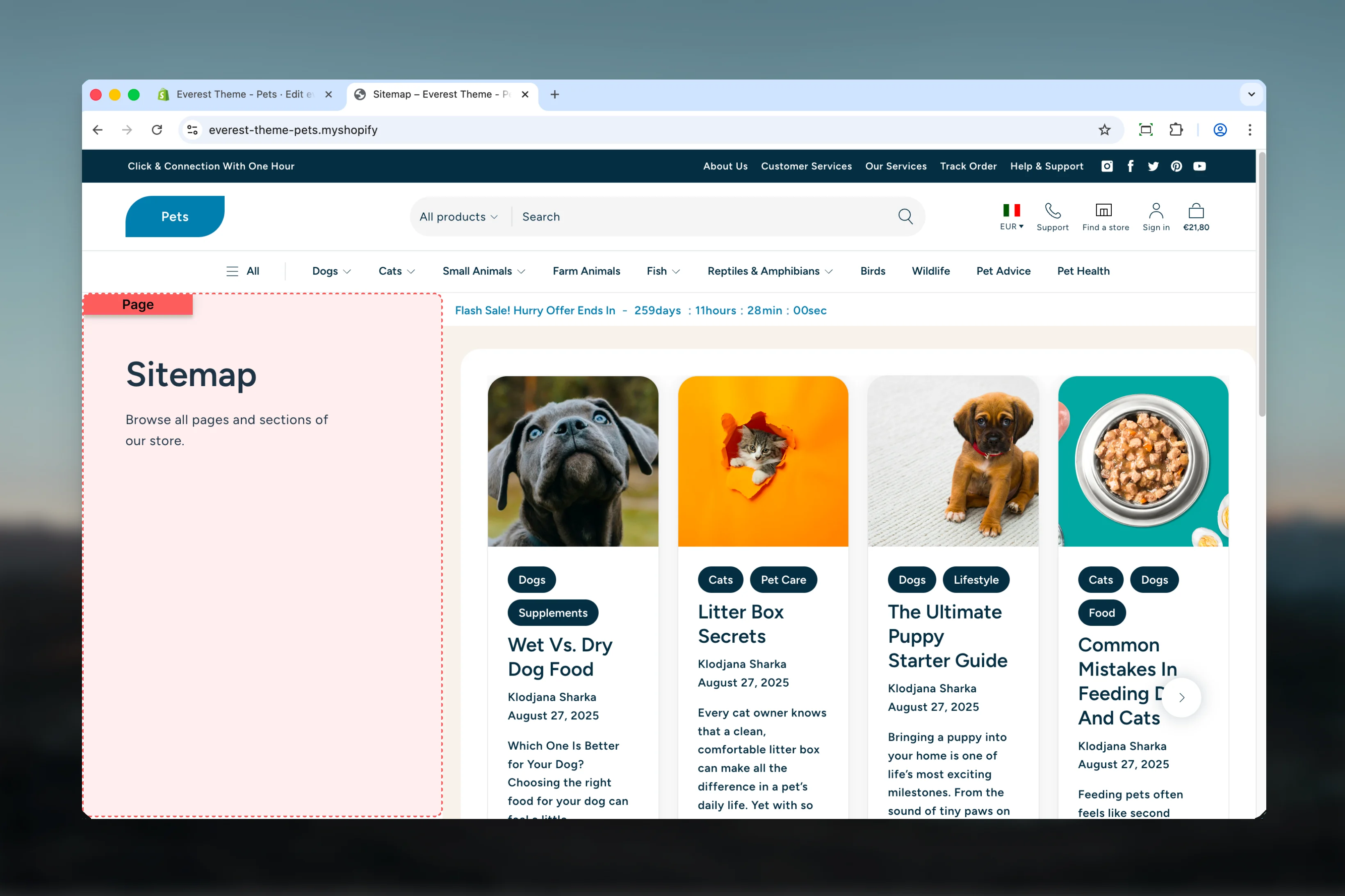
What this template controls
- Headings, text content, and on-page messaging
- Layout structure, width, alignment, and spacing
- Color schemes, contrast, and shared visual styling
- Block types such as Content, Custom Liquid
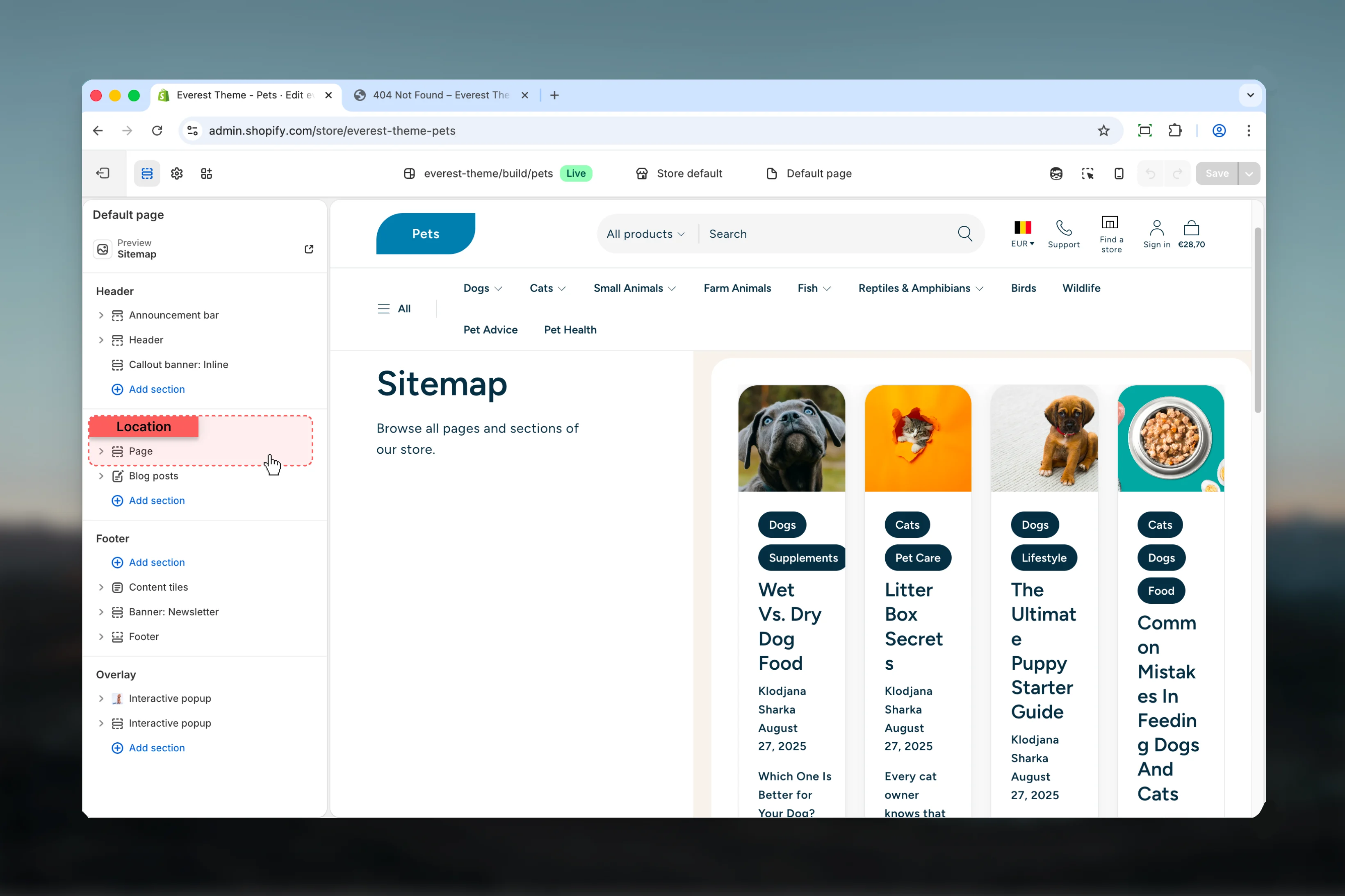
- The template section order and the supporting sections included by default
Template structure
This template uses the following main sections or related theme building blocks by default:- Page
Getting started
1
Open the template in Theme Customizer
Open the relevant page type or assign the template to a resource before customizing it.
2
Review the main section first
Start with the primary content section so layout, filtering, gallery, or page-level behavior is defined before refining supporting content.
3
Adjust supporting sections
Review any banners, content sections, or utility sections included in the template so the full page works together as a set.
Main settings
Settings
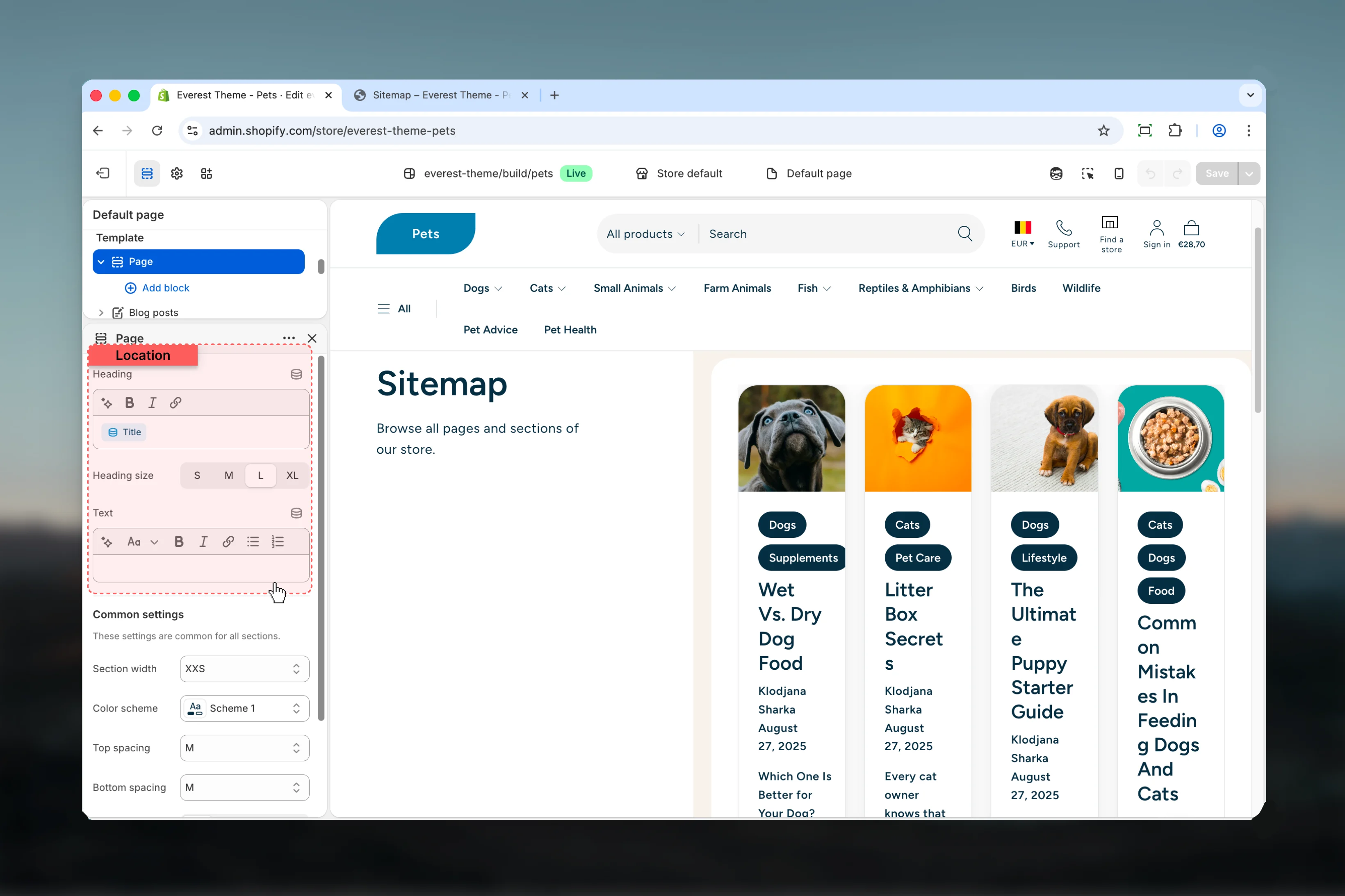
Heading
Heading
Enter the content used for heading.Default:
{{ page.title }}Heading size
Heading size
Choose how Heading size behaves in the section.Available options: S, M, L, XL.Default:
h2Text
Text
Enter the content used for text.
Common settings
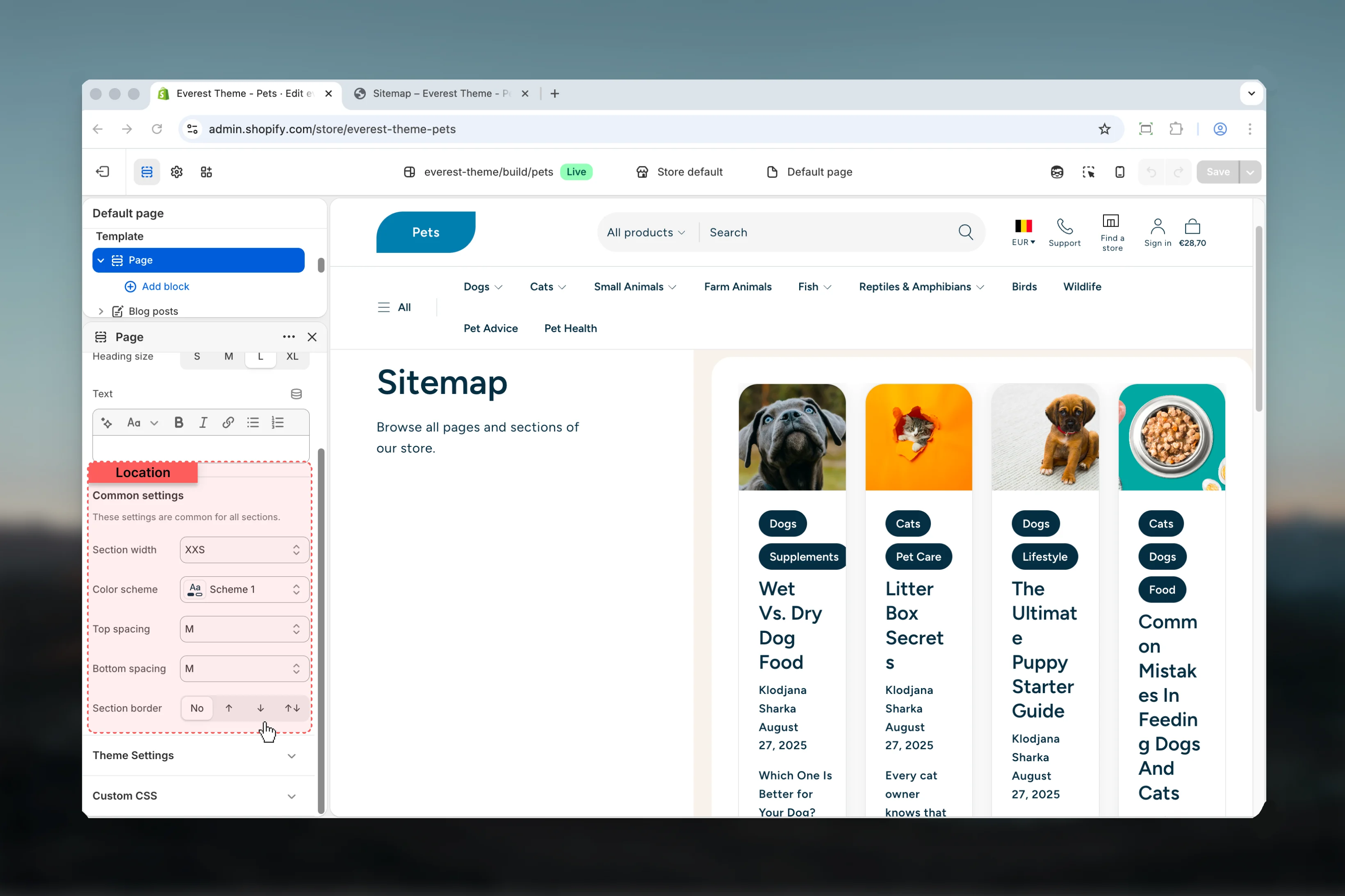
Section width
Section width
Choose how Section width behaves in the section.This setting shapes the section container and how it sits against surrounding content.Available options: XXS, Page, Fluid, Full.Default:
xxsColor scheme
Color scheme
Select the color scheme used for color scheme.Use this to keep contrast and branding consistent with the rest of the store.Default:
scheme-1Top spacing
Top spacing
Choose how Top spacing behaves in the section.This setting shapes the section container and how it sits against surrounding content.Available options: No, S, M, L, XL.Default:
2Bottom spacing
Bottom spacing
Choose how Bottom spacing behaves in the section.This setting shapes the section container and how it sits against surrounding content.Available options: No, S, M, L, XL.Default:
2Section border
Section border
Choose how Section border behaves in the section.This setting shapes the section container and how it sits against surrounding content.Available options: None, Top, Bottom, Both.Default:
noneBest practices
- Check contrast after changing color schemes so text and controls remain easy to read.
- Adjust layout changes alongside neighboring sections so page rhythm stays consistent.
- Test this template with real content volume so headings, cards, and filters behave as expected.
- Review supporting sections together because template defaults often work as a coordinated set.