

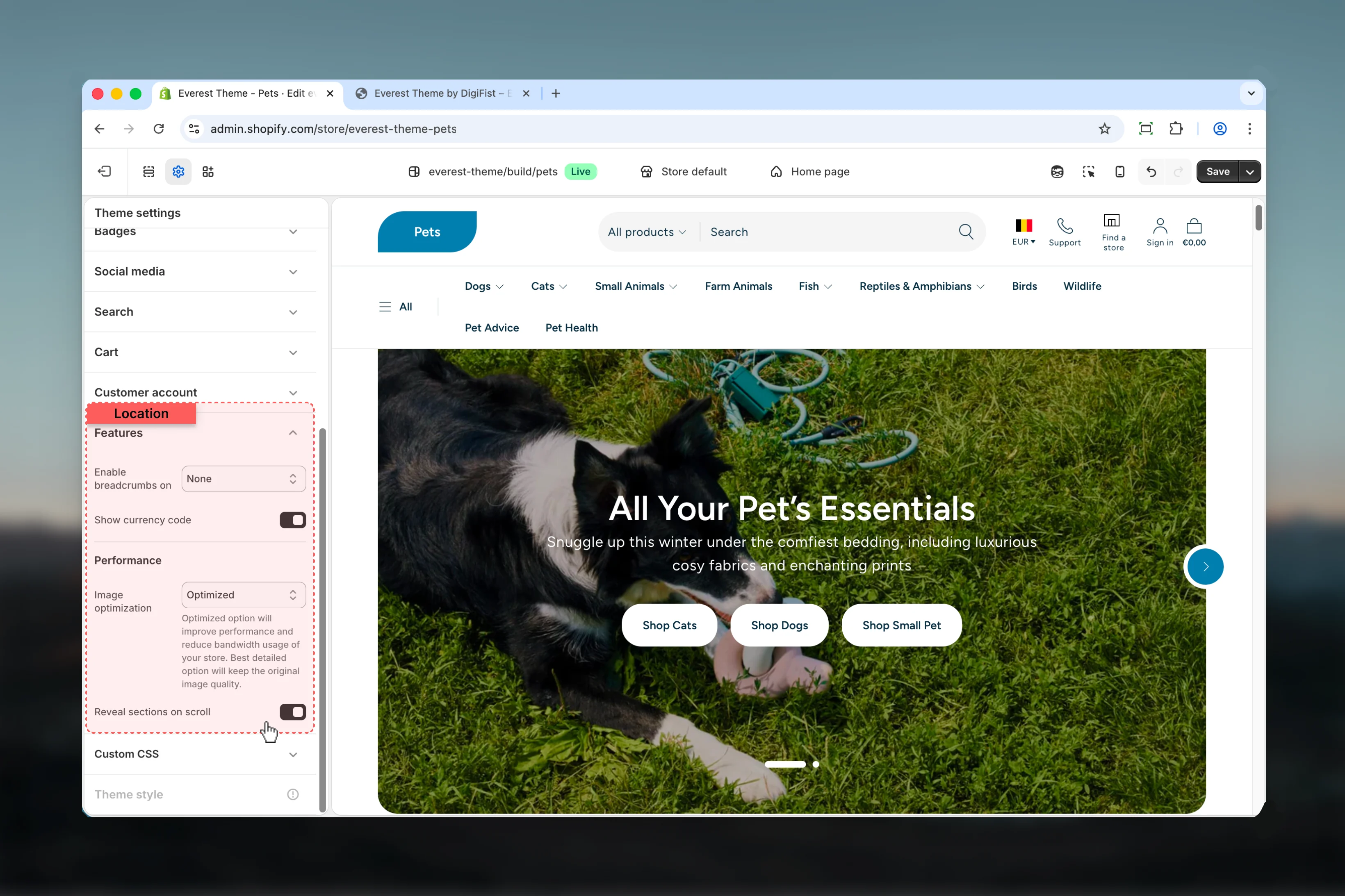
What these settings control
- Images, videos, and other media presentation options
How to access
1
Open the Theme Customizer
In Shopify admin, go to Online Store -> Themes -> Customize.
2
Open Theme settings
Select Theme settings in the customizer sidebar.
3
Choose Features
Open Features to review and update the shared settings in this category.
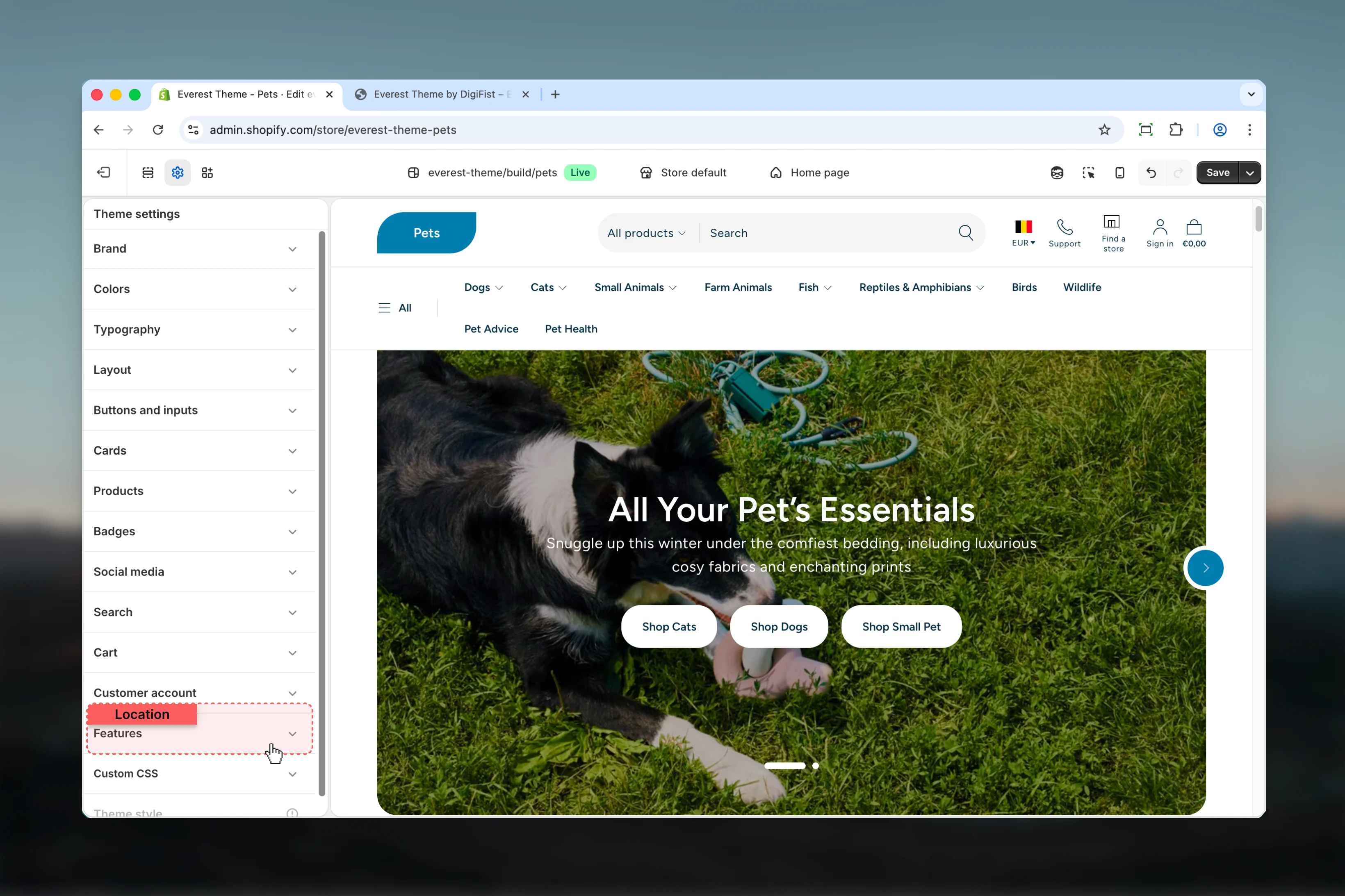
Settings
Settings
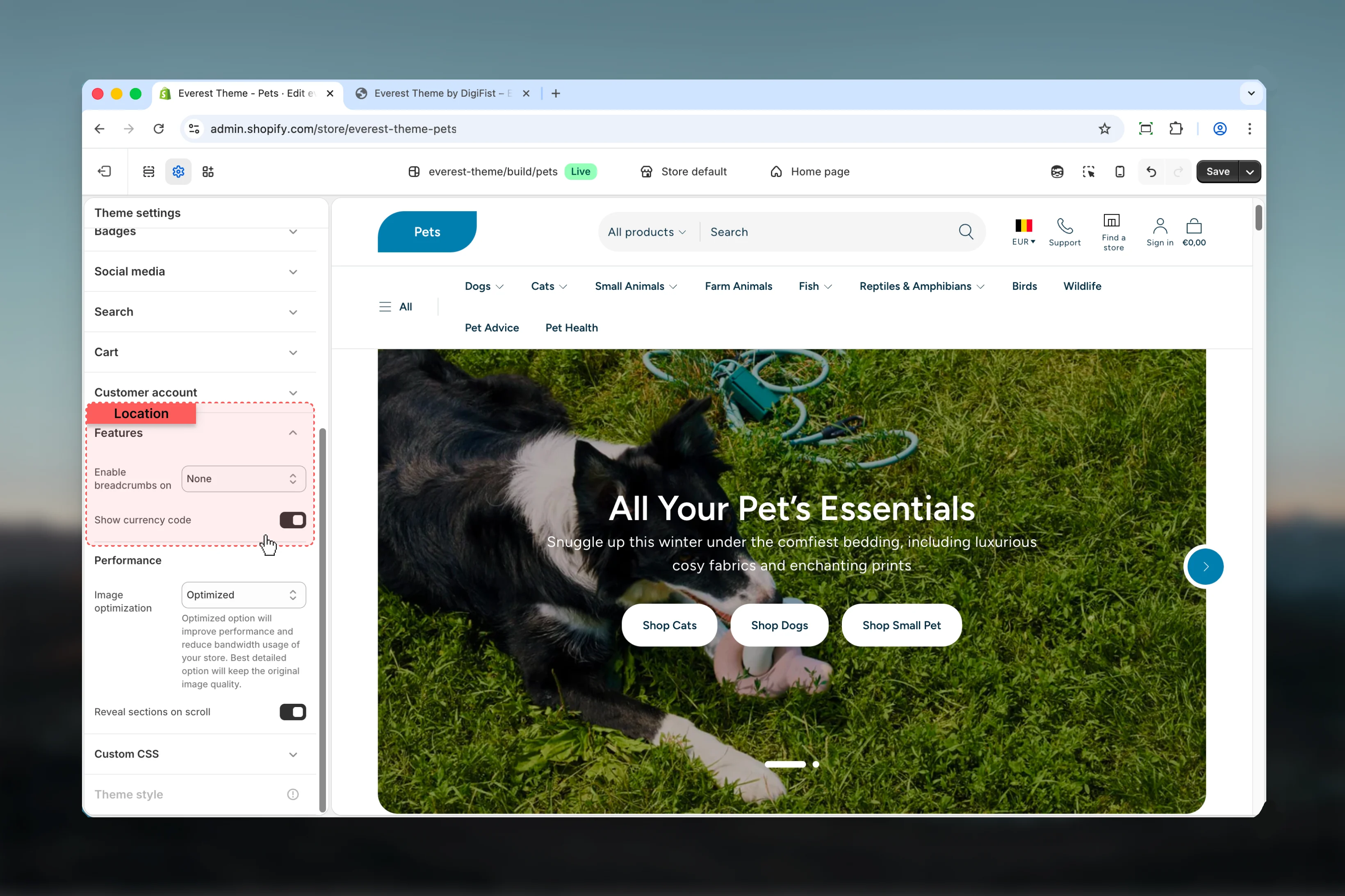
Show currency code
Show currency code
Enable or disable Show currency code.Default:
enabledPerformance
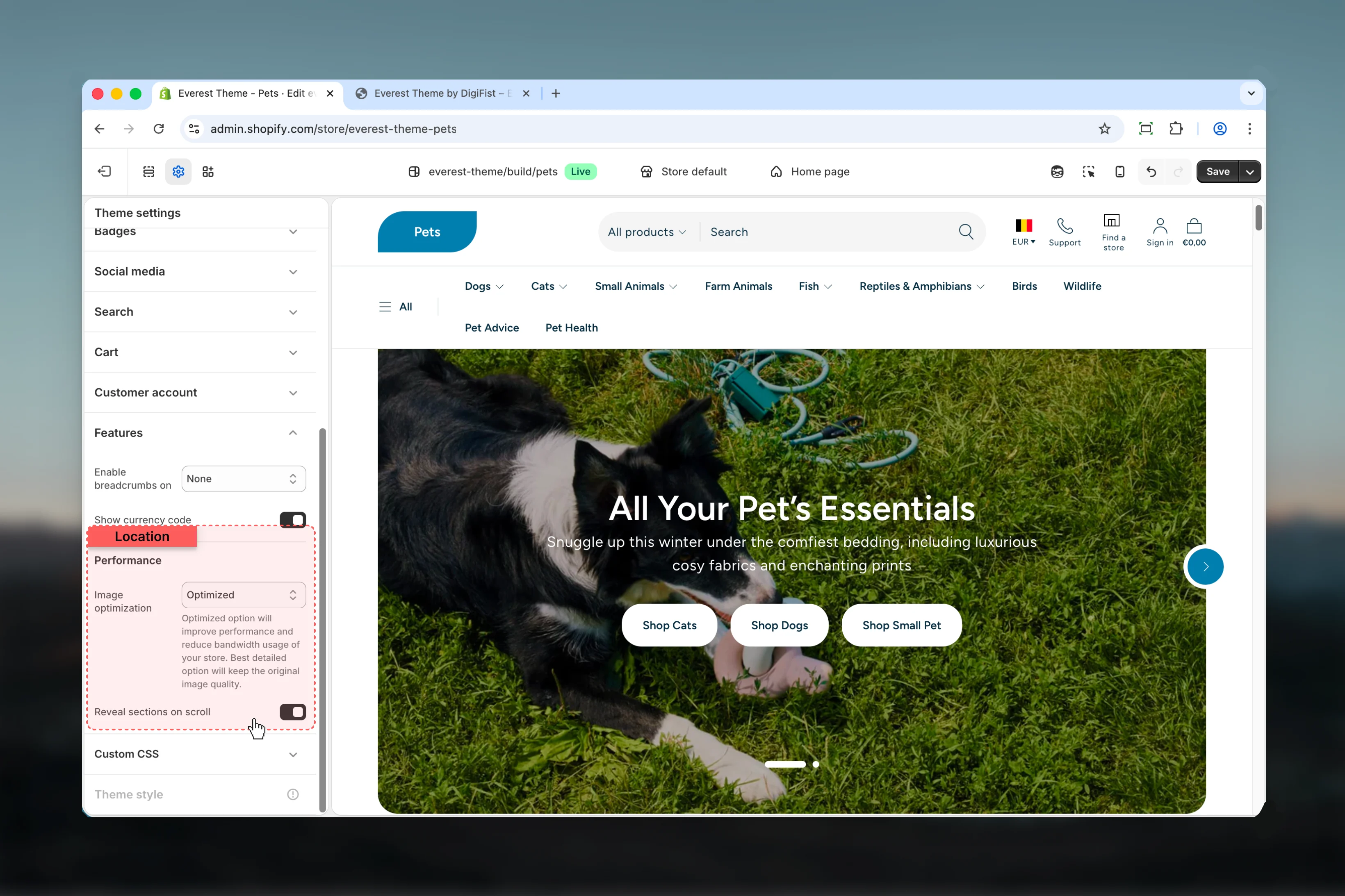
Image optimization
Image optimization
Choose how Image optimization behaves in the section.Review the result on both desktop and mobile when media changes are involved.Available options: Best detailed, Optimized.Default:
trueOptimized option will improve performance and reduce bandwidth usage of your store. Best detailed option will keep the original image quality.Reveal sections on scroll
Reveal sections on scroll
Enable or disable Reveal sections on scroll.Default:
enabledBest practices
- Review media-heavy layouts on both desktop and mobile before publishing.
- Change one global setting area at a time and preview multiple templates before publishing.
- Remember that theme settings affect many sections at once, so small adjustments can have wide impact.