

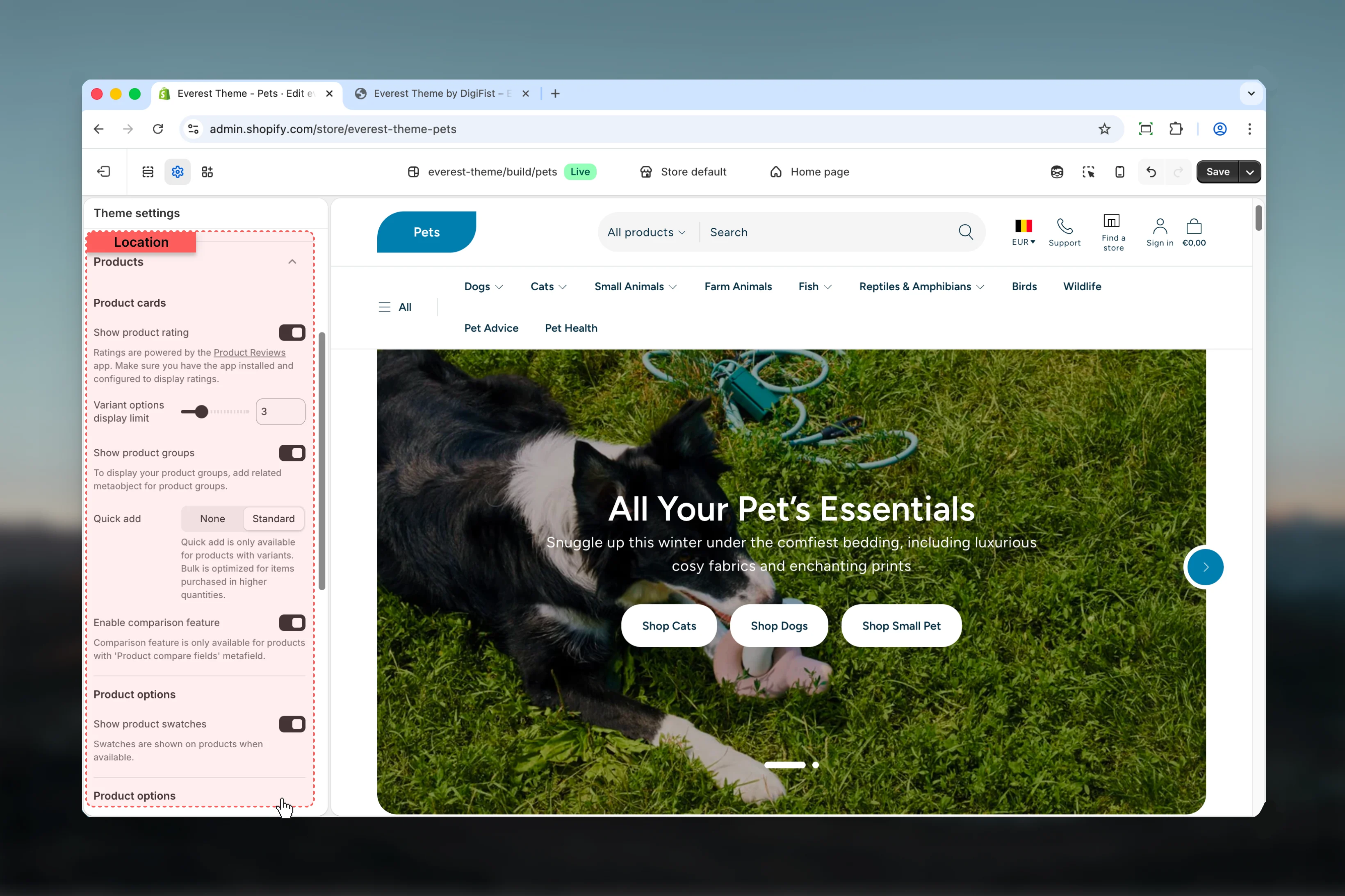
What these settings control
- Calls to action, links, and navigation behavior
- Product, collection, or cart-related storefront behavior
How to access
1
Open the Theme Customizer
In Shopify admin, go to Online Store -> Themes -> Customize.
2
Open Theme settings
Select Theme settings in the customizer sidebar.
3
Choose Products
Open Products to review and update the shared settings in this category.
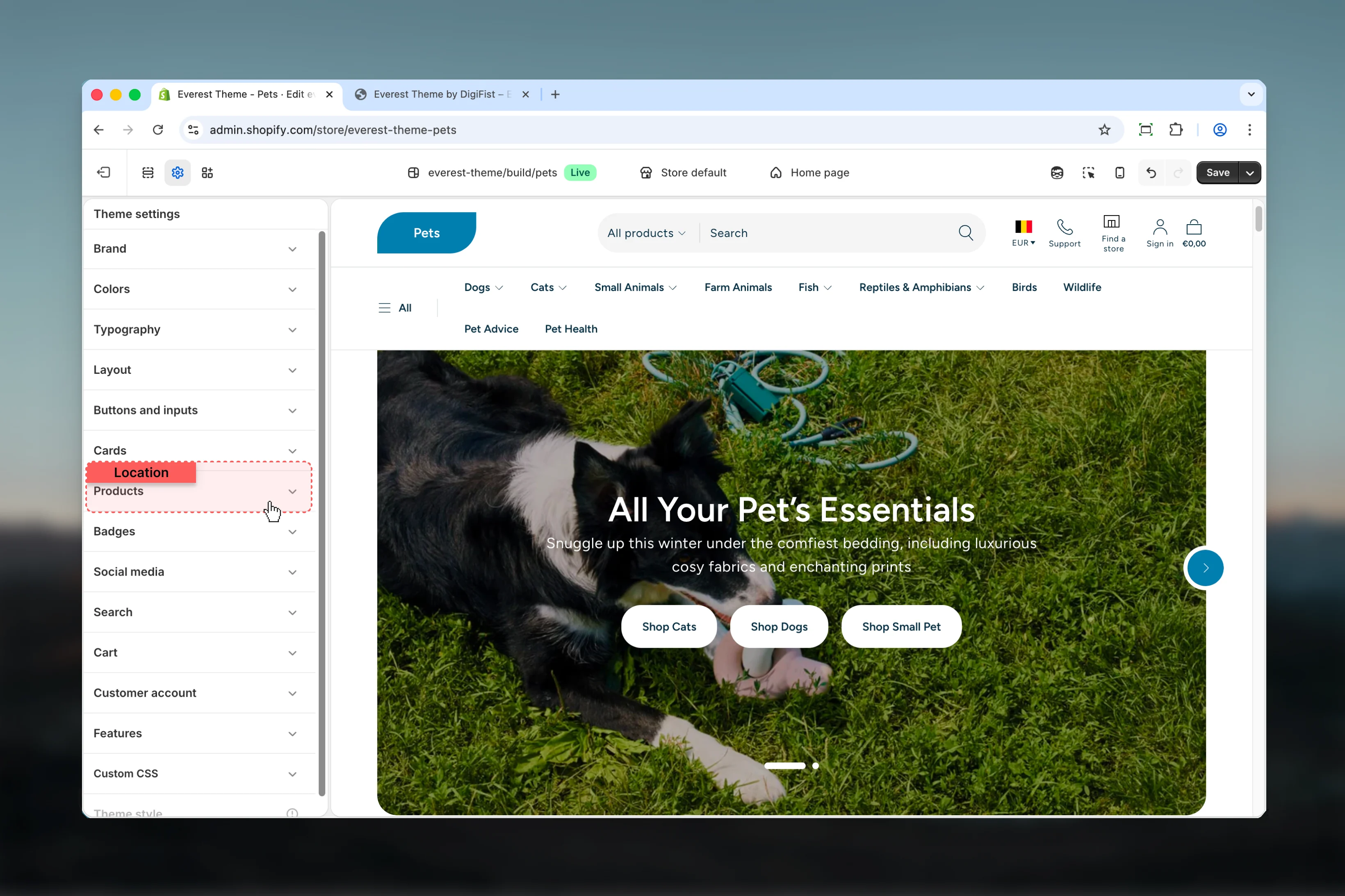
Settings
Product cards
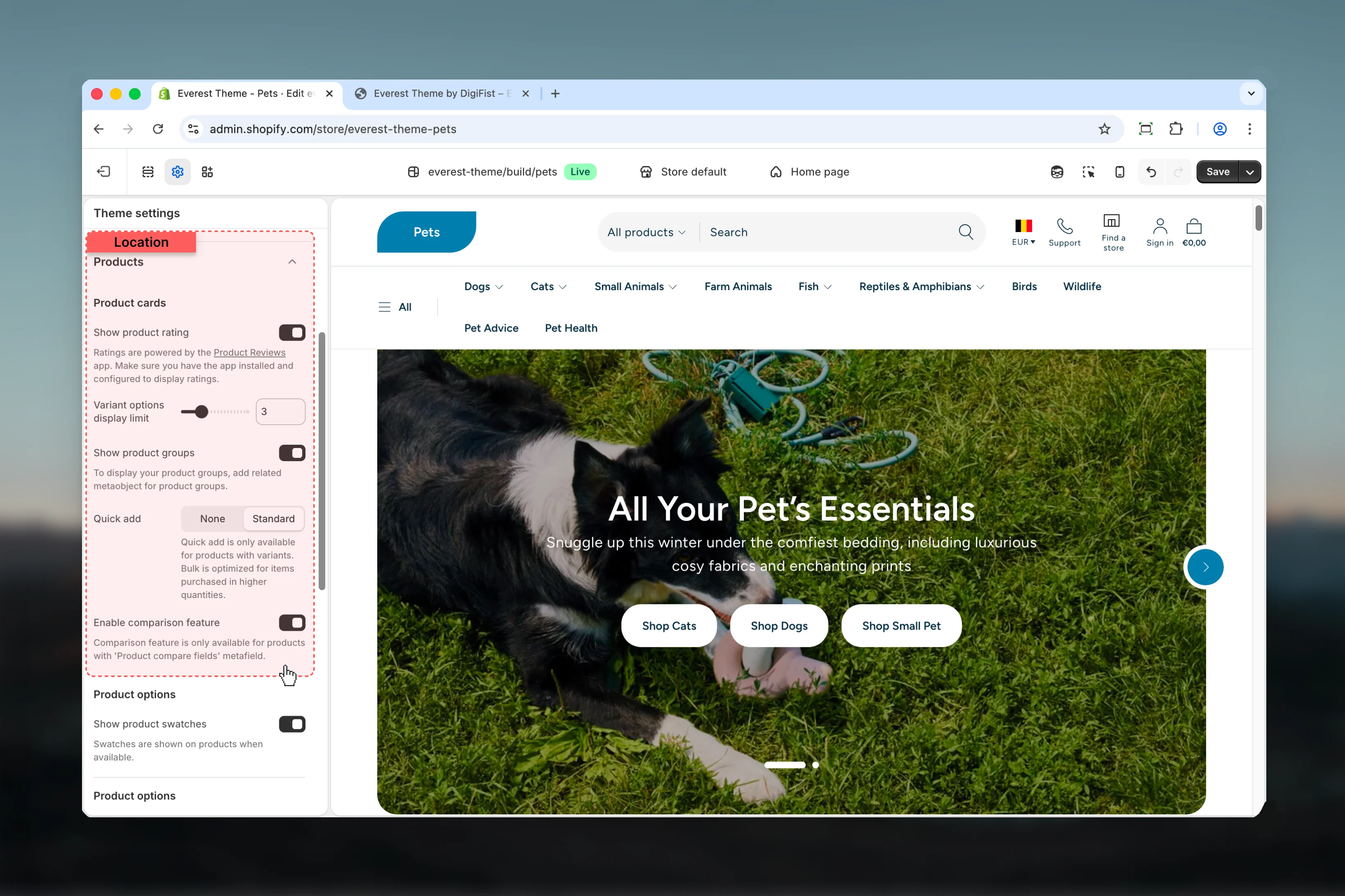
Show product rating
Show product rating
Enable or disable Show product rating.Default:
disabledRatings are powered by the Product Reviews app. Make sure you have the app installed and configured to display ratings.Variant options display limit
Variant options display limit
Adjust Variant options display limit with a slider-based control.Range:
2 to 6 Default: 3Show product groups
Show product groups
Enable or disable Show product groups.Default:
enabledTo display your product groups, add related metaobject for product groups.Quick add
Quick add
Choose how Quick add behaves in the section.Available options: None, Standard.Default:
noneQuick add is only available for products with variants. Bulk is optimized for items purchased in higher quantities.Enable comparison feature
Enable comparison feature
Enable or disable Enable comparison feature.Keep action labels short so they remain readable across devices.Default:
enabledComparison feature is only available for products with ‘Product compare fields’ metafield.Product options
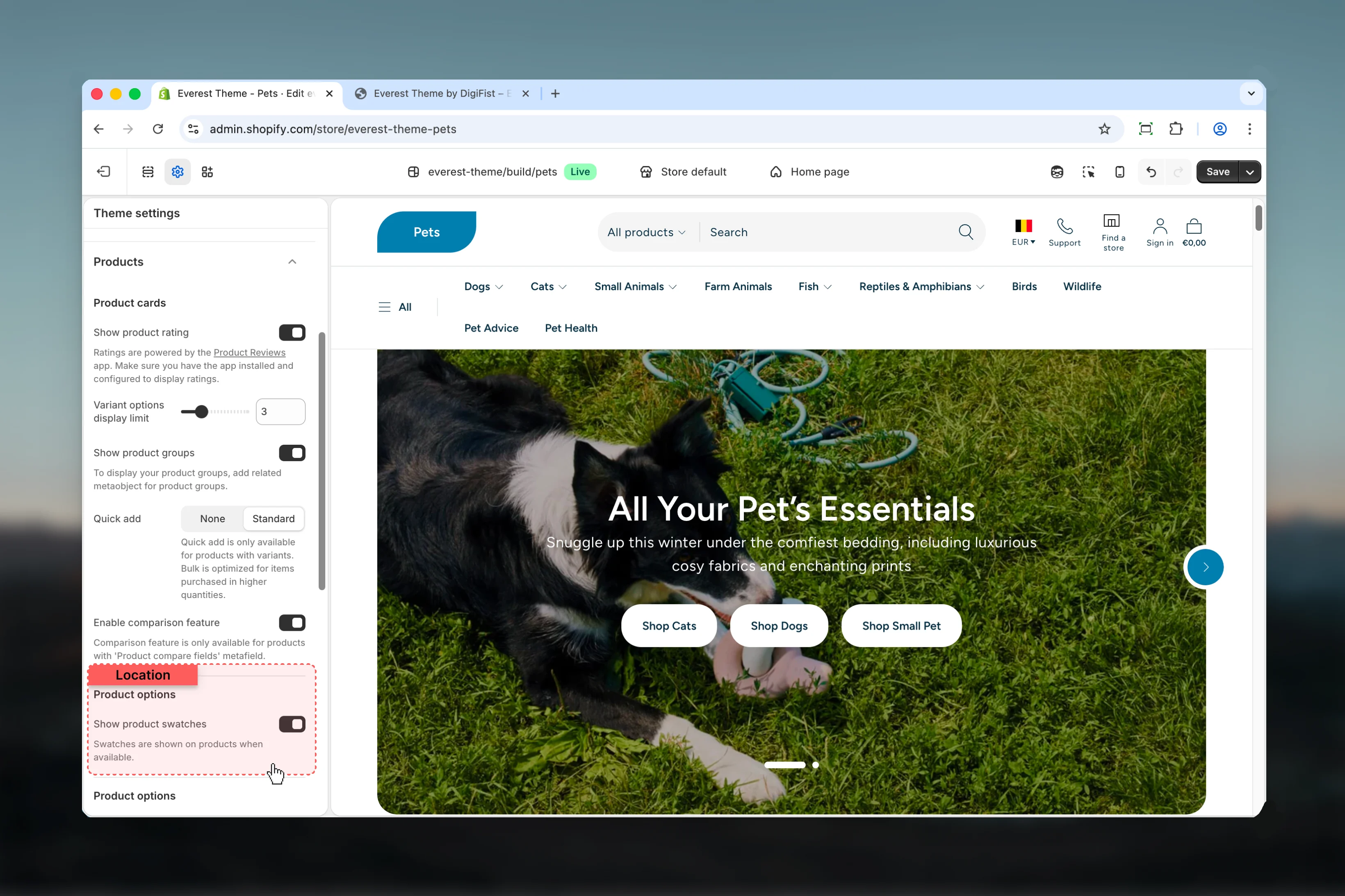
Show product swatches
Show product swatches
Enable or disable Show product swatches.Default:
enabledSwatches are shown on products when available.Product options
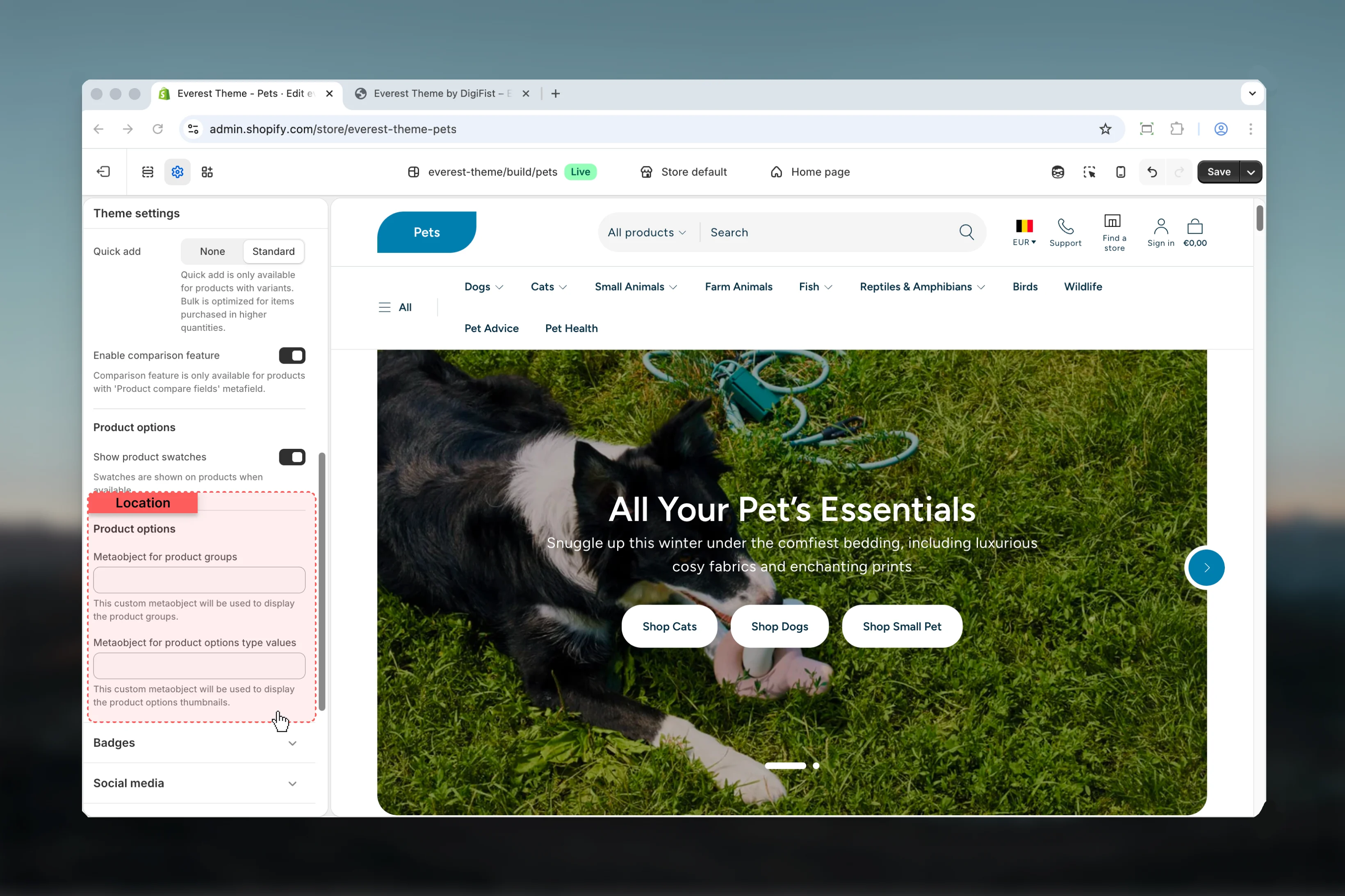
Metaobject for product groups
Metaobject for product groups
Enter the content used for metaobject for product groups.This custom metaobject will be used to display the product groups.
Metaobject for product options type values
Metaobject for product options type values
Enter the content used for metaobject for product options type values.This custom metaobject will be used to display the product options thumbnails.
Best practices
- Keep labels short and scannable, especially in tighter layouts or utility areas.
- Change one global setting area at a time and preview multiple templates before publishing.
- Remember that theme settings affect many sections at once, so small adjustments can have wide impact.