

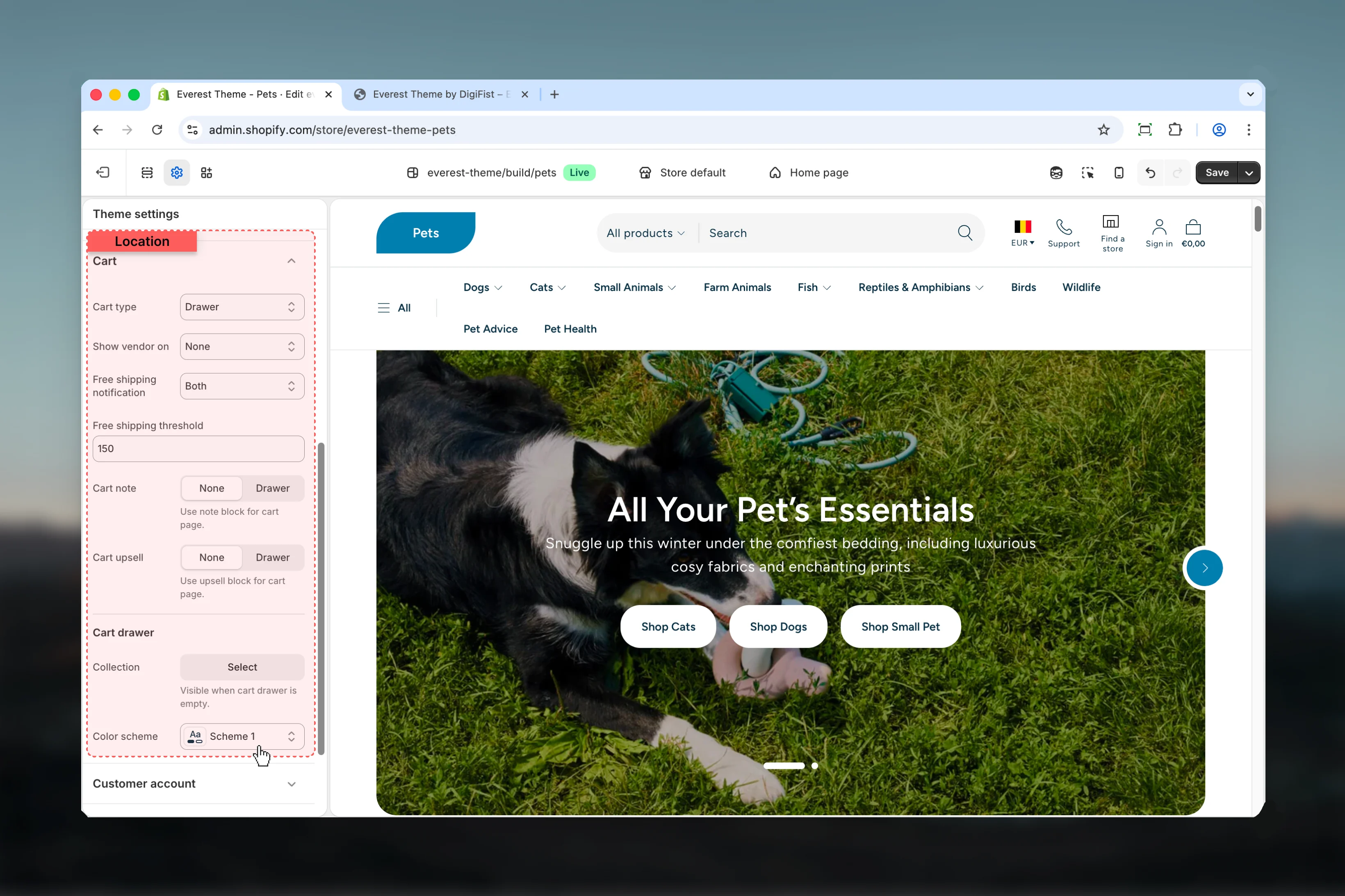
What these settings control
- Product, collection, or cart-related storefront behavior
- Color schemes, contrast, and shared visual styling
How to access
1
Open the Theme Customizer
In Shopify admin, go to Online Store -> Themes -> Customize.
2
Open Theme settings
Select Theme settings in the customizer sidebar.
3
Choose Cart
Open Cart to review and update the shared settings in this category.
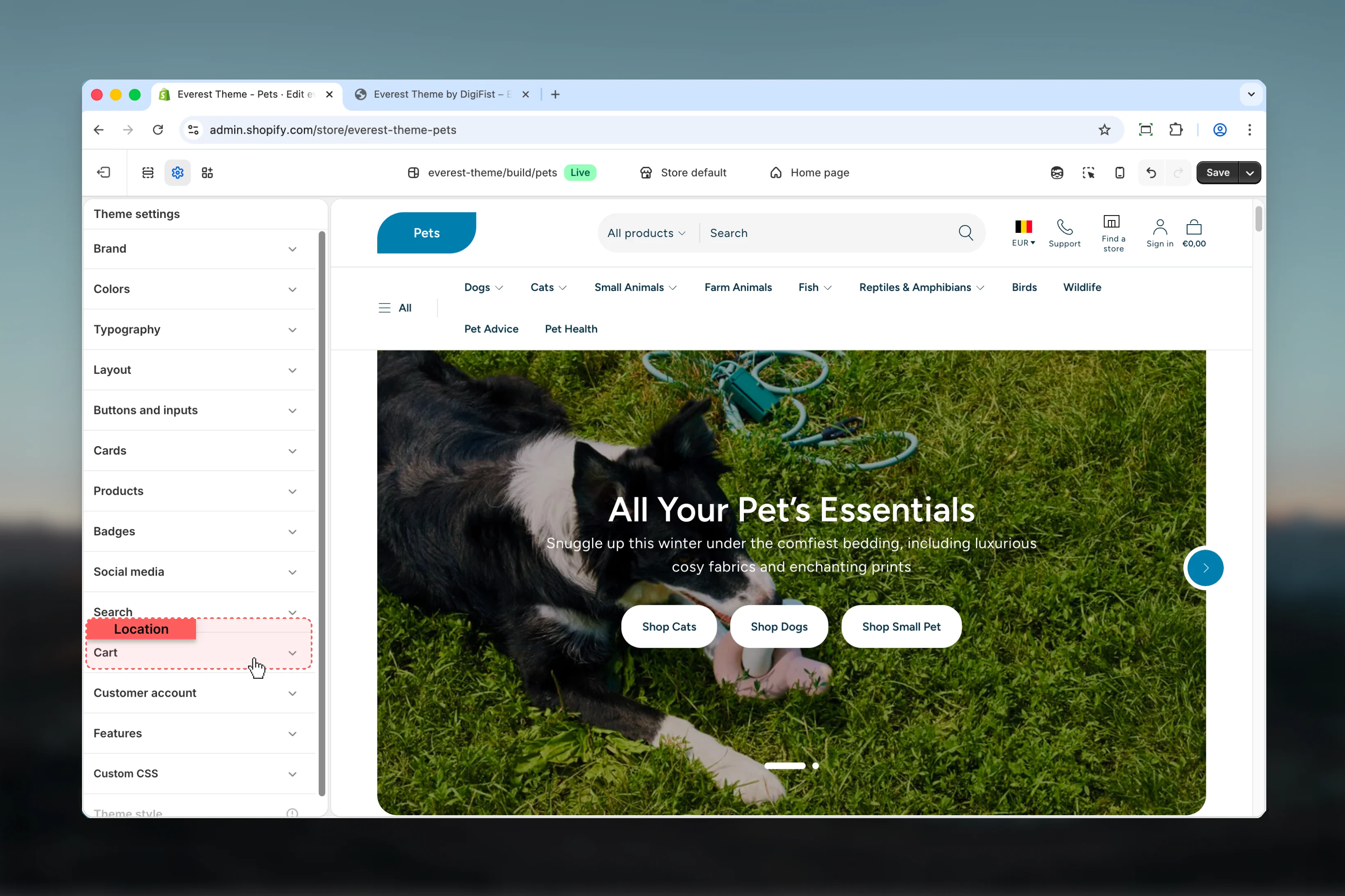
Settings
Settings
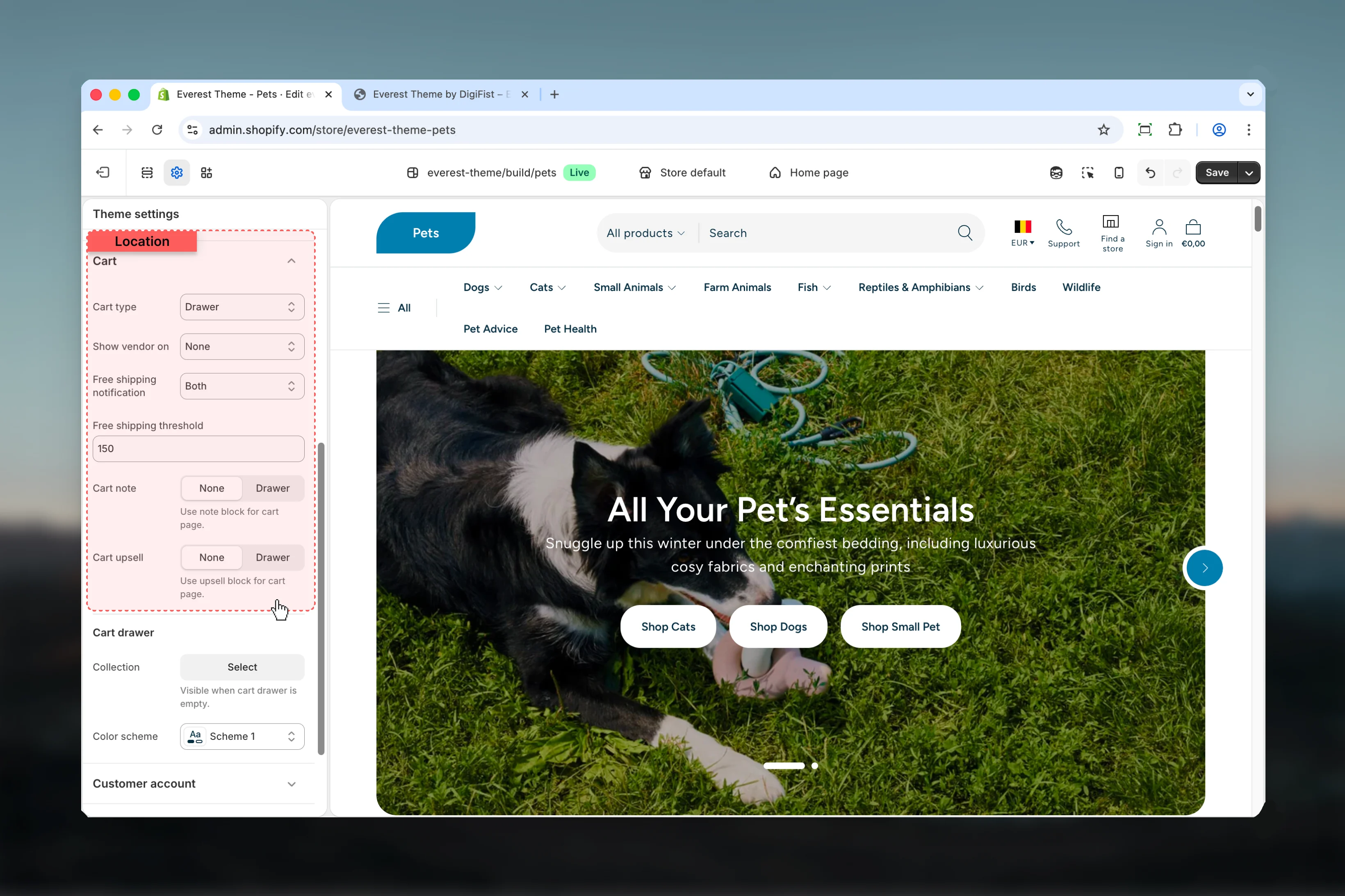
Cart type
Cart type
Choose how Cart type behaves in the section.Available options: Drawer, Page, Popup notification.Default:
notificationShow vendor on
Show vendor on
Choose how Show vendor on behaves in the section.Available options: None, Drawer, Cart page, Both.Default:
noneFree shipping notification
Free shipping notification
Choose how Free shipping notification behaves in the section.Available options: None, Drawer, Cart page, Both.Default:
bothFree shipping threshold
Free shipping threshold
Enter the content used for free shipping threshold.Default:
150Cart note
Cart note
Choose how Cart note behaves in the section.Available options: None, Drawer.Default:
noneUse note block for cart page.Cart upsell
Cart upsell
Choose how Cart upsell behaves in the section.Available options: None, Drawer.Default:
noneUse upsell block for cart page.Cart drawer
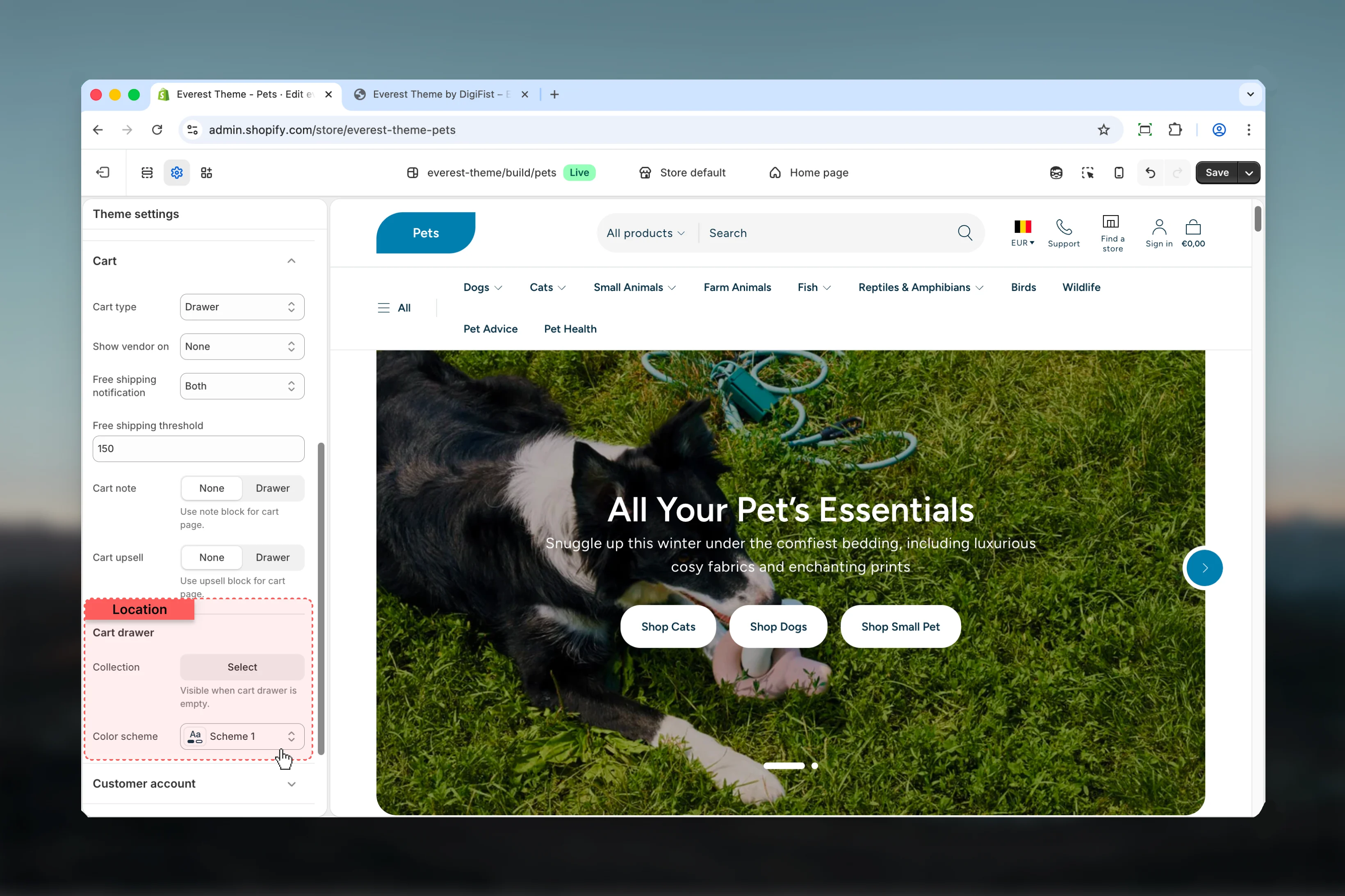
Collection
Collection
Select the collection source used by collection.Visible when cart drawer is empty.
Color scheme
Color scheme
Select the color scheme used for color scheme.Use this to keep contrast and branding consistent with the rest of the store.Default:
scheme-1Best practices
- Check contrast after changing color schemes so text and controls remain easy to read.
- Change one global setting area at a time and preview multiple templates before publishing.
- Remember that theme settings affect many sections at once, so small adjustments can have wide impact.