

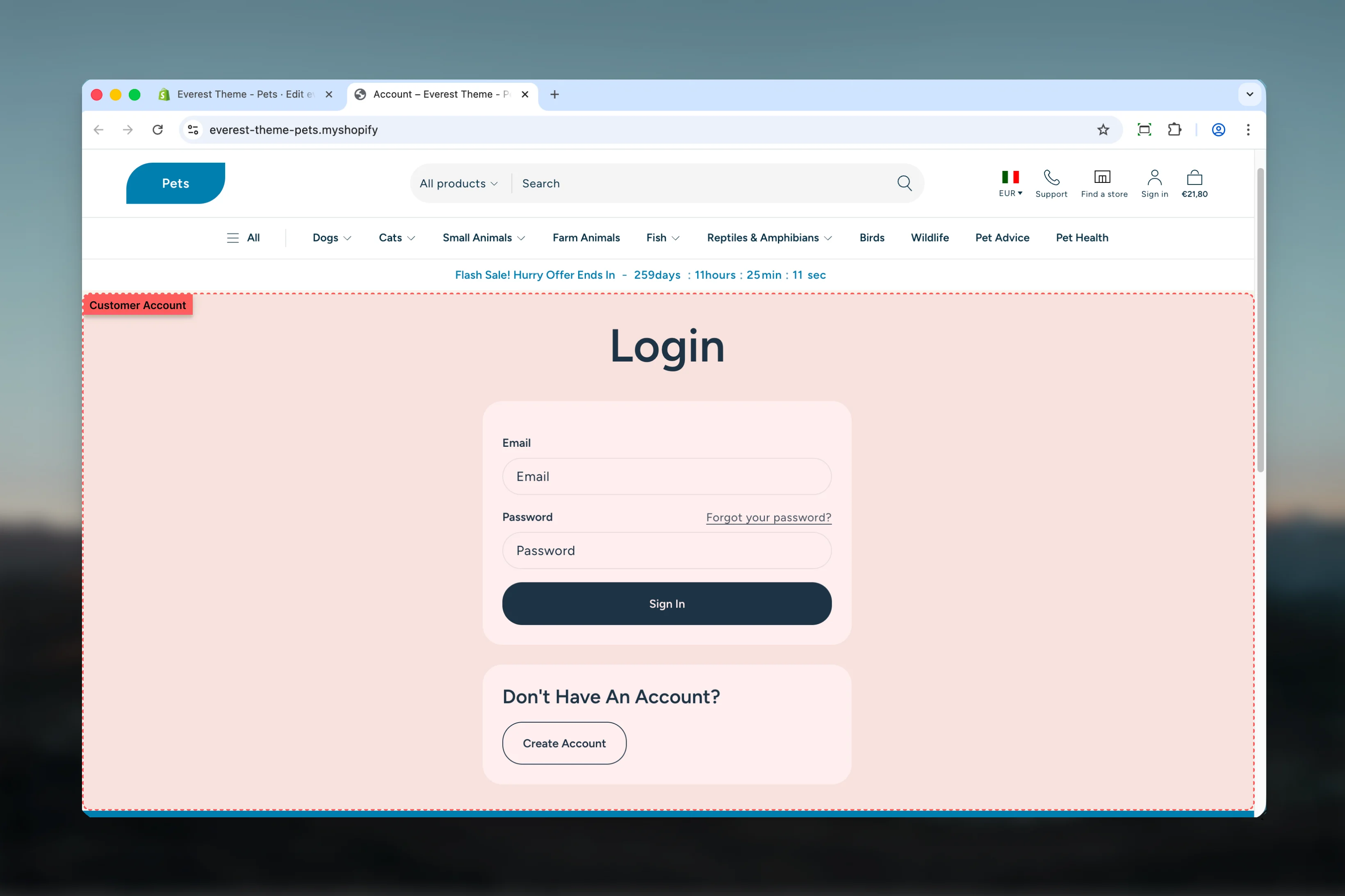
What this template controls
- The template section order and the supporting sections included by default
Template structure
This template uses the following main sections or related theme building blocks by default:- Account
- Addresses
- Login
- Order
- Register
- Activate Account
- Reset Password
Getting started
1
Open the template in Theme Customizer
Open the relevant page type or assign the template to a resource before customizing it.
2
Review the main section first
Start with the primary content section so layout, filtering, gallery, or page-level behavior is defined before refining supporting content.
3
Adjust supporting sections
Review any banners, content sections, or utility sections included in the template so the full page works together as a set.
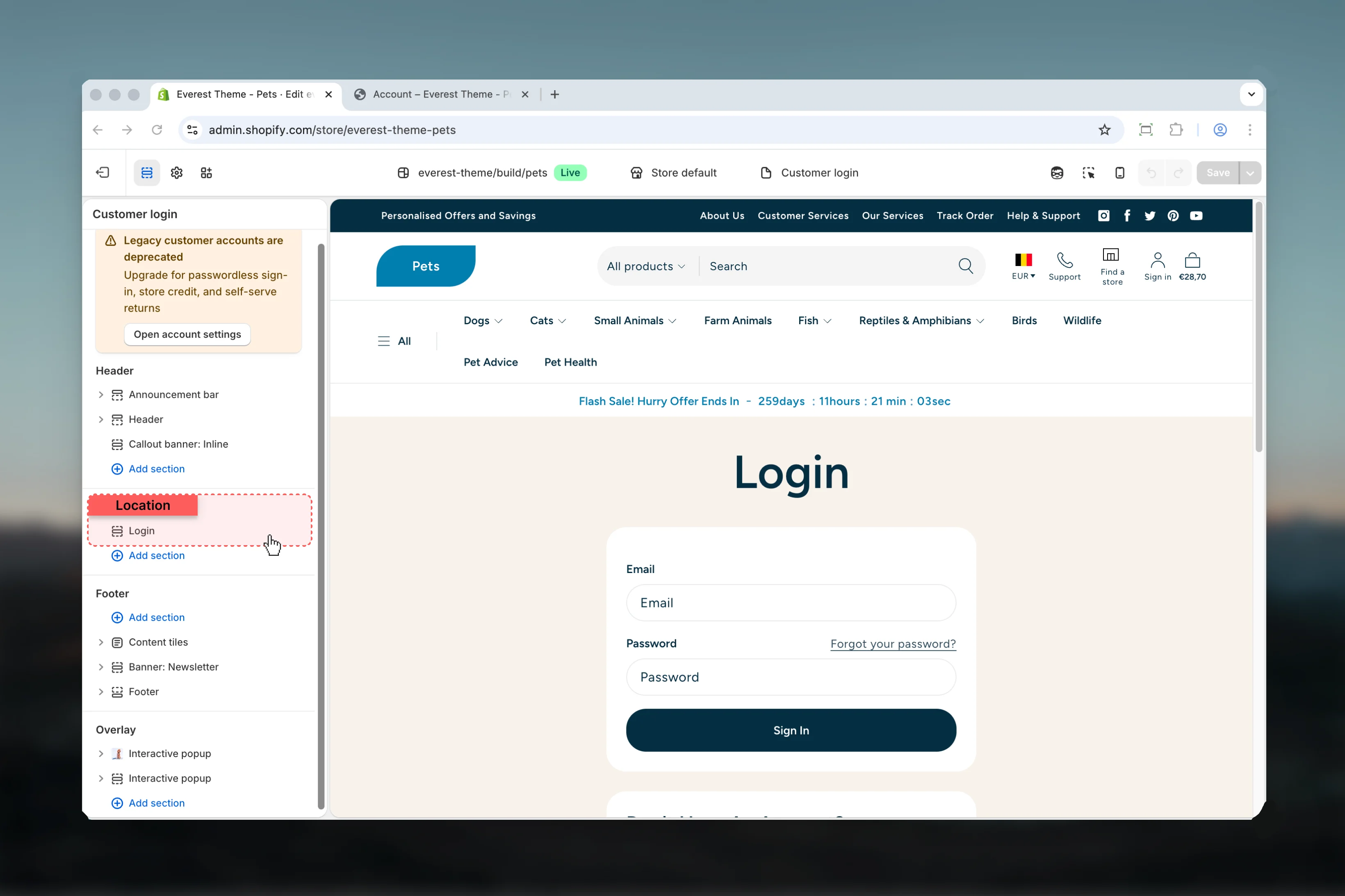
Included account templates
- Account overview
- Addresses
- Login
- Order detail
- Register
- Activate account
- Reset password
These templates have minimal theme-level settings in Everest. Their behavior depends more on Shopify customer account flows, shared theme styling, and the customer account theme settings category.
Best practices
- Test this template with real content volume so headings, cards, and filters behave as expected.
- Review supporting sections together because template defaults often work as a coordinated set.