

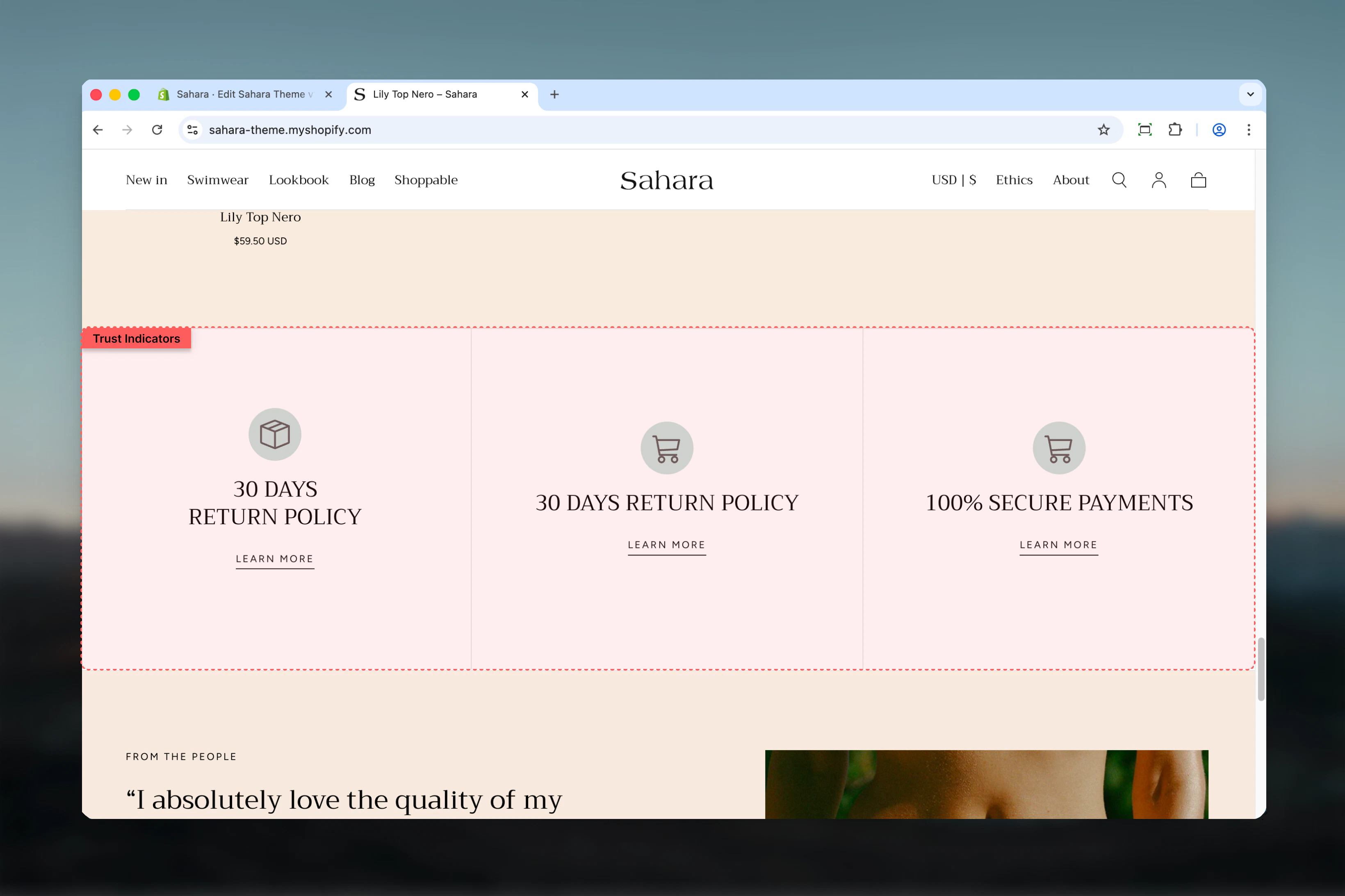
What this section controls
This section controls trust indicator displays with the following capabilities:- Up to 3 customizable indicator blocks
- Icon or image support for each indicator
- Horizontal or vertical layout options
- Mobile carousel functionality
- Individual color schemes per indicator
- Adjustable spacing and separators
How the Trust indicators section works
The section uses indicator blocks where each block represents one trust message (like “Free Shipping” or “Money-Back Guarantee”). You can add custom icons, headings, and optional links. On desktop, indicators display side by side, while on mobile they can optionally transform into a carousel slideshow.Getting started
1
Open Theme Customizer
From Shopify admin, access the Theme Customizer.
2
Add Trust indicators section
Add the Trust indicators section to your page or template.
3
Add indicator blocks
Click “Add block” and select “Indicator” to create trust messages.
4
Configure content
Add icon, heading, and optional link for each indicator.
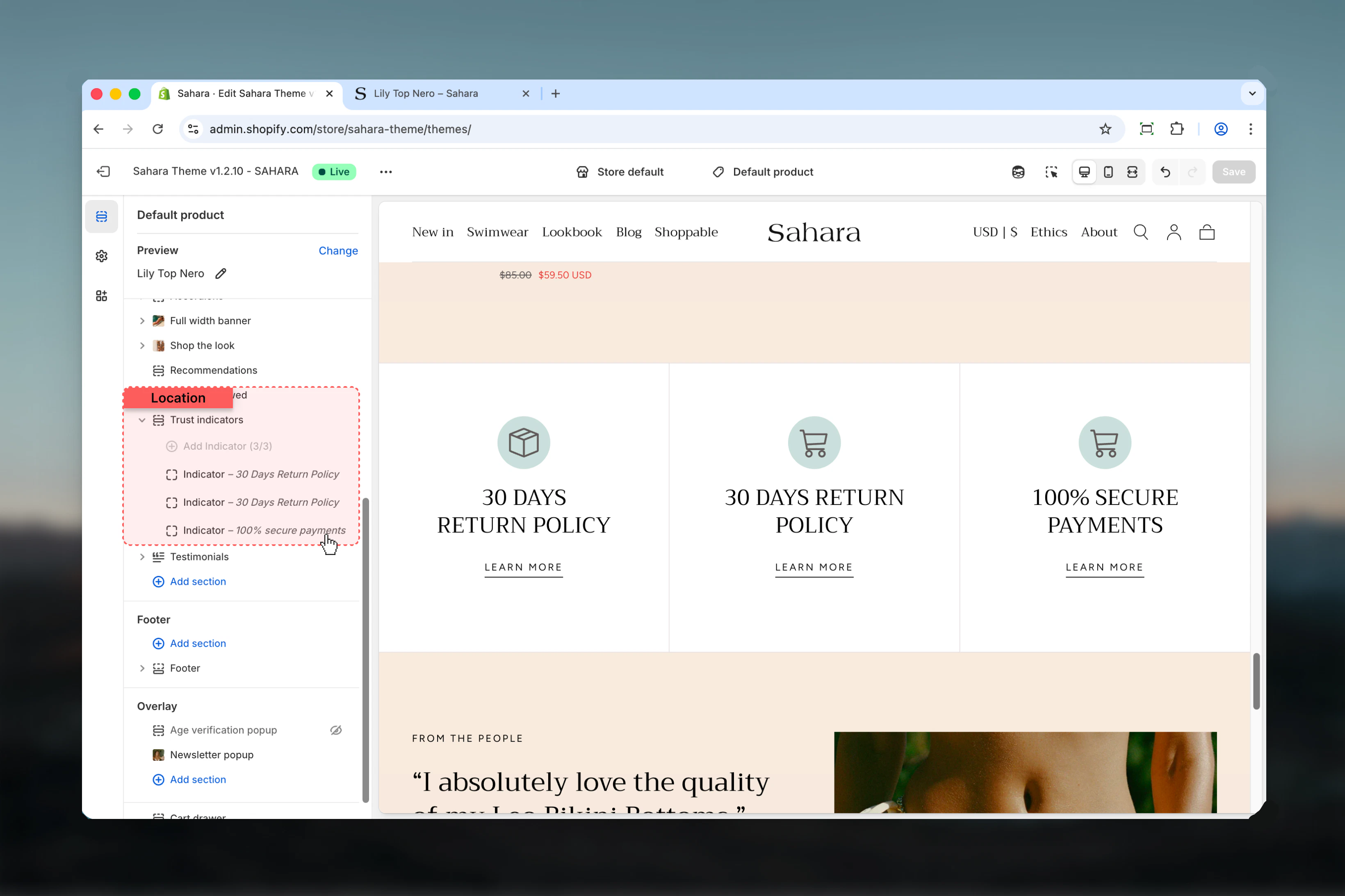
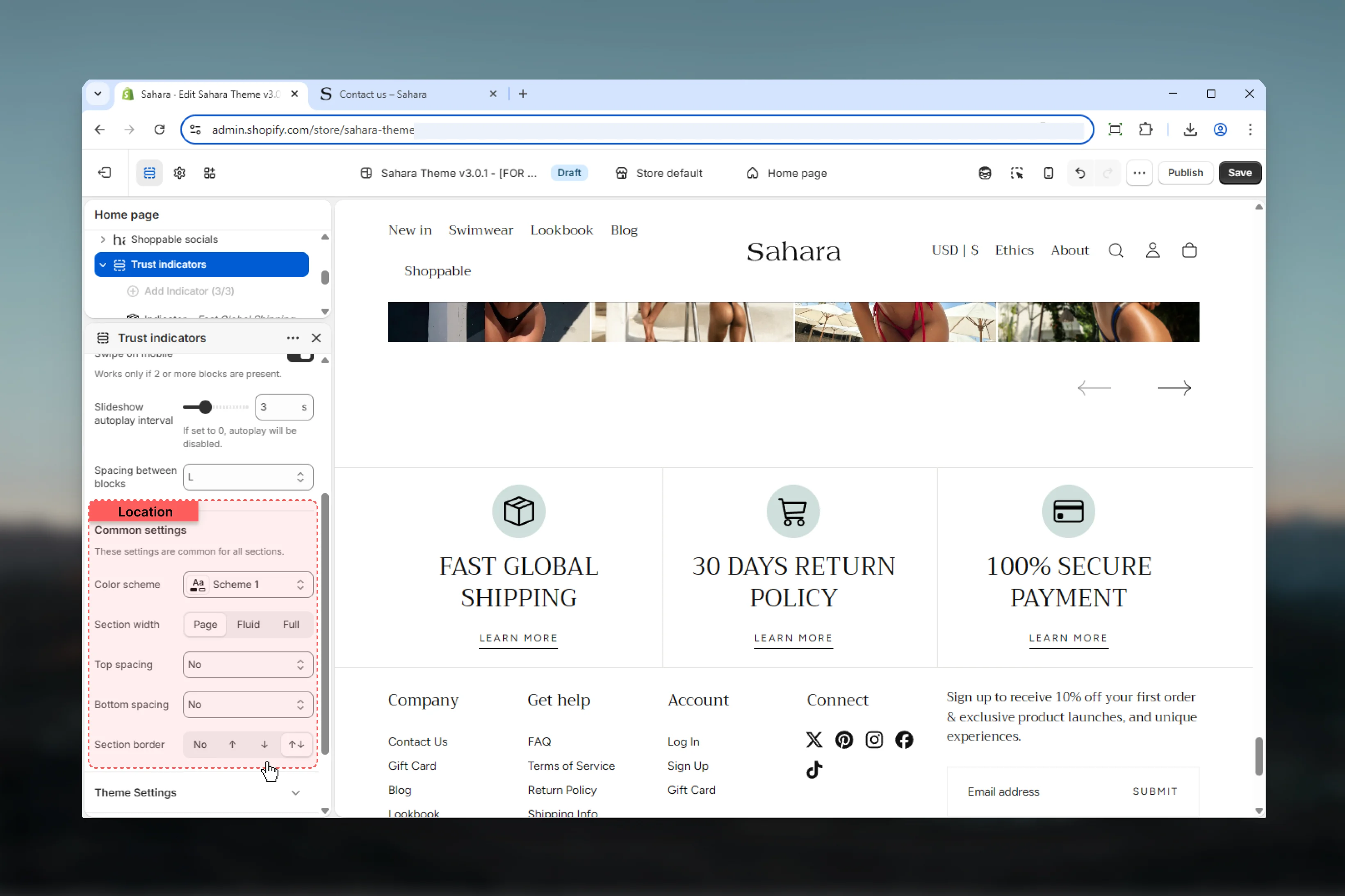
Section settings
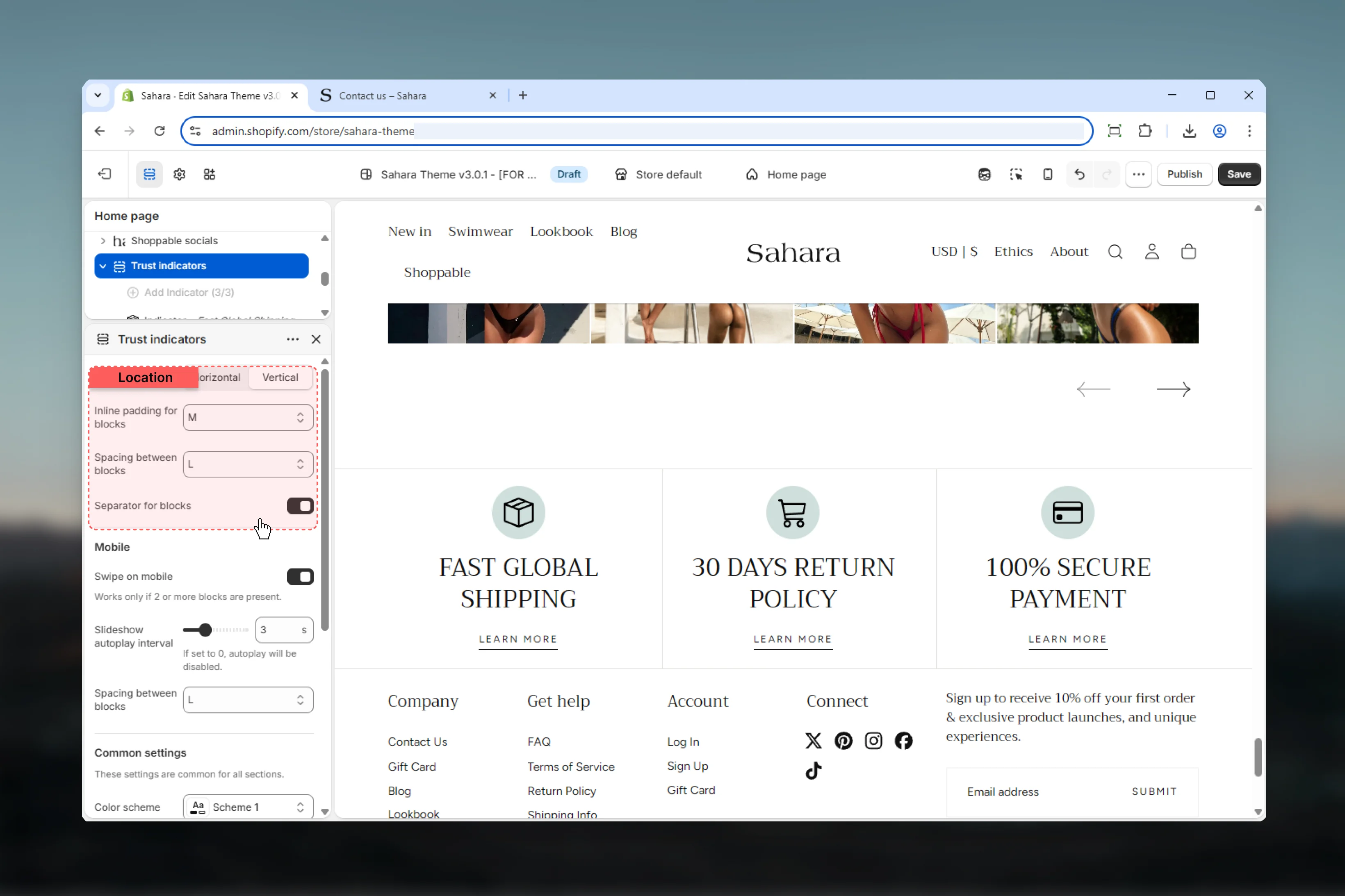
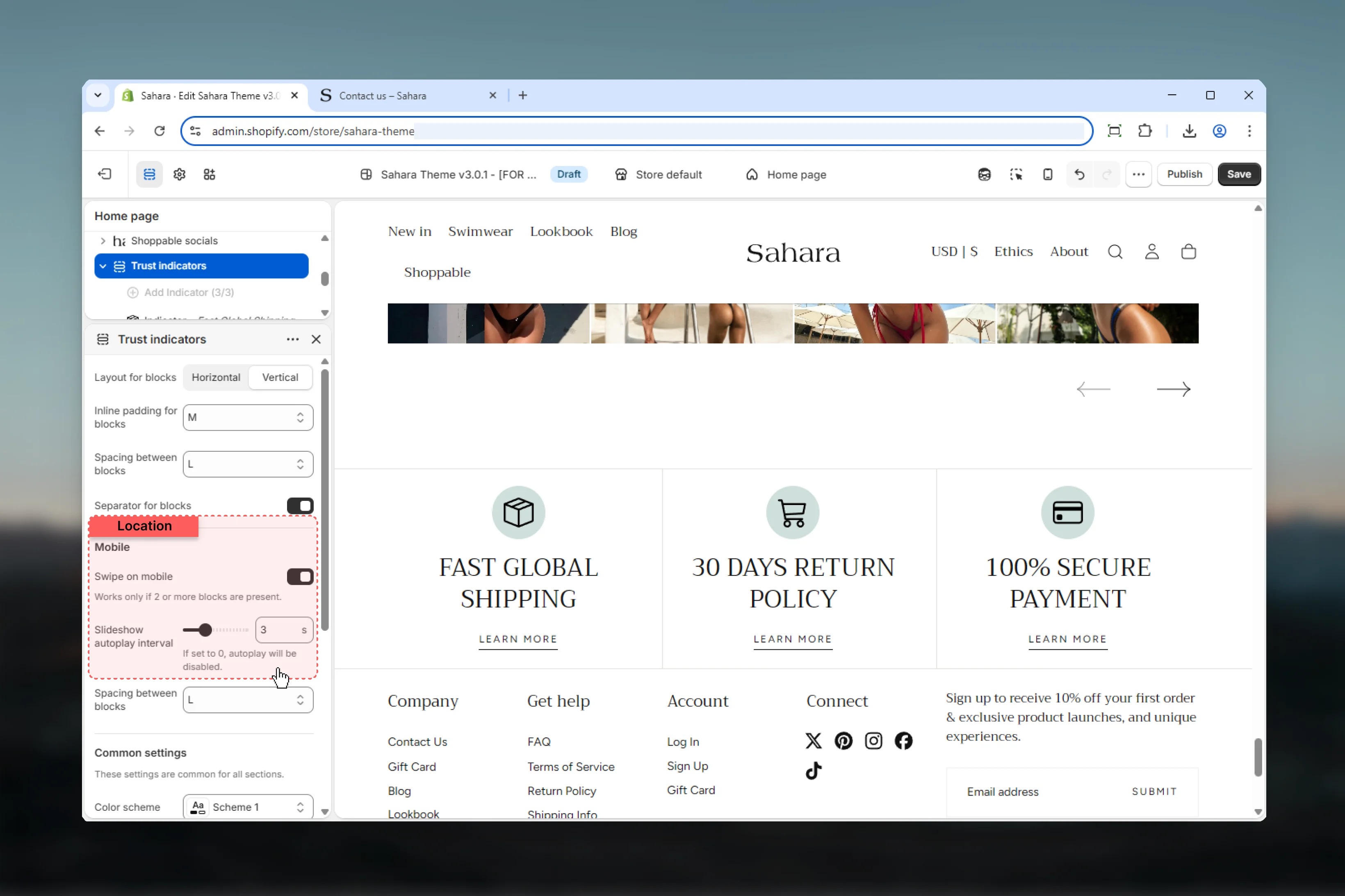
- Layout
- Spacing
- Mobile
- Styling
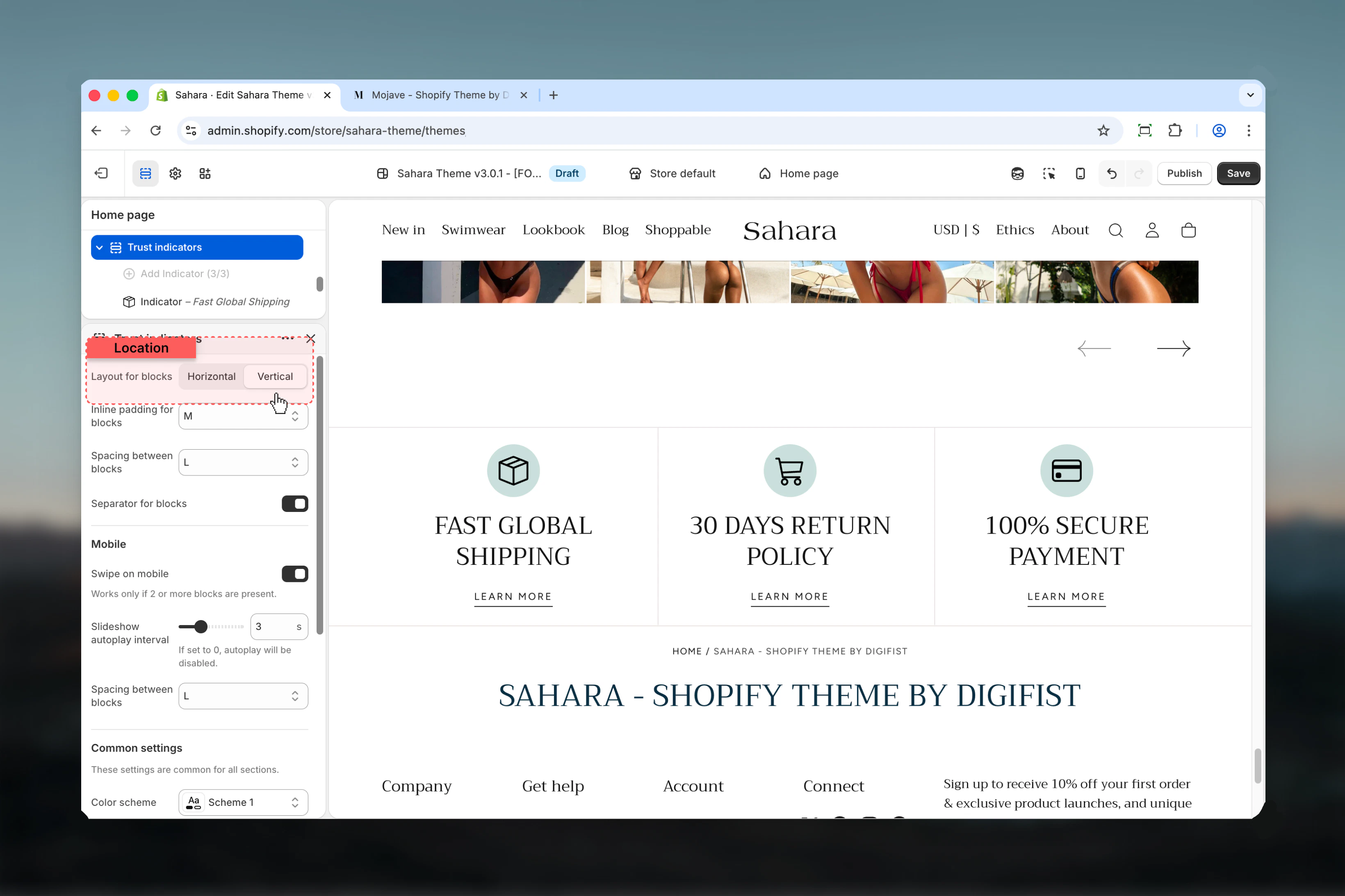
Layout
Controls the orientation of icon and text within each indicator.Horizontal
Horizontal
Icon and text appear side by side in a row.When to use:
- When you have brief, concise text
- Compact horizontal layouts
- Desktop-optimized displays
- Professional, streamlined appearance
Vertical
Vertical
Icon appears above the text in a column (default).When to use:
- Centered, symmetrical designs
- When icons are primary focus
- Better mobile presentation
- More prominent indicator display
Block settings
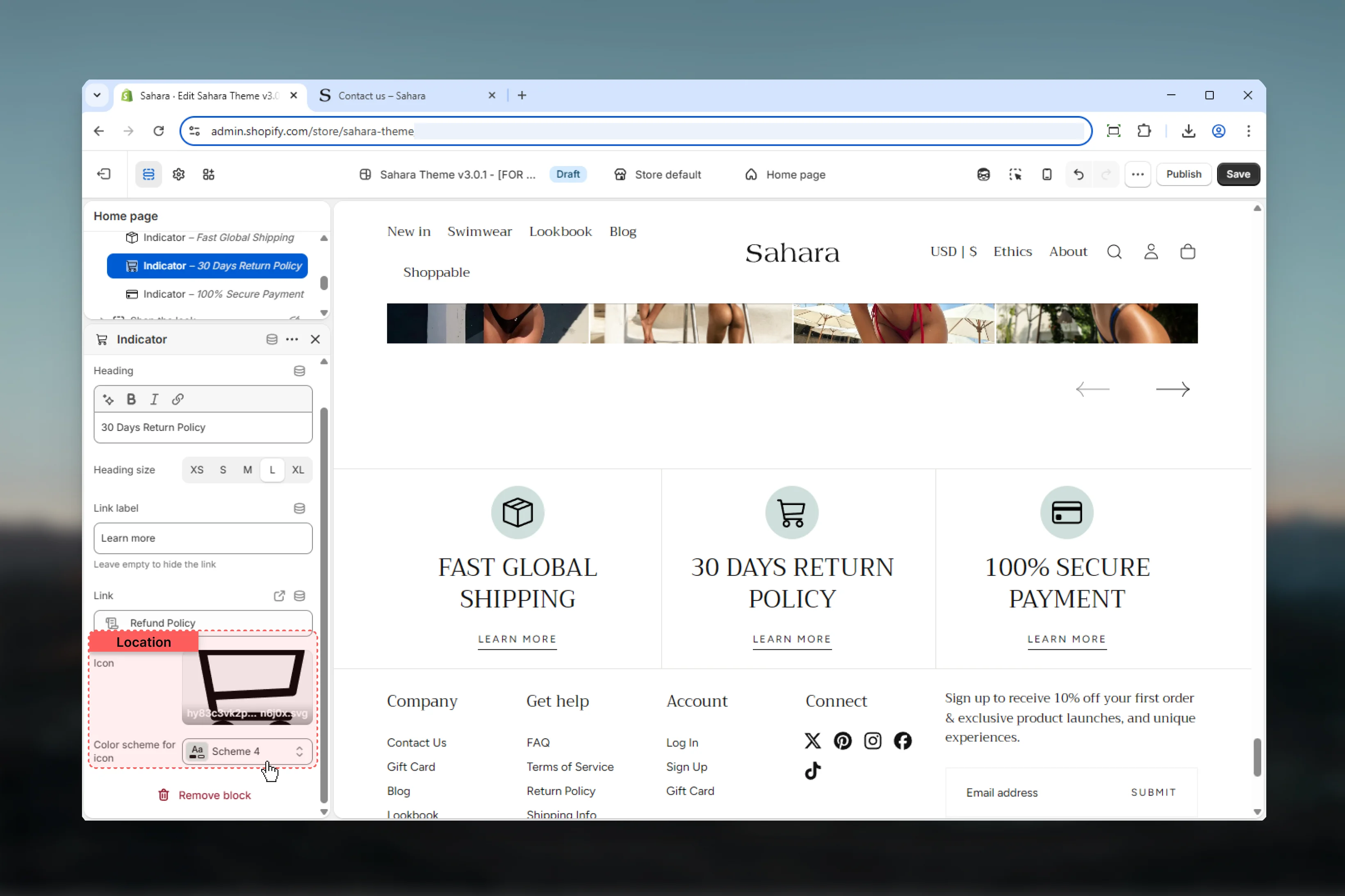
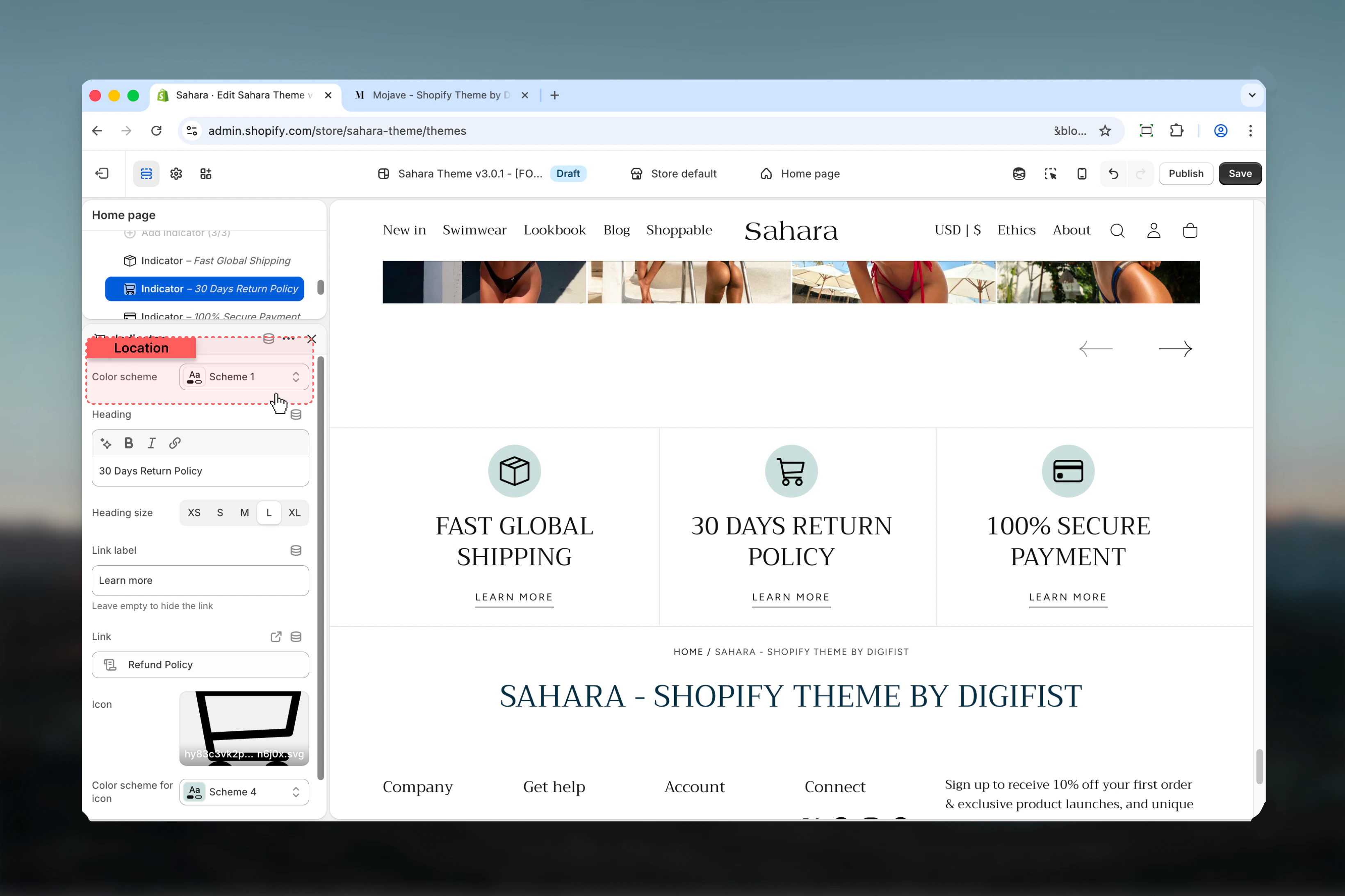
Each indicator block represents one trust message or guarantee. Maximum of 3 blocks allowed.- Content
- Icon
- Styling
Heading
Main text for the trust indicator.Effective indicator headings
Effective indicator headings
Best practices:
- Keep it brief (2-5 words)
- Be specific and clear
- Focus on customer benefit
- Use active, confident language
- “Free Shipping Over $50”
- “30-Day Money Back”
- “Secure Checkout”
- “24/7 Customer Support”
- Vague promises (“Great Service”)
- Too much detail (“We ship your order using…”)
- All caps (unless part of brand)
Heading size
Controls the visual size of the indicator heading.Available options: XS, S, M, L (default), XLLink label
Optional button or link text displayed with the indicator.When to use links
When to use links
Use links to:
- Explain guarantee or policy details
- Link to shipping information page
- Connect to return policy
- Show security certifications
- “Learn more”
- “View details”
- “See policy”
- “Read more”
- Indicator is self-explanatory
- No supporting page exists
- Keeping design minimal
Link URL
Destination URL for the link.Default: ”/”If link URL is set but link label is empty, no link will display.
Best practices
Limit indicators
Use 2-3 indicators maximum. Too many dilute impact and reduce credibility.
Be specific
Use concrete details (“Free shipping over $50”) instead of vague promises (“Great service”).
Consistent icons
Use similar icon styles (all line art or all filled) for cohesive appearance.
Strategic placement
Place near conversion points: below product descriptions, above add-to-cart, or in footer.
Deliver on promises
Only display guarantees you actually honor. False promises damage trust severely.
Mobile optimization
Enable mobile slider for 3 indicators to save screen space and improve navigation.
Common use cases
E-commerce essentials bar
E-commerce essentials bar
Display 3 core value props: “Free Shipping $50+”, “Easy Returns”, “Secure Checkout”. Use horizontal layout with shipping/return/lock icons. Place below header or above footer on all pages.
Product page confidence builders
Product page confidence builders
Show 2-3 product-specific guarantees: “Quality Guaranteed”, “30-Day Returns”, “Lifetime Warranty”. Use vertical layout below product description. Link to detailed policy pages.
Checkout page reassurance
Checkout page reassurance
Display security indicators: “Secure Checkout”, “Encrypted Payment”, “Money-Back Guarantee”. Horizontal layout, minimal spacing. Place above payment form to reduce cart abandonment.
Homepage trust building
Homepage trust building
Showcase brand promises: “Est. 2010”, “50k+ Happy Customers”, “24/7 Support”. Vertical layout with custom badge icons. Place after hero section or before testimonials.
Related sections
Testimonials
Display customer reviews for social proof
Rich text
Add detailed policy or guarantee explanations