

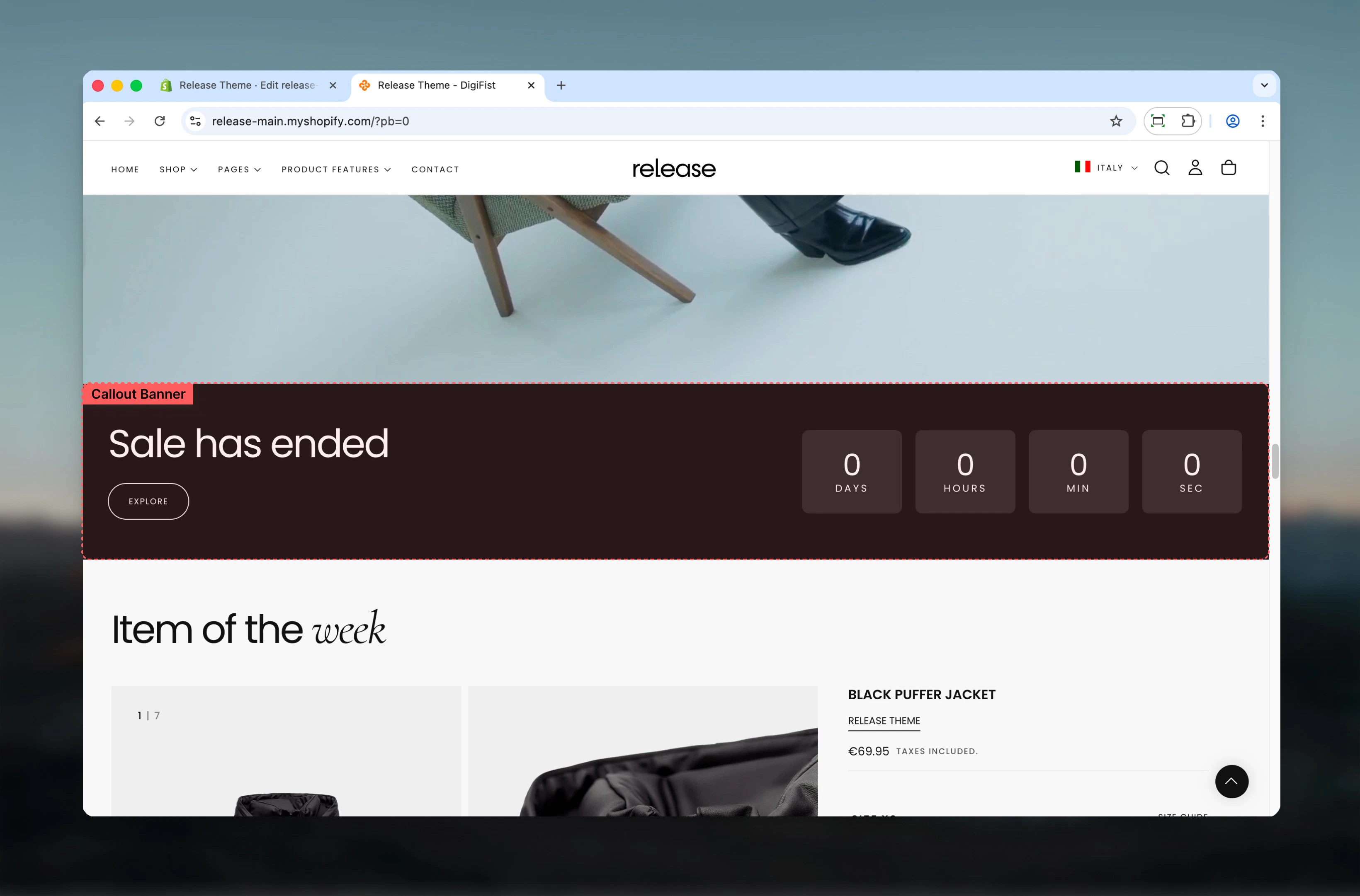
What this section controls
This section controls callout banner displays with the following capabilities:- Horizontal or vertical layout arrangements
- Flexible media positioning (start, end, or full background)
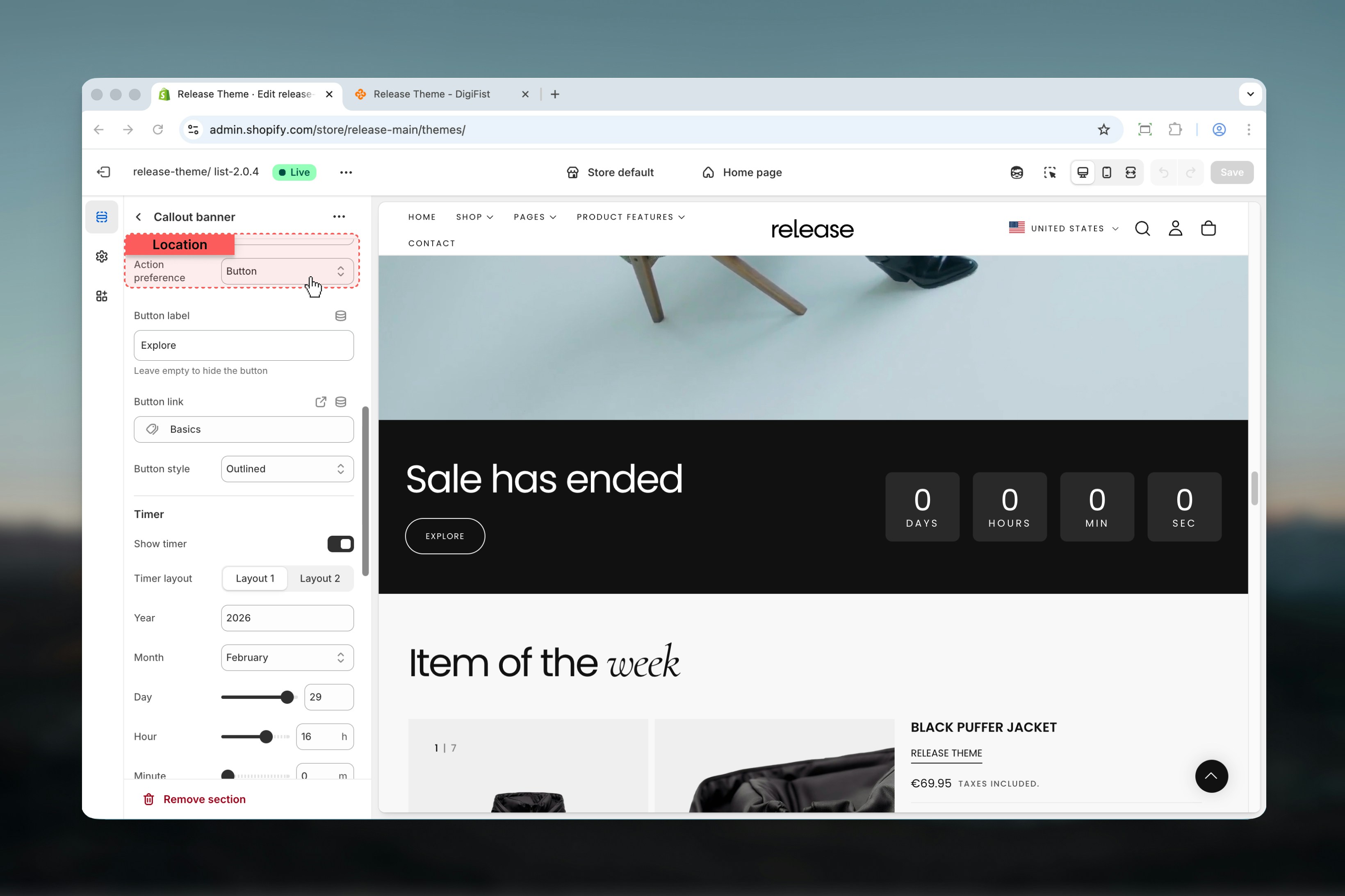
- Button or newsletter signup action types
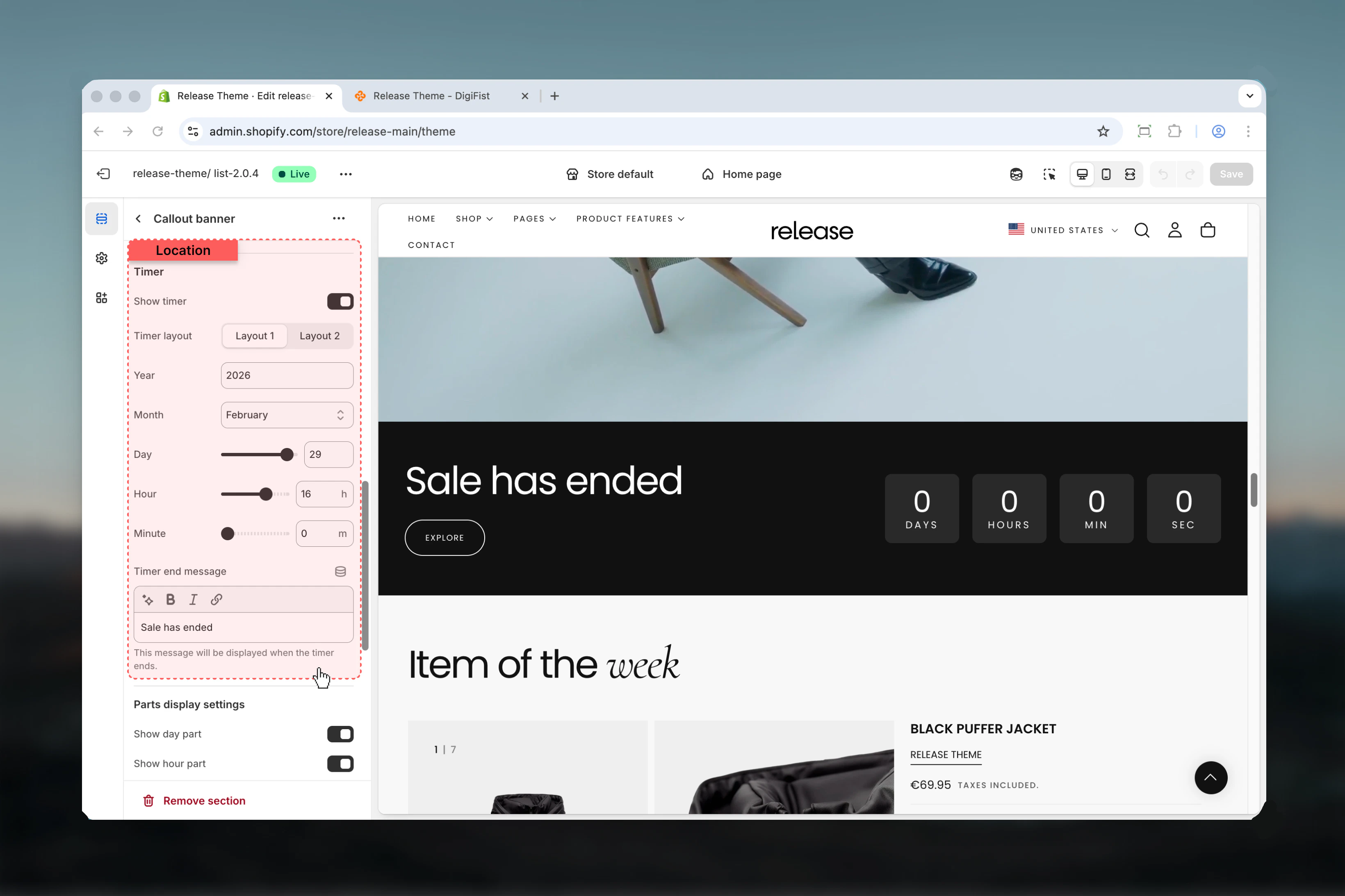
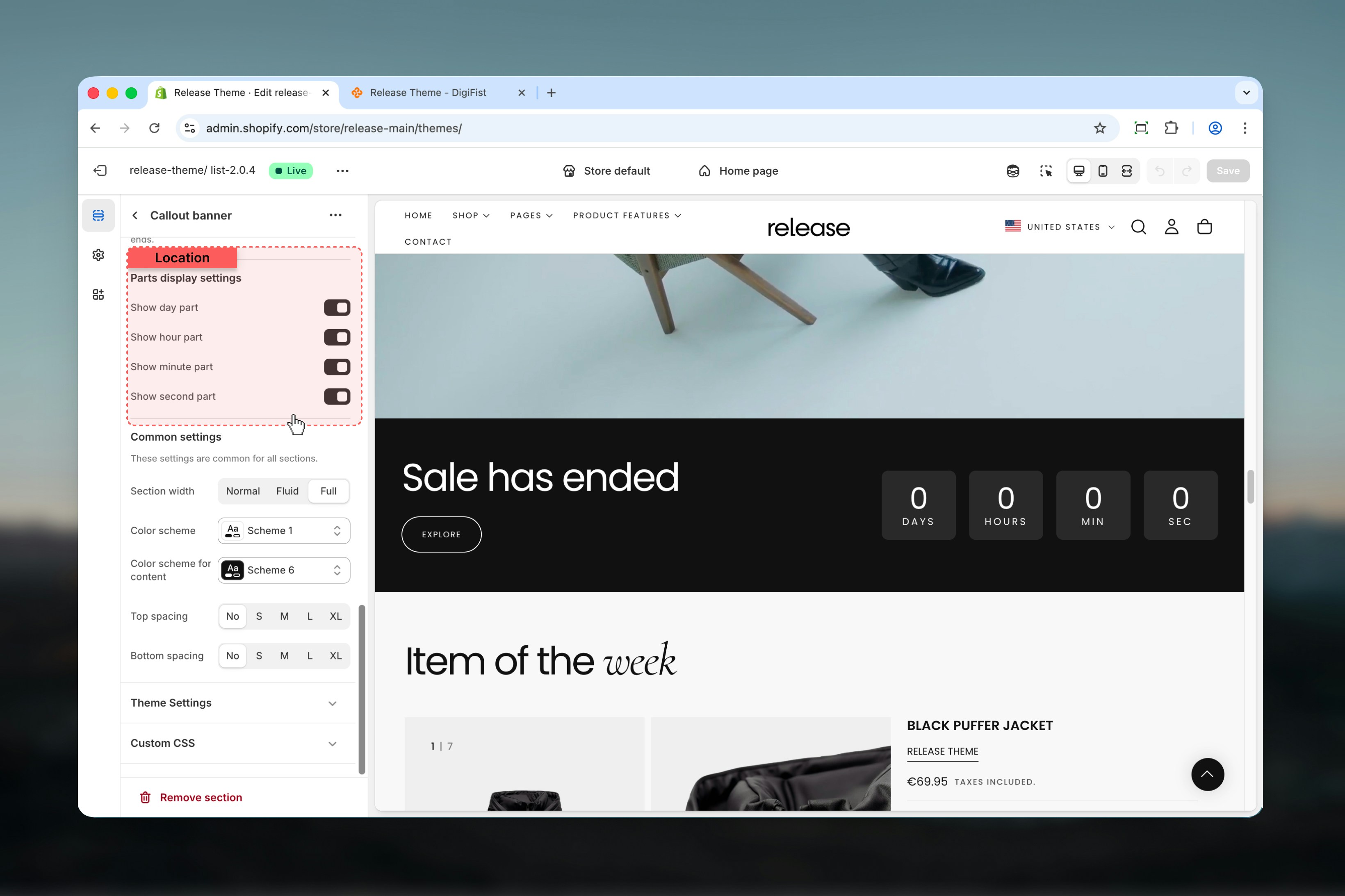
- Optional countdown timer with customizable display
- Desktop and mobile-specific image support
How the Callout Banner works
The Callout Banner uses a flexible content system:- The section can be displayed horizontally or vertically
- Media placement adapts based on the selected layout
- Content can trigger either a button action or a newsletter signup
- An optional countdown timer can be used to create urgency
Getting started
1
Open Theme Customizer
From Shopify admin, access the Theme Customizer.
2
Add Callout Banner section
Add the Callout Banner section to your page or template.
3
Configure layout
Select section layout and media positioning.
4
Add content
Add heading, text, and configure button or newsletter action.
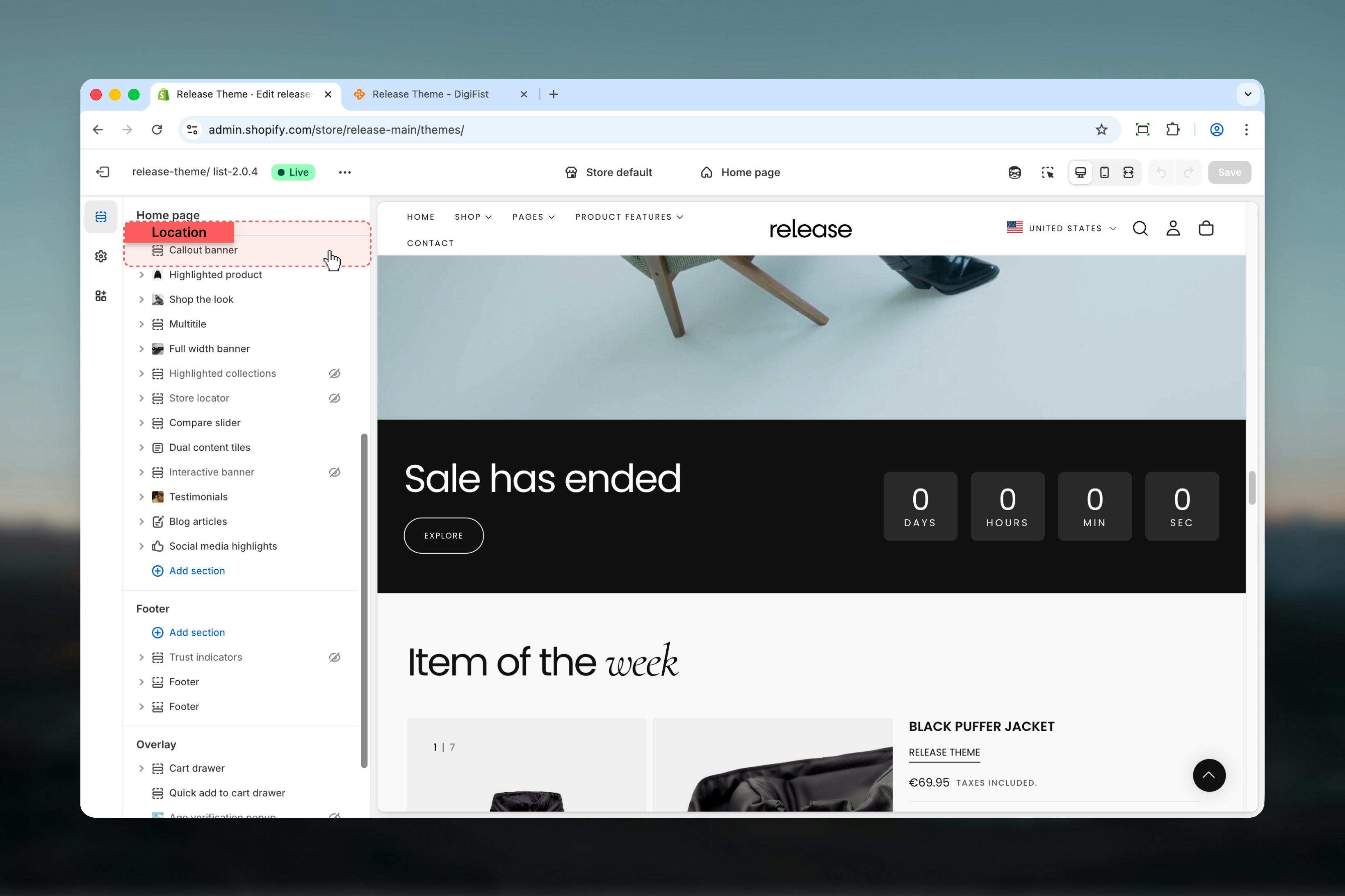
Section settings
Section settings control the overall layout, media behavior, and content structure.- Layout
- Content
- Action
- Timer
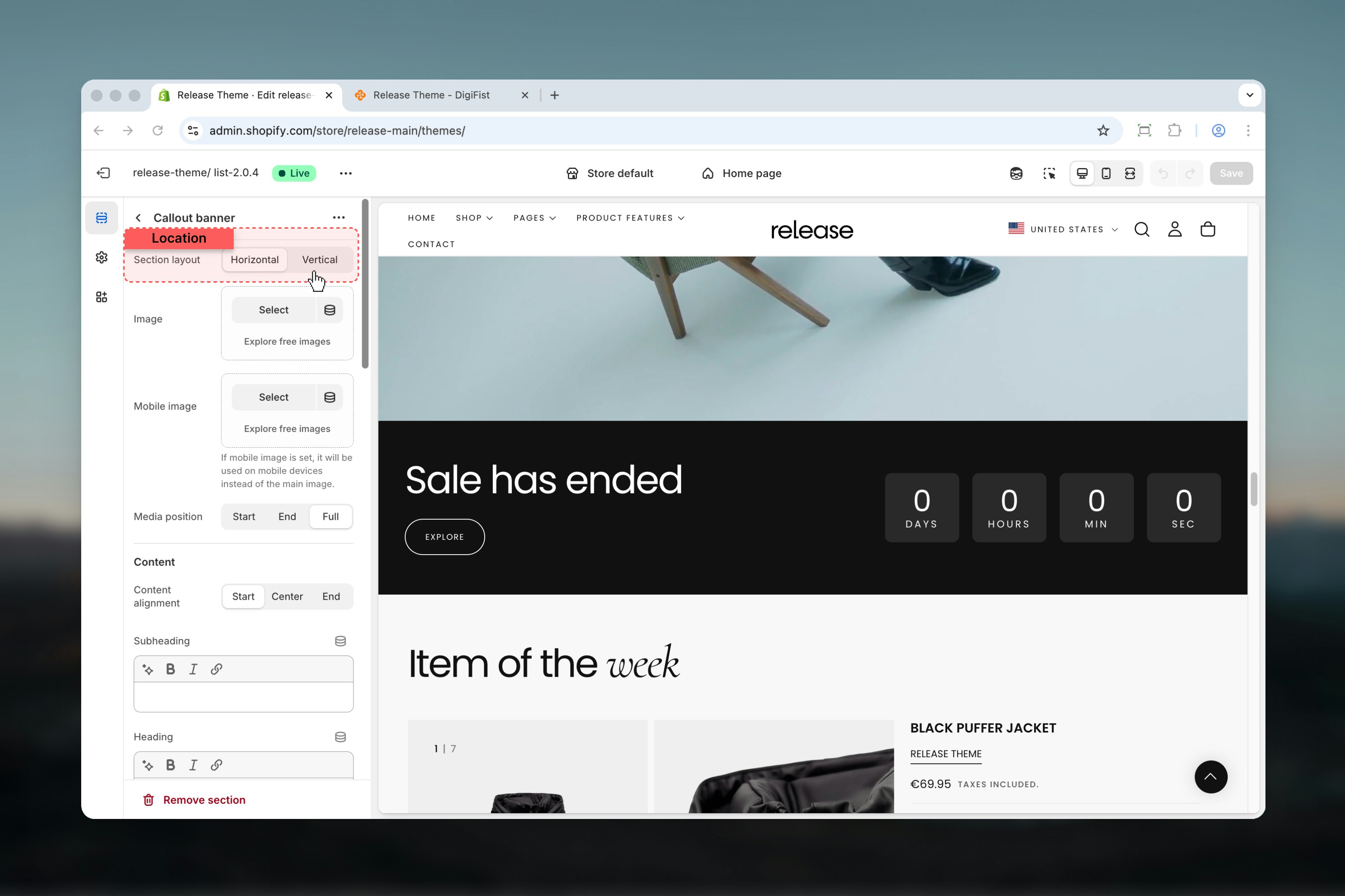
Section layout
Controls how the banner content is arranged.Available options:- Horizontal: Content and media are arranged side by side
- Vertical: Content and media are stacked vertically
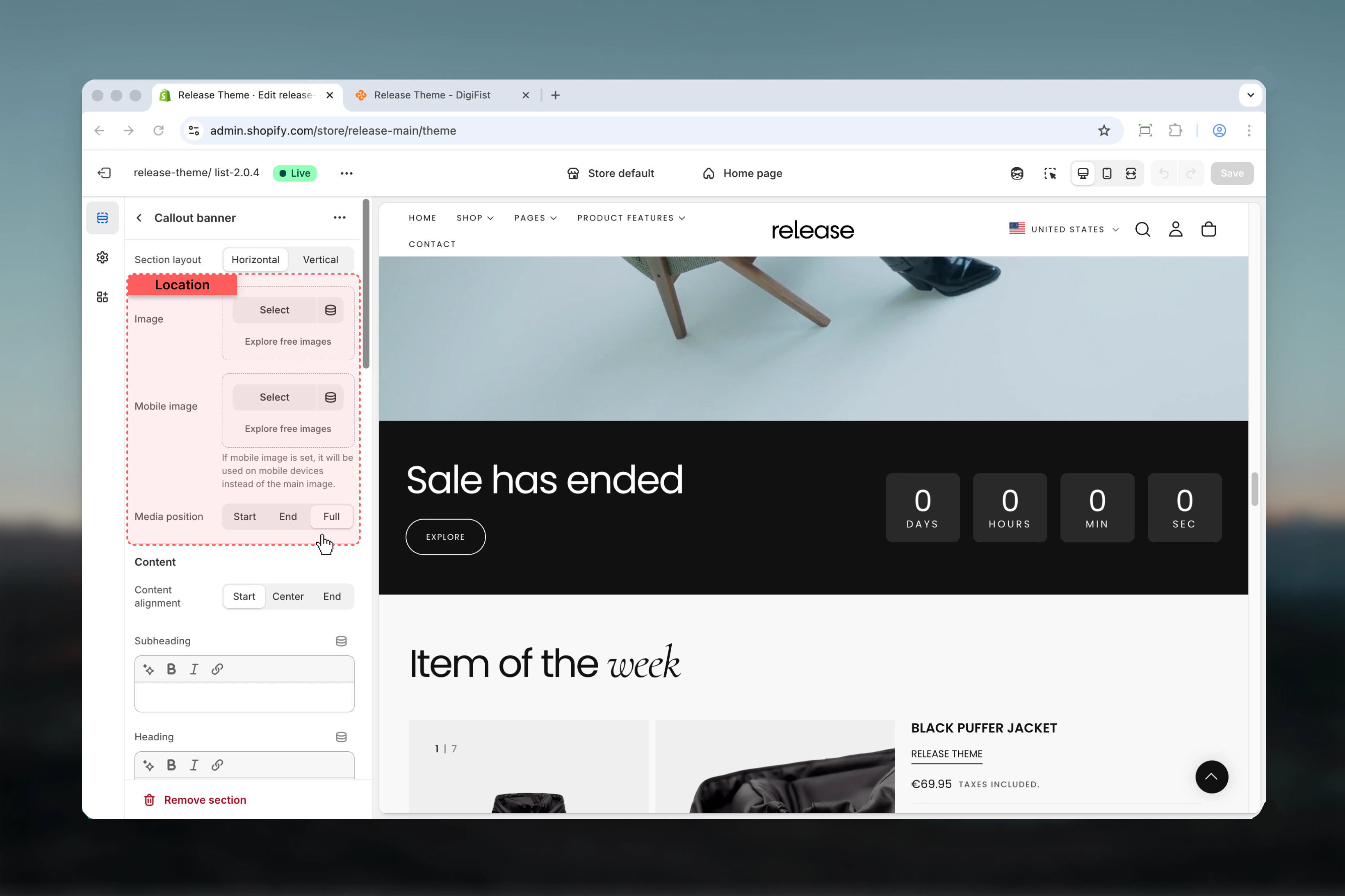
Image
Main image displayed in the banner.Uses Shopify’s image selector.Mobile image
Image used on mobile devices.If a mobile image is set, it will be used on mobile instead of the main image.
Media position
Controls how the image is positioned within the section.Available options:- Start: Media appears at the start of the section
- Left side in horizontal layout
- Top area in vertical layout
- End: Media appears at the end of the section
- Right side in horizontal layout
- Bottom area in vertical layout
- Full: Media fills the entire section and behaves like a background
Media positioning adapts automatically based on the selected section layout.
Best practices
- Use Full media position for strong visual impact and immersive experiences
- Prefer Horizontal layout for promotional banners to maximize screen real estate
- Use Vertical layout for stacked or mobile-focused designs for better readability
- Always test contrast when using full-background images to ensure text visibility
- Keep timer durations clear and intentional to create genuine urgency
- Choose between button and newsletter actions based on campaign goals
- Test mobile image separately to ensure optimal display on smaller screens
- Consider disabling timer parts (like seconds) for cleaner, less distracting displays
Related guides
Common Settings
Learn about common settings shared across sections