

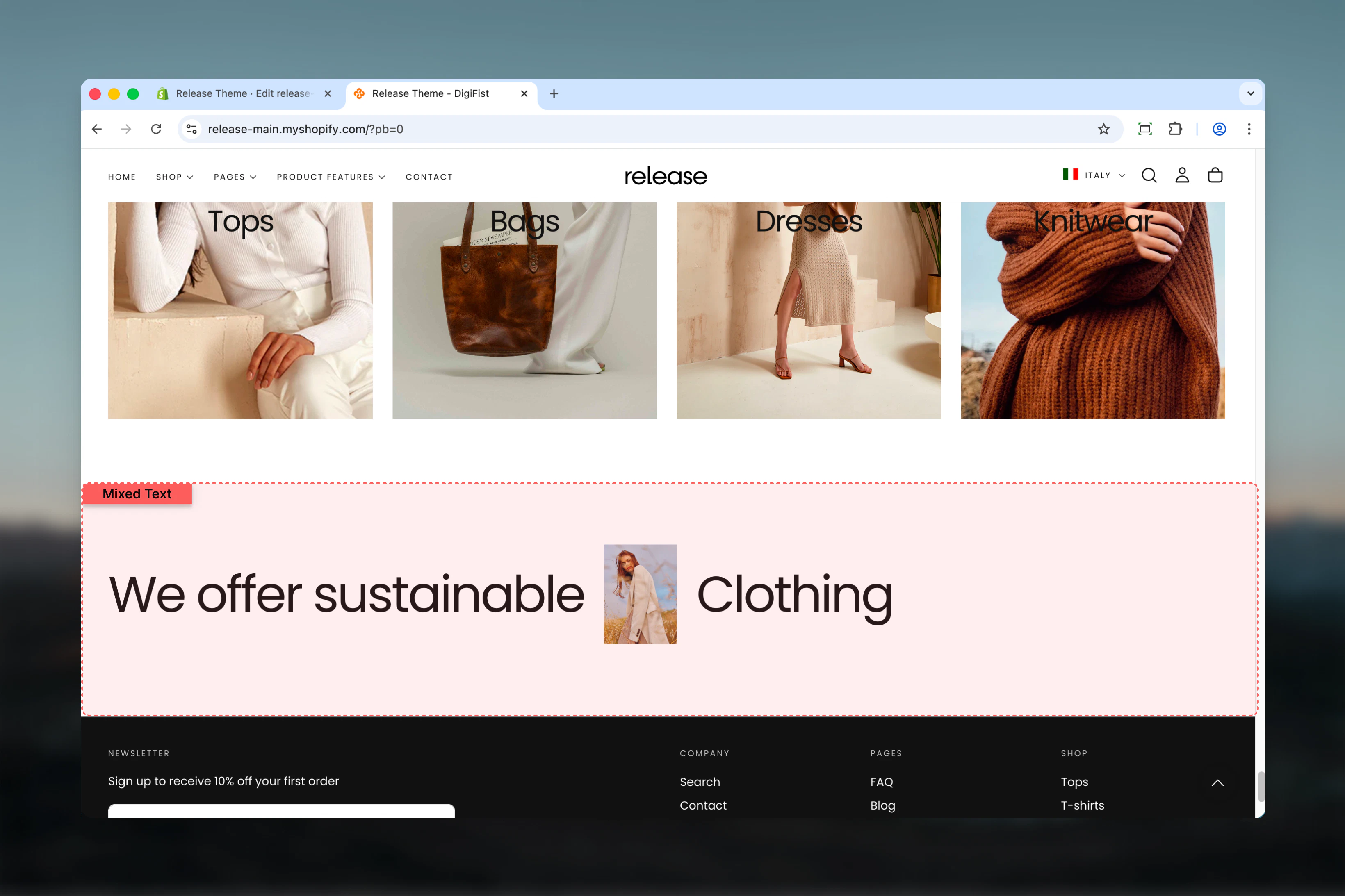
What this section controls
This section controls mixed text and image layouts with the following capabilities:- Unlimited text and image blocks flowing inline
- Custom content width and alignment
- Rich text support with links
- Inline images between text elements
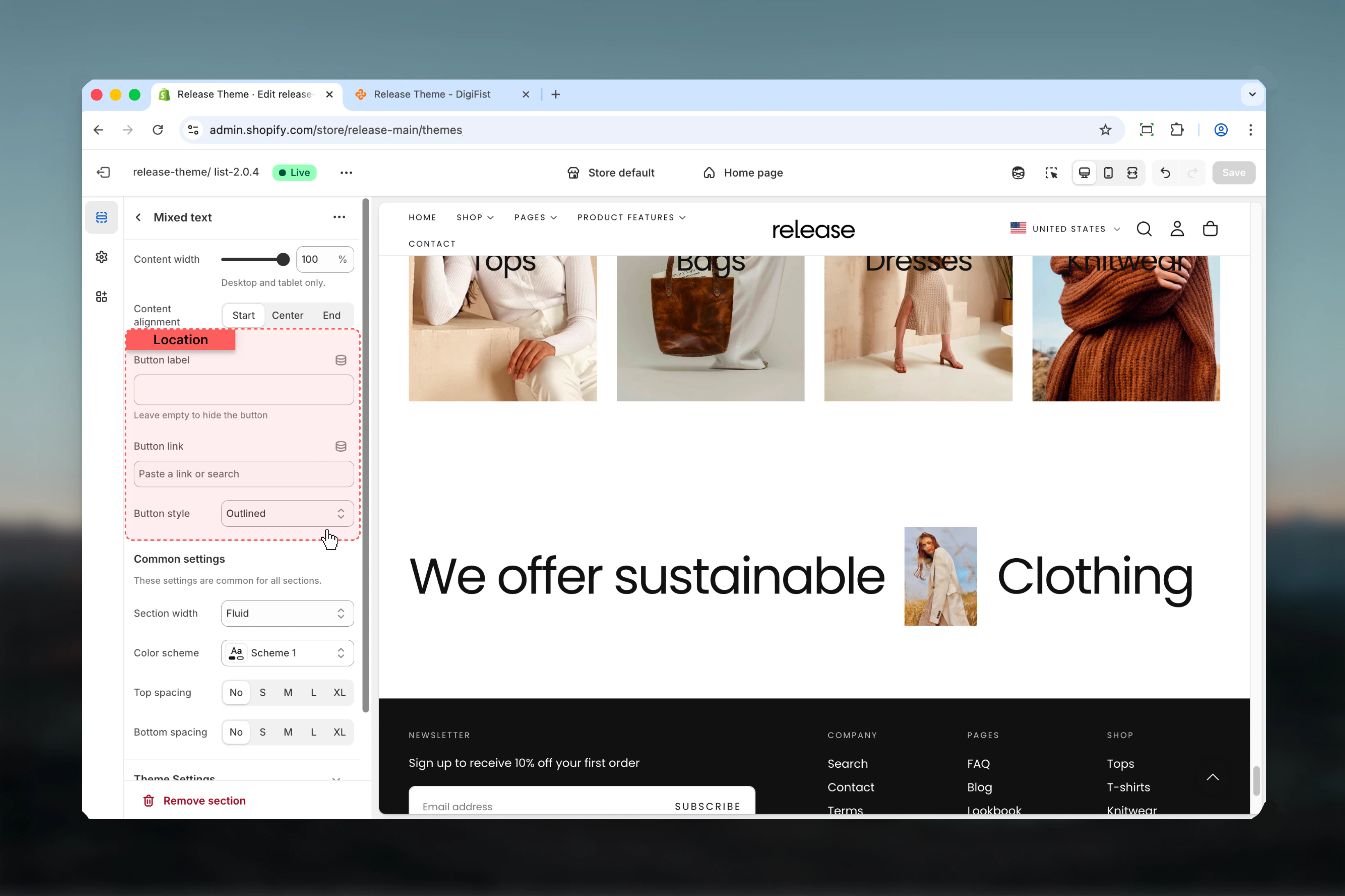
- Optional CTA button below content
- Flexible color schemes
How the Mixed Text section works
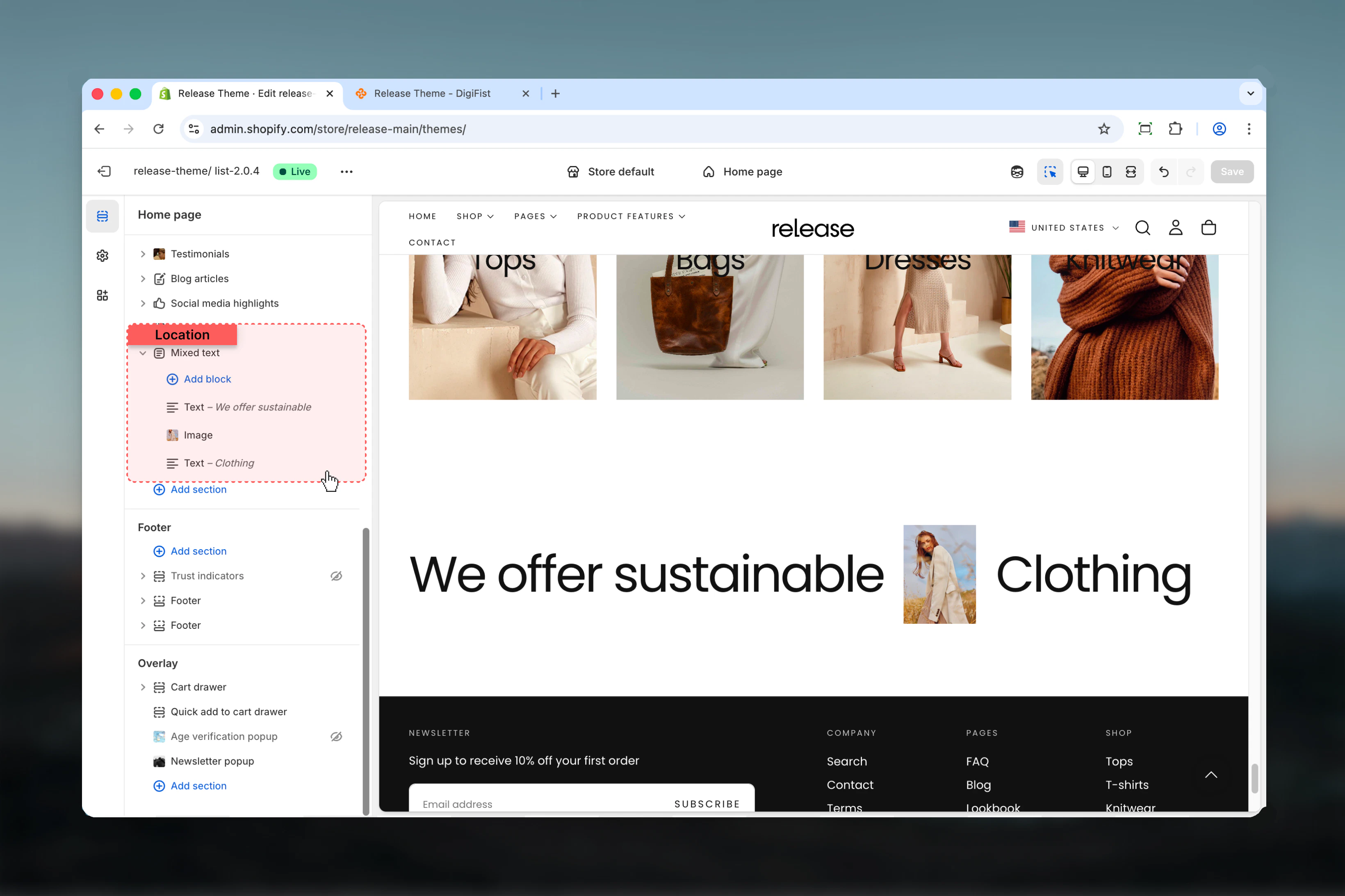
The Mixed Text section displays content in a flowing layout:- Add unlimited text or image blocks
- Each text block represents a word or phrase
- Images render inline with text flow
- Content wraps naturally based on width
- Optional button appears below all content
Getting started
1
Open Theme Customizer
From Shopify admin, access the Theme Customizer.
2
Add Mixed Text section
Add the section to your desired page or template.
3
Add content blocks
Click Add Text or Add Image to build your mixed layout.
4
Configure styling
Set content width, alignment, and color scheme.
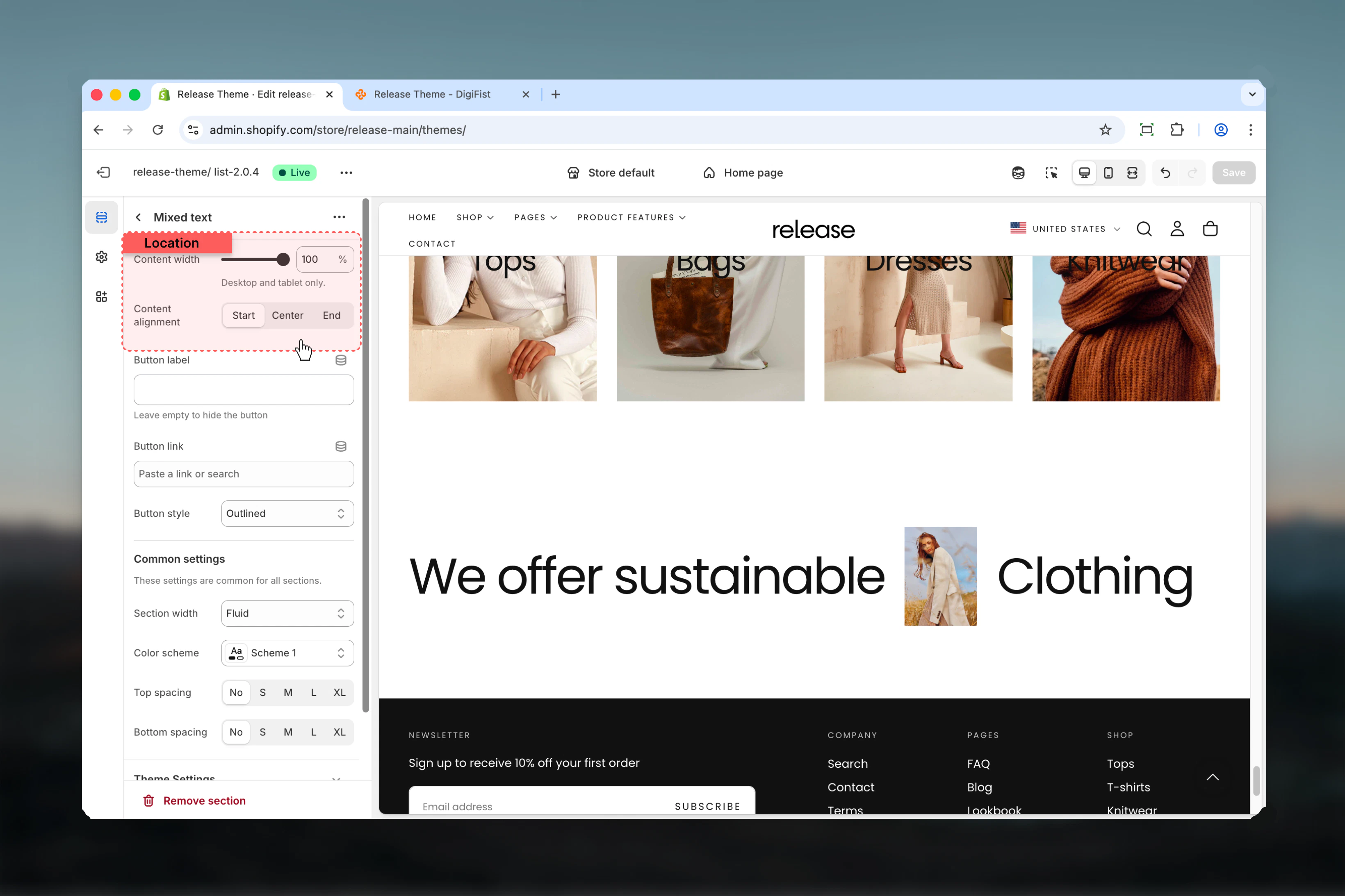
Section settings
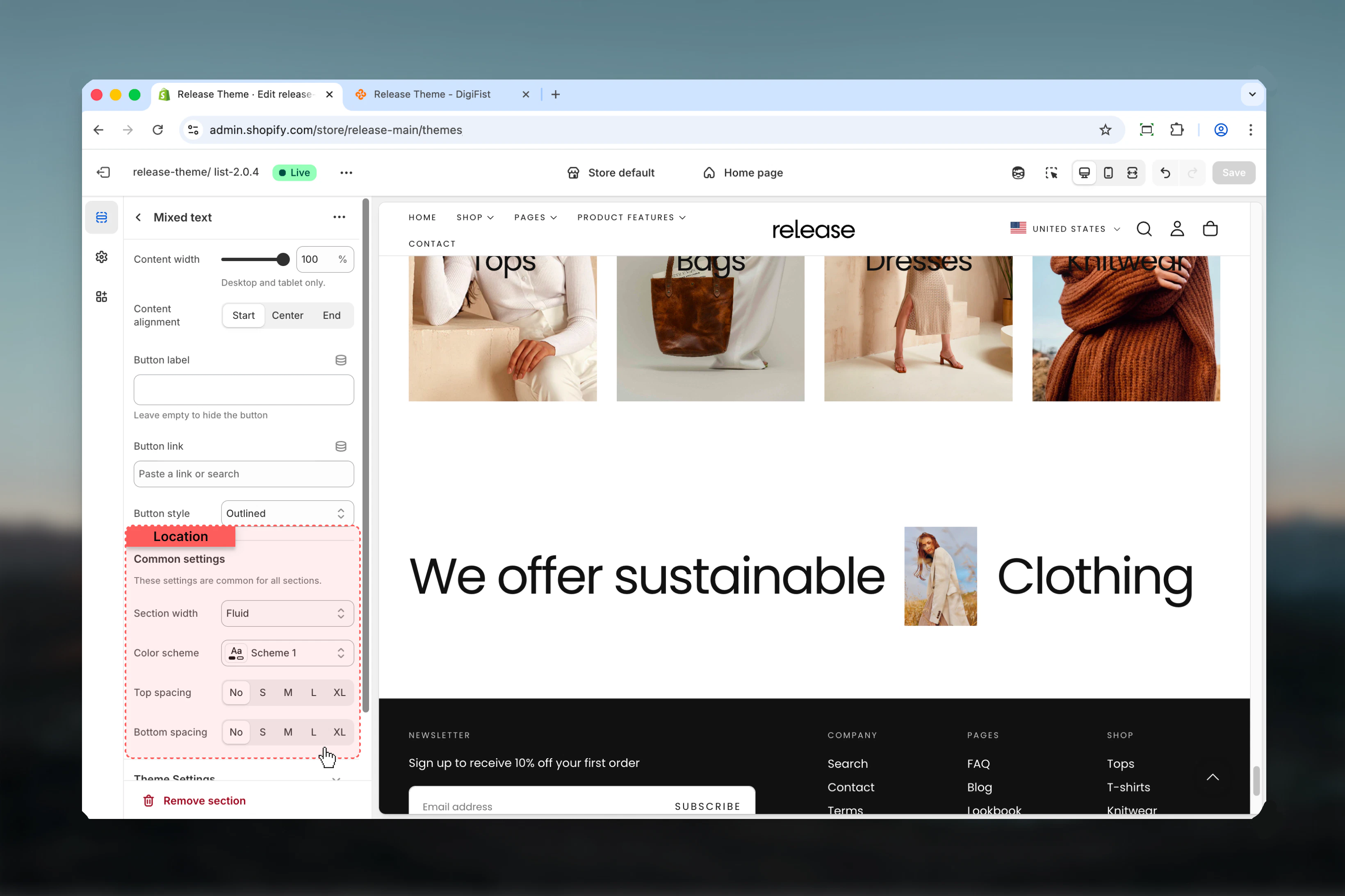
Section settings control layout, styling, and optional CTA button.- Layout
- Settings
Content width
Controls the width of content area.Range: 40 – 100Unit: %Default: 100This setting applies to desktop devices only.
Content alignment
Controls horizontal and vertical alignment of all content.Available options:- Start: Left/top aligned
- Center: Center aligned
- End: Right/bottom aligned
Block settings
The Mixed Text section supports two types of blocks: Text and Image.- Text Block
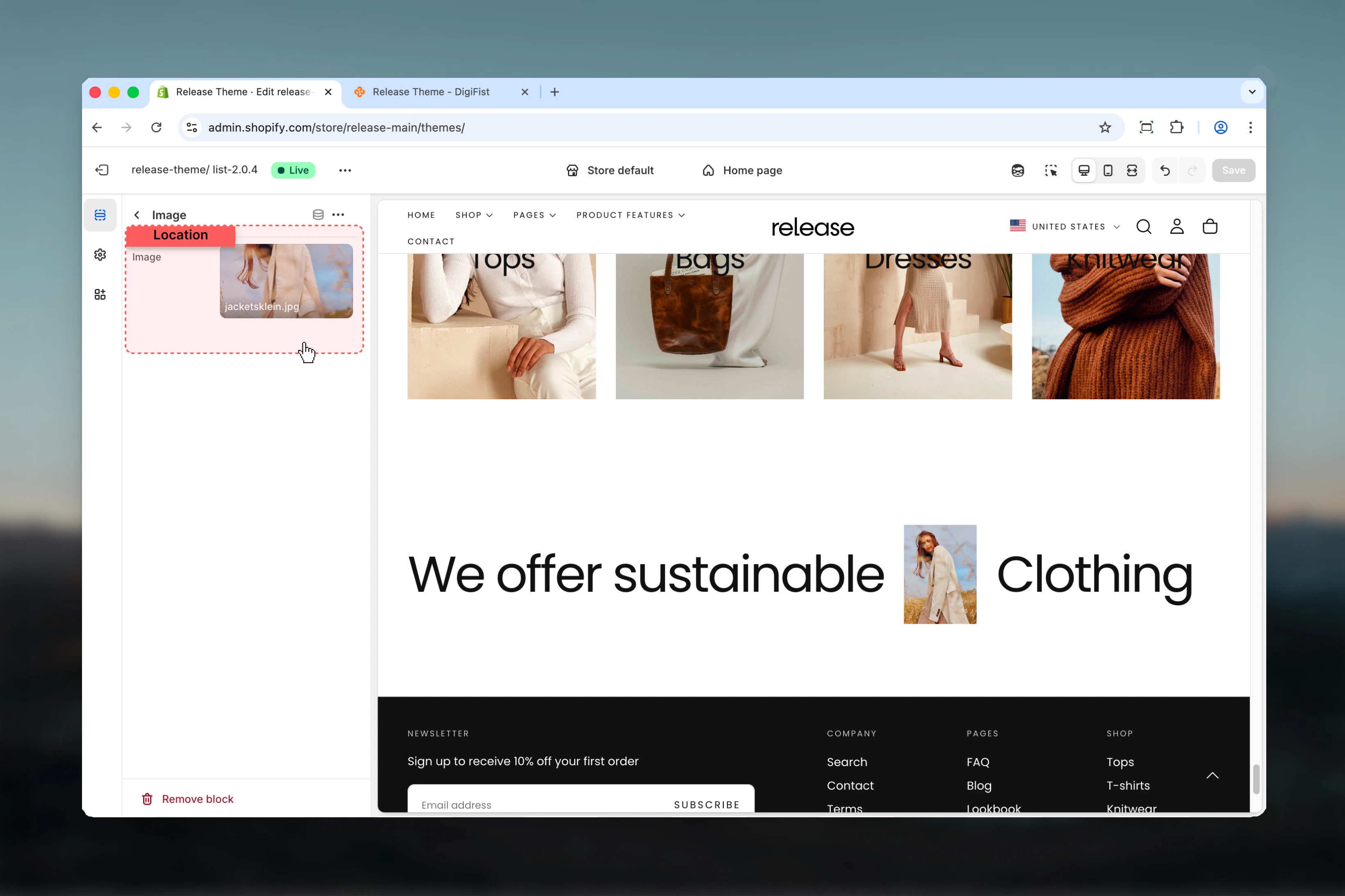
- Image Block
Type
tileName
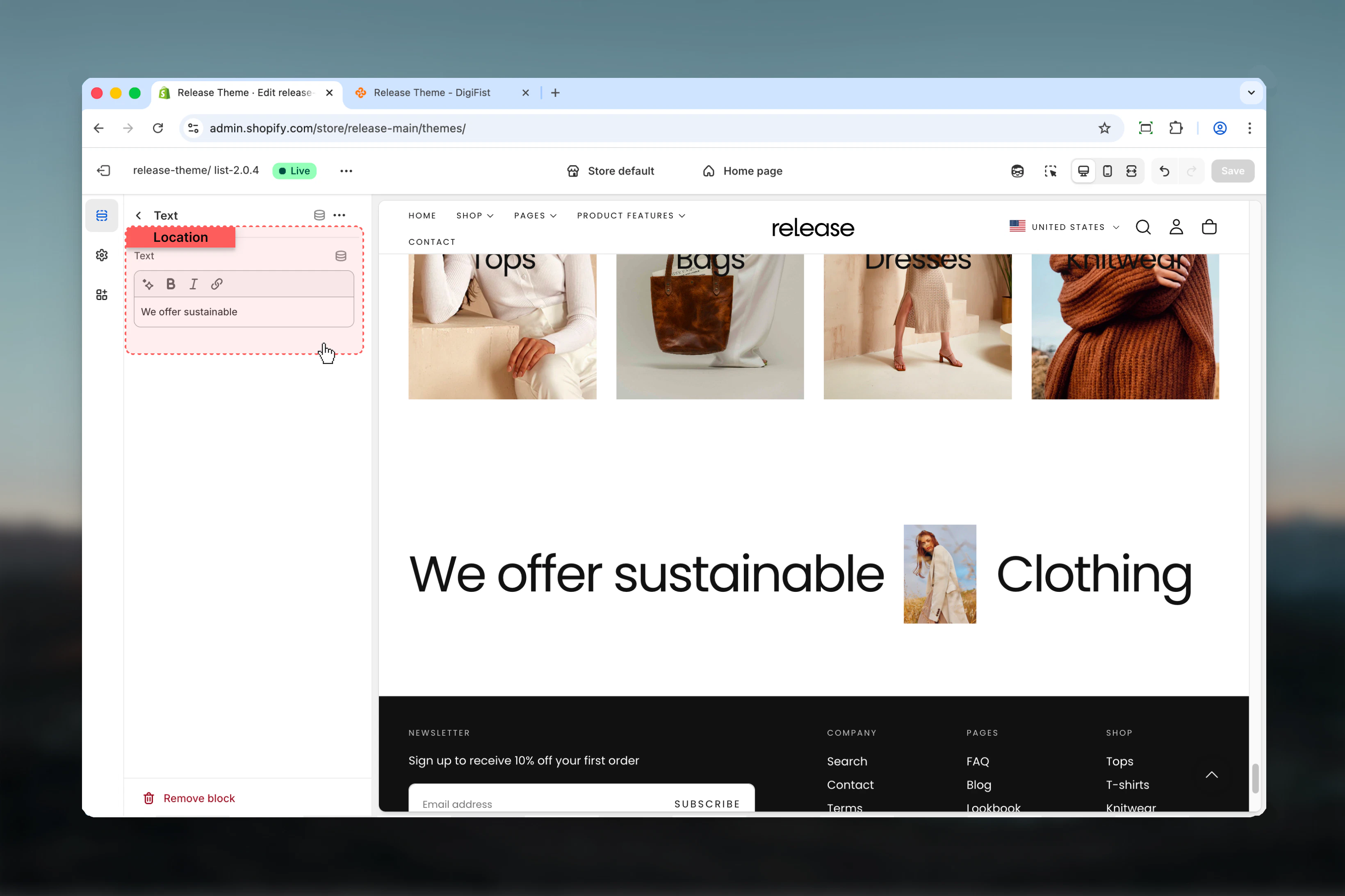
TextText
Content for this text element.- Inline rich text supported
- Can contain links (rendered as single block)
- Each block typically contains one word or phrase
Text blocks are displayed inline with other blocks. If text contains links, it’s rendered differently to preserve link functionality.
Best practices
- Use text blocks for individual words or short phrases to create flowing layouts
- Mix images between text elements to create visual rhythm and break up typography
- Keep content width at 80-100% for optimal readability on larger screens
- Use links sparingly in text blocks to maintain visual flow and avoid breaking layout
- Strategic image placement creates natural visual breaks without disrupting the reading flow
- Consider alignment based on surrounding sections for visual consistency
- Test with different color schemes to ensure proper contrast and readability
- Limit total blocks to 10-15 for optimal performance and manageable layout
- Use center alignment for impact headlines and brand statements
- Start/end alignment works better for paragraph-style mixed content
Common use cases
- Hero headlines - Create bold, mixed typography for homepage hero sections
- Brand statements - Display company values or mission with integrated imagery
- Campaign taglines - Build visually striking marketing messages
- Feature highlights - Mix descriptive text with feature icons or images
- Editorial layouts - Magazine-style text compositions with inline media
- Call-to-action sections - Engaging CTAs with mixed text and visual elements
- Product benefits - List benefits with inline product images or icons
Related guides
Common Settings
Learn about common settings shared across sections