

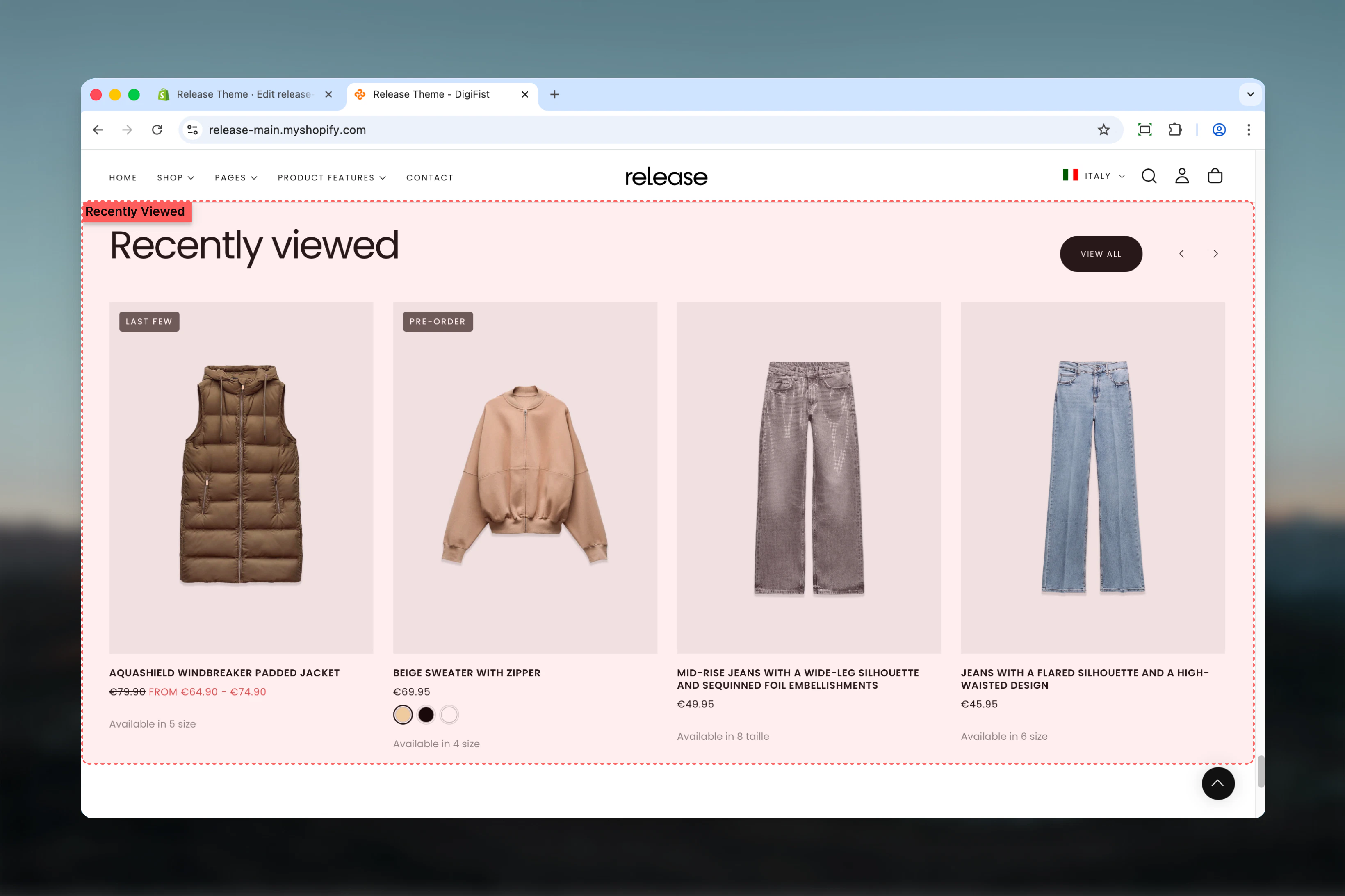
What this section controls
This section controls recently viewed product displays with the following capabilities:- Browser-based product viewing history tracking
- Up to 12 recently viewed products
- Carousel-style display with navigation
- Tab-style filtering options
- Stock status visibility control
- Automatic section hiding when empty
How the Recently Viewed Products section works
The Recently Viewed Products section uses local storage to track browsing history:- Automatically tracks product page visits
- Stores product history in browser
- Displays up to 12 recently viewed products
- Carousel-style display with optional navigation
- Excludes currently viewed product
- Hidden when no products have been viewed
Getting started
1
Open Theme Customizer
From Shopify admin, access the Theme Customizer.
2
Add Recently Viewed Products section
Add the section to a product page template or homepage.
3
Configure display options
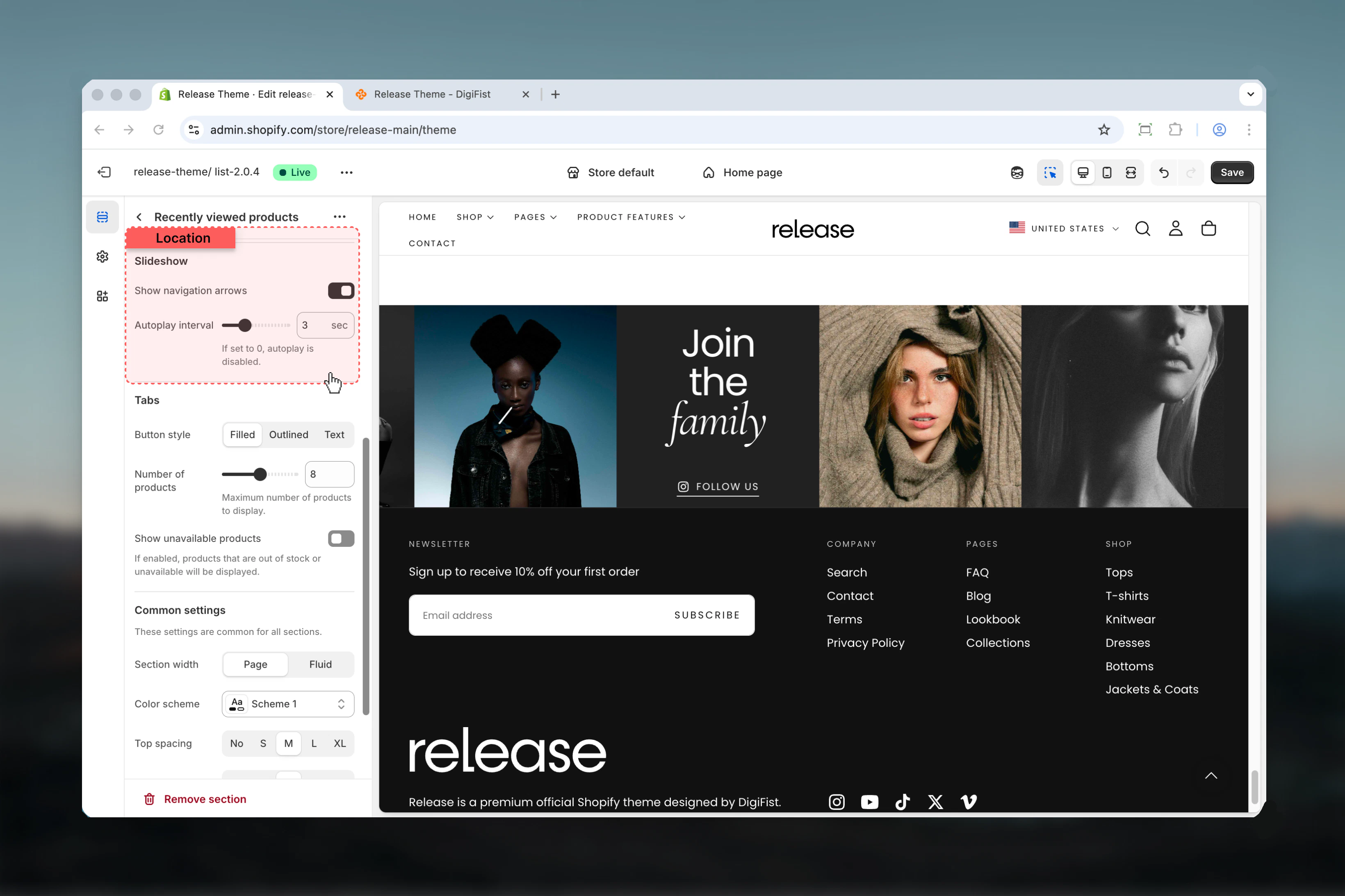
Set maximum products, autoplay interval, and layout preferences.
4
Test the section
Browse multiple product pages to populate the recently viewed list.
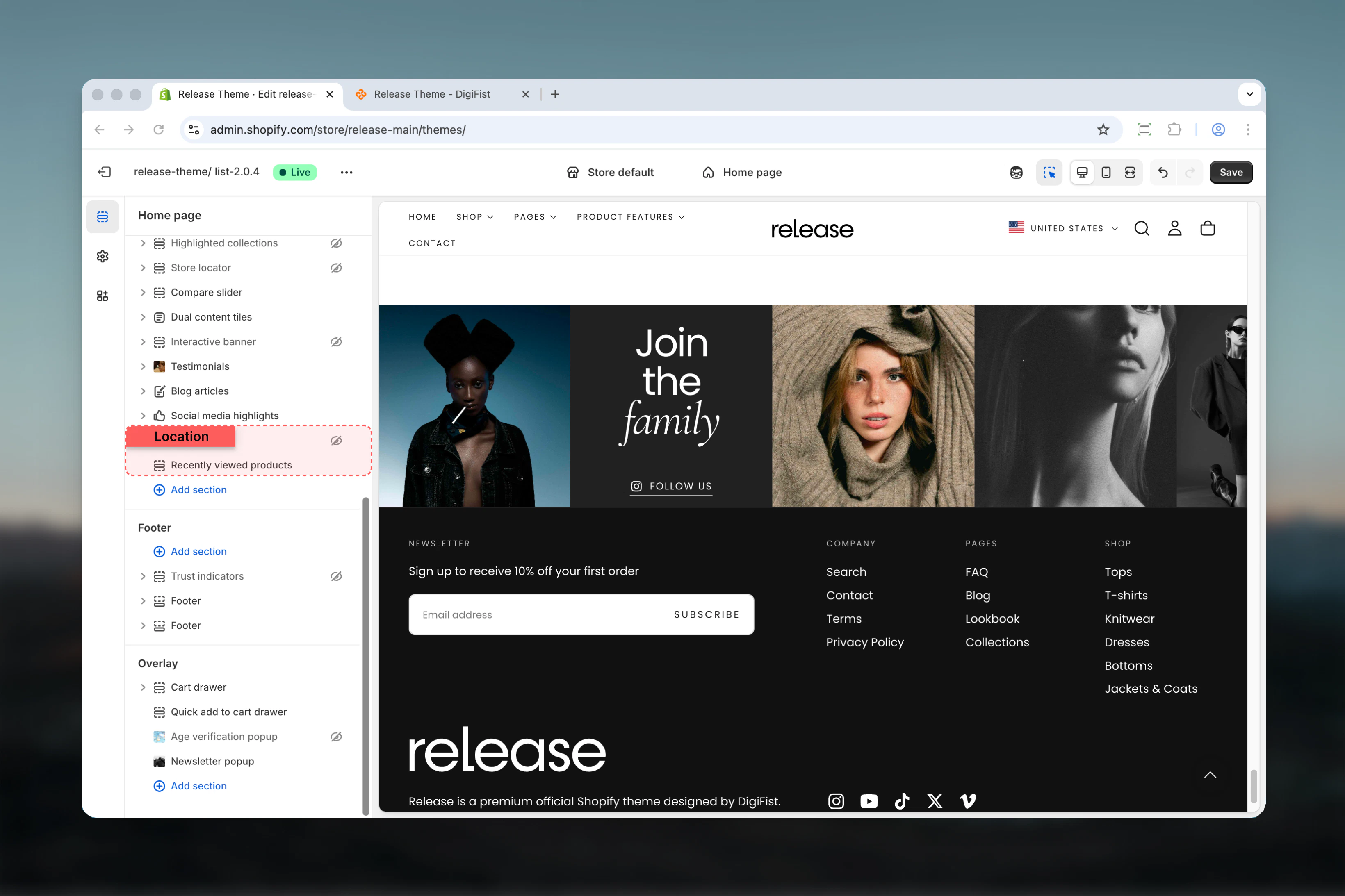
The section automatically hides when no products have been viewed yet.
Section settings
Section settings control styling, slideshow behavior, and product display options.- Section styling
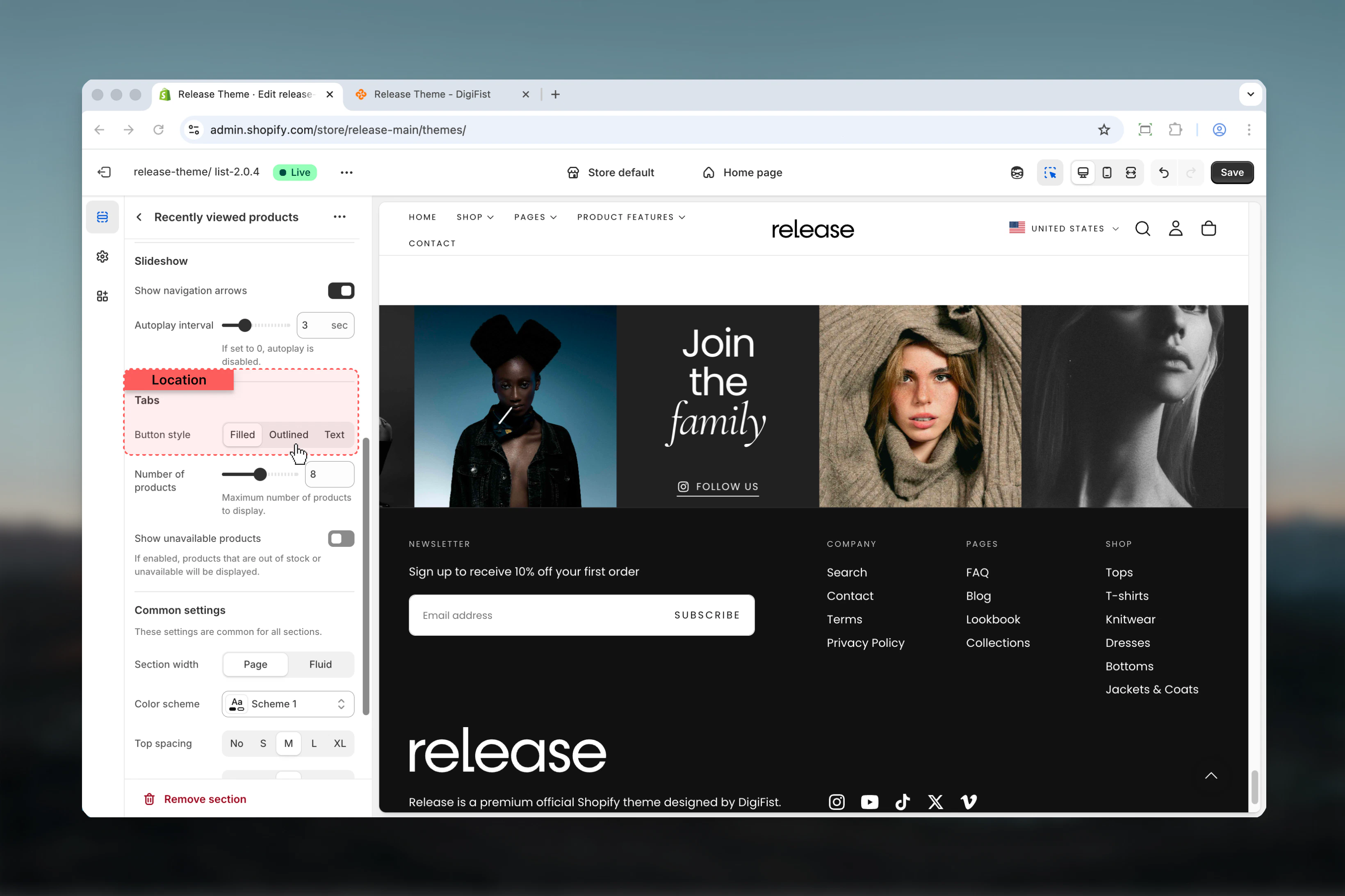
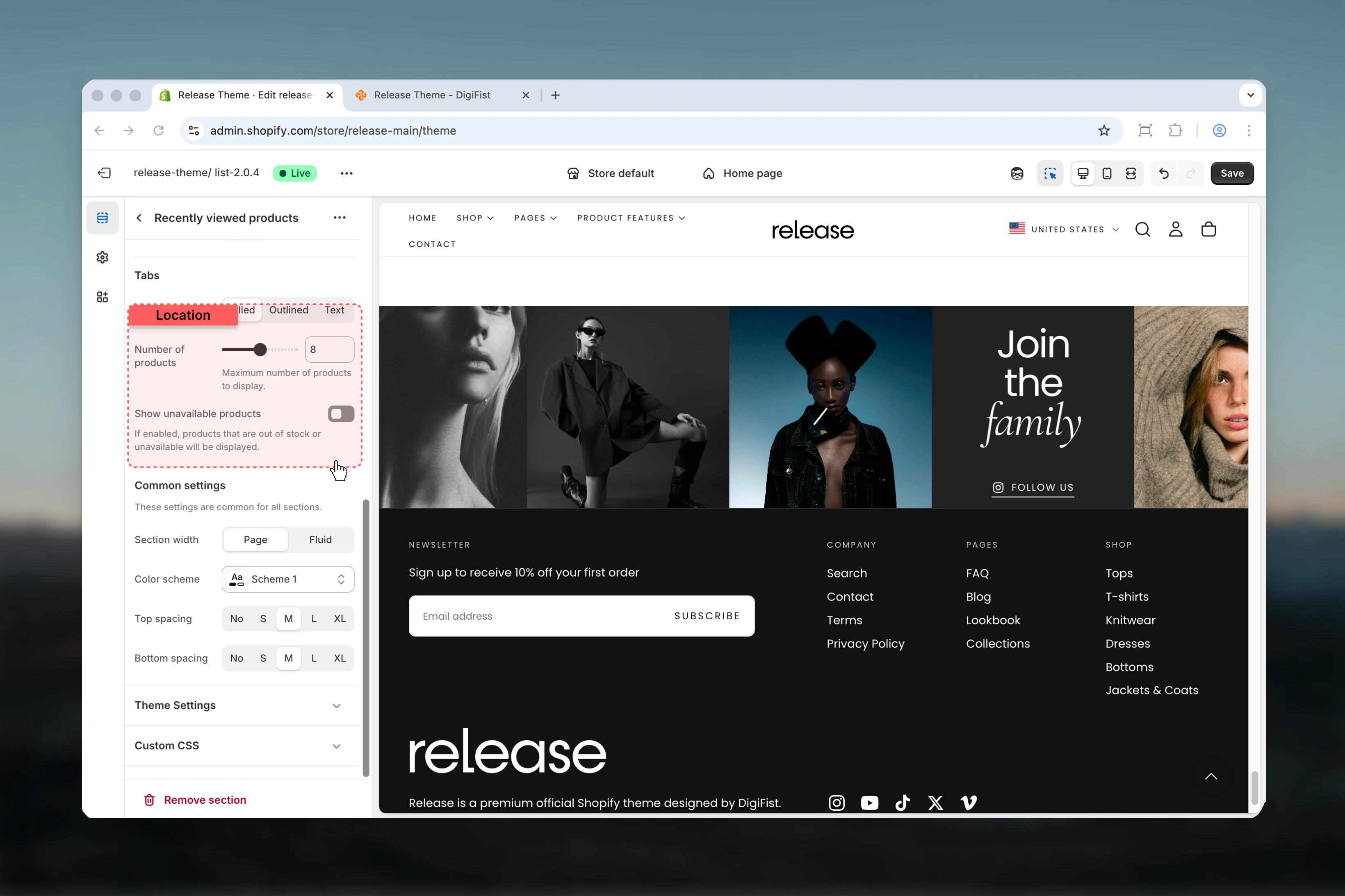
- Slideshow & Tabs
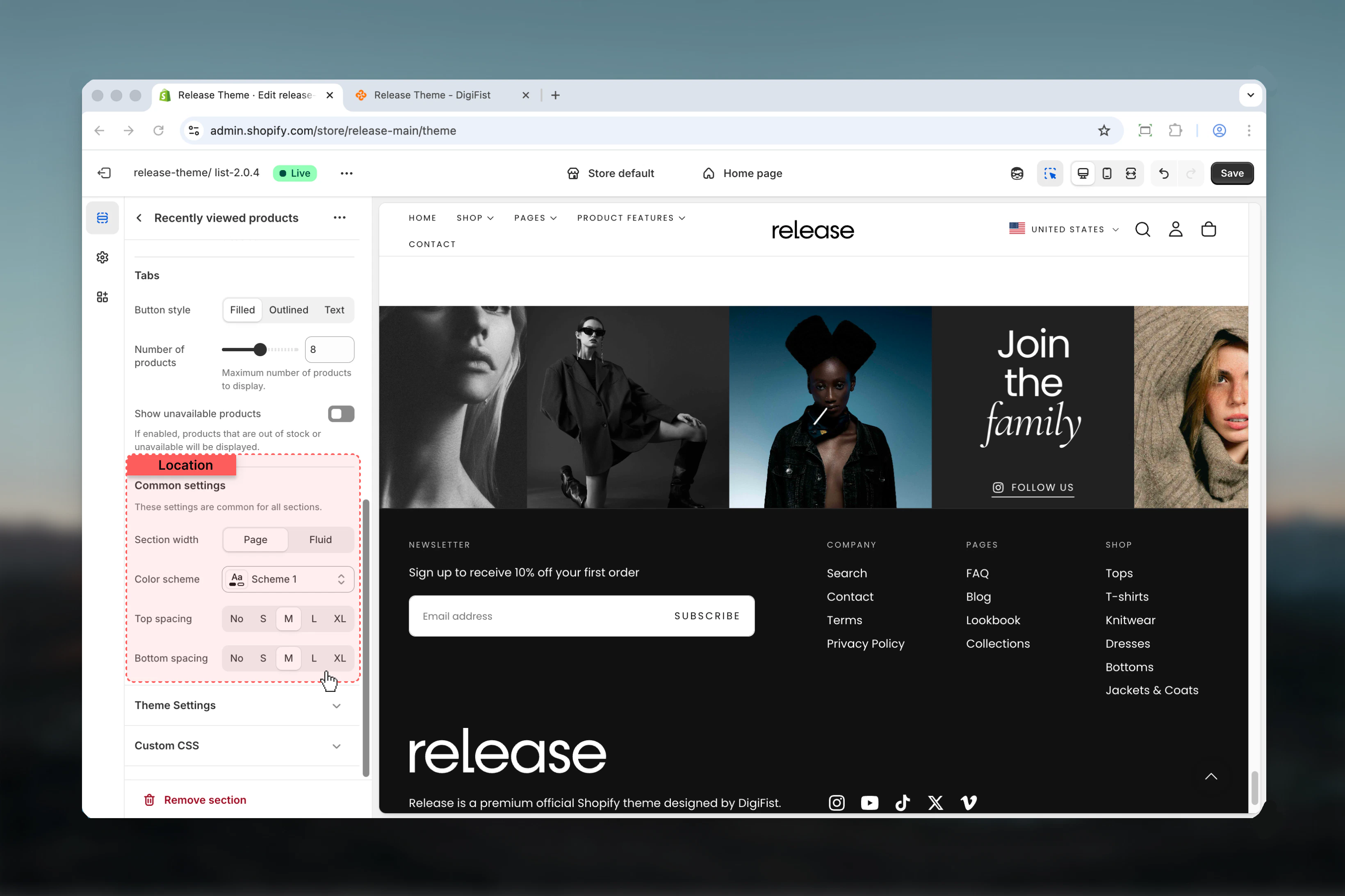
- Products & Settings
Layout
Controls the visual style of the section.Available options:- Layout 1: Standard layout
- Layout 2: Alternative layout
Enable slideshow overflow
Allows slideshow to overflow section boundaries.Options: True / FalseDefault: FalseSection heading
Main title text for the section.- Inline rich text supported (bold, italic, links)
- Default: “Recently viewed”
Heading size
Controls the size of section heading.Available options: XS, S, M, L, XLDefault: LSubheading
Optional descriptive text above the heading.- Inline rich text supported
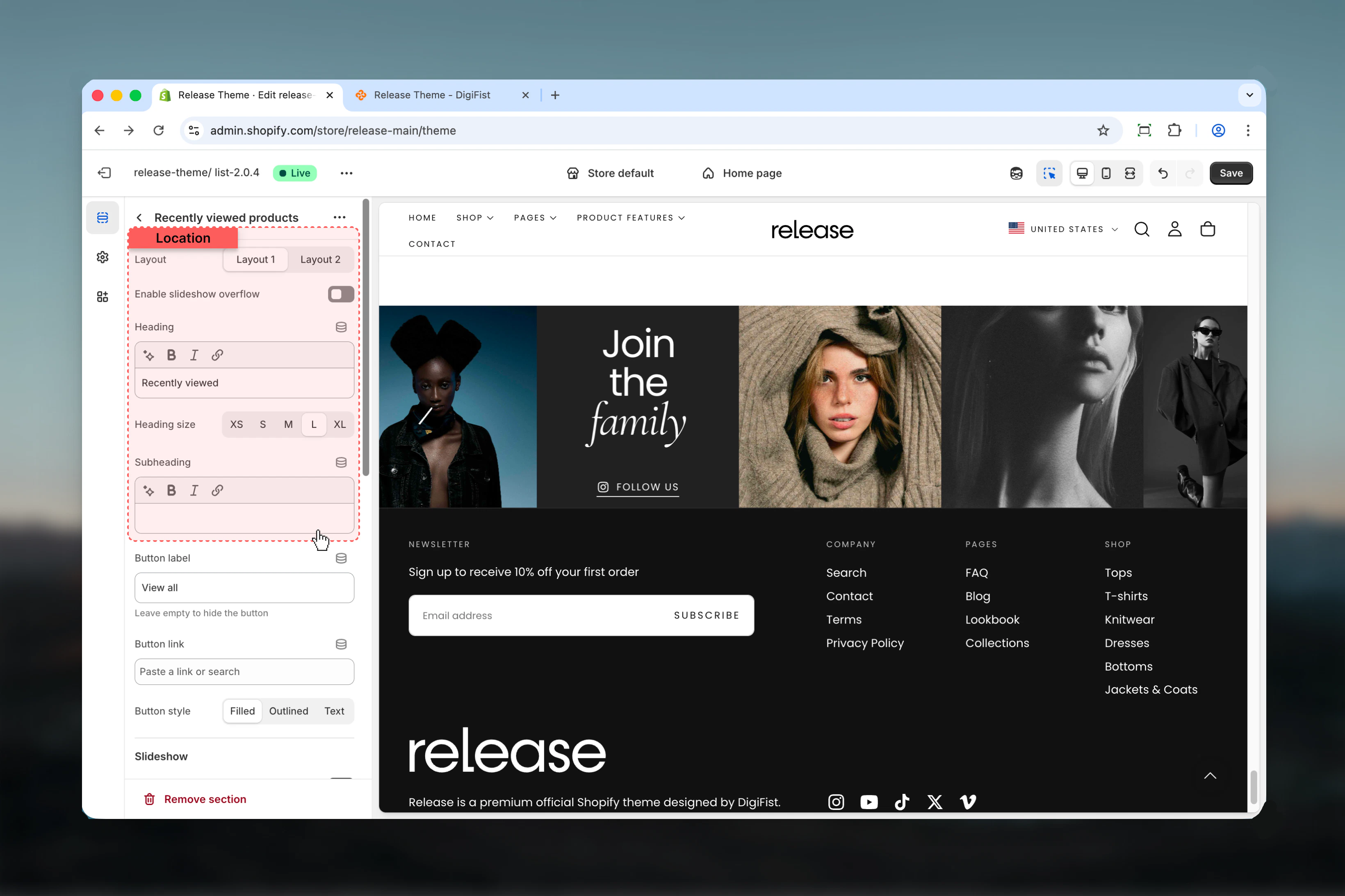
Button label
Text for optional section-level button.- Leave empty to hide
- Default: “View all”
Button link
Destination URL for section button.- Shopify URL selector
Button style
Visual style for section button.Available options:- Filled: Solid background
- Outlined: Border only
- Text: Text only
Best practices
- Place on product pages to remind customers of previously viewed items
- Use on homepage or collection pages to personalize the returning visitor experience
- Set max products to 6-8 for clean presentation without overwhelming customers
- Consider hiding unavailable products to avoid customer frustration with out-of-stock items
- Use descriptive headings like “Continue Shopping”, “You Recently Viewed”, or “Your Browsing History”
- Test in private/incognito mode - section won’t display without browsing history
- Section automatically hides when no products have been viewed (no empty state issues)
- Use autoplay sparingly to maintain user control and accessibility
- Consider placing below the fold to prioritize current product content
- Combine with product recommendations for comprehensive browsing and discovery suggestions
Common use cases
- Product page browsing history - Help customers return to products they’ve considered purchasing
- Homepage personalization - Show returning customers their recent browsing activity for continuity
- Collection page continuity - Display recently viewed items while browsing new products
- Abandoned browse recovery - Remind customers of items they viewed but didn’t add to cart
- Cross-session memory - Track browsing across multiple visits (stored in browser local storage)
- Comparison shopping - Make it easy for customers to revisit products for side-by-side comparison
Related guides
Common Settings
Learn about common settings shared across sections